Core Component issue | Community
Skip to main content
New Participant
January 21, 2024
Solved

Core Component issue

  • January 21, 2024
  • 7 replies
  • 1578 views

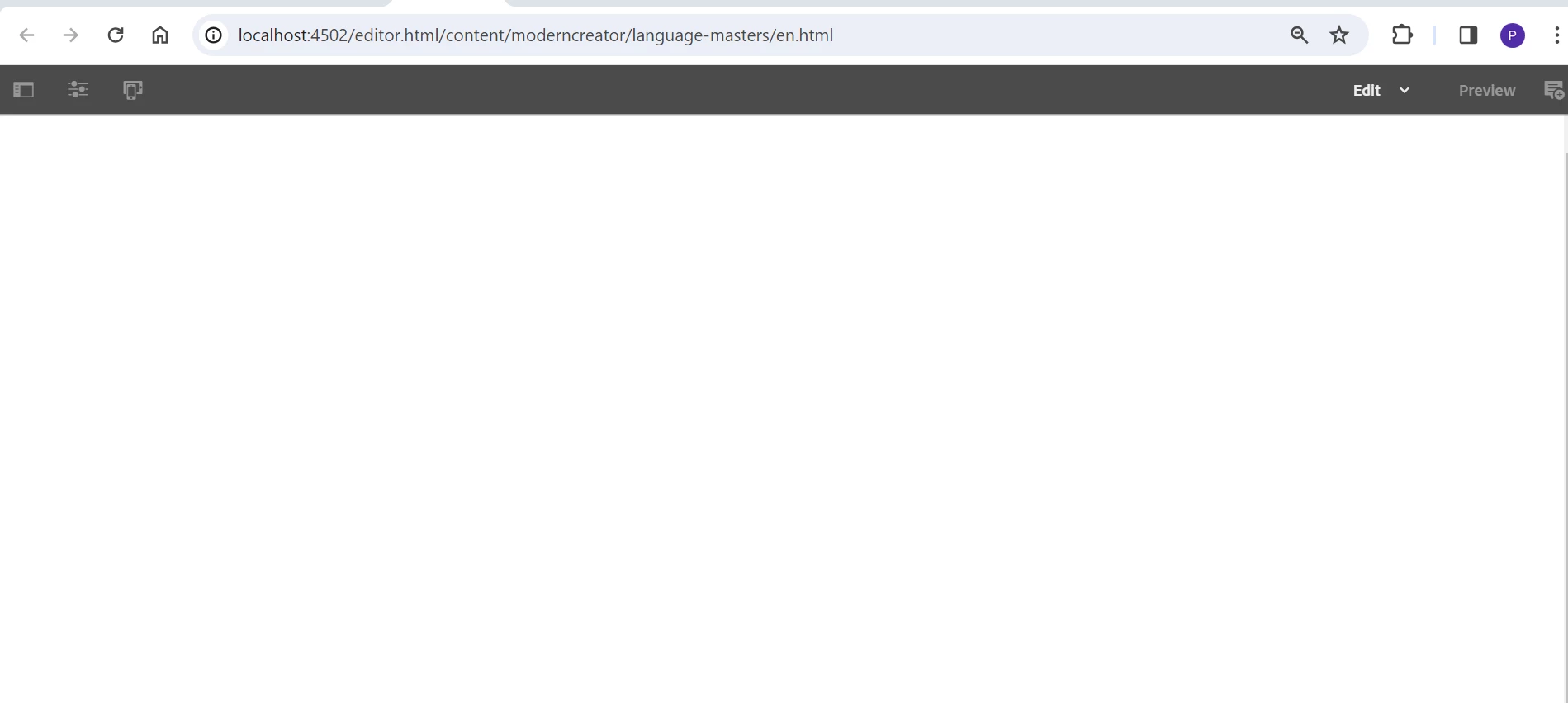
When I install the project using maven command and tried to add a component in the page. It is blank 

Maven command

mvn -B org.apache.maven.plugins:maven-archetype-plugin:3.2.1:generate -D archetypeGroupId=com.adobe.aem -D archetypeArtifactId=aem-project-archetype -D archetype Version=39 -D appTitle="Modern Creator" -D appId="moderncreator" -D groupId="com.modern.creator" -D aemVersion=6.5.13 -D singleCountry=n


Core Component Details

Symbolic Namecom.adobe.cq.core.wcm.components.core
Version2.19.0


Error

In system console I could see the core bundle is in installed state.

Imported Packages

com.day.cq.wcm.api,version=[1.29,2) -- Cannot be resolved

org.apache.sling.api.resource,version=[2.12,3) -- Cannot be resolved

org.apache.sling.api.servlets,version=[2.3,3) -- Cannot be resolved


This post is no longer active and is closed to new replies. Need help? Start a new post to ask your question.
Best answer by Sudheer_Sundalam

@punitha77 ,

Please install AEM Service Package 13 or above on the author/publish instance where you are trying to build and install this code.

7 replies

kautuk_sahni
Employee
January 23, 2024

@punitha77 Do the recommendations provided by the community members prove useful for you? Alternatively, if you've resolved this yourself, could you share the details with the community for posterity?

Kautuk Sahni
TarunKumar
New Participant
January 23, 2024

Hi @punitha77 ,

Can you please check if your uber jar version is compatible with the AEM instance version also make sure you have service pack 13 installed in your AEM.

Once the above check id one then  try to restart the lower environments - http://localhost:4502/system/console/vmstat#

Thanks
Tarun

New Participant
January 23, 2024

I have installed service package and it helped and when try to restart the lower environments - http://localhost:4502/system/console/vmstat# it crashed


Thanks @tarunkumar 


Regards,

Punitha

TarunKumar
New Participant
January 24, 2024

Hi @punitha_s ,

Usually it takes 5-10 min for server to start and keep running once the service pack is installed.

Sudheer_Sundalam
Sudheer_SundalamAccepted solution
New Participant
January 22, 2024

@punitha77 ,

Please install AEM Service Package 13 or above on the author/publish instance where you are trying to build and install this code.

New Participant
January 23, 2024

It helped!!

Thank you @sudheer_sundalam 


kautuk_sahni
Employee
January 22, 2024

@punitha77 Did you find the suggestions from users helpful? Please let us know if more information is required. Otherwise, please mark the answer as correct for posterity. If you have found out solution yourself, please share it with the community.

Kautuk Sahni
partyush
New Participant
January 22, 2024

Hi @punitha77 

The issues you're facing seem to be related to incompatible package versions within your AEM project. Here's a breakdown of the problem and steps to fix it:


Problem:

  1. Missing Dependencies: Your Core Component ("com.adobe.cq.core.wcm.components.core") version (2.19.0) requires specific versions of certain packages that are not present or incompatible with your project.
  2. Incompatible Package Versions: The error message in the System Console points out missing or incompatible versions of com.day.cq.wcm.api, org.apache.sling.api.resource, and org.apache.sling.api.servlets.

Solution:

  1. Verify Dependencies: Check the dependencies of your Core Component in the JCR repository (e.g., using CRXDE Lite) or refer to the component's documentation.
  2. Update Dependencies: Make sure your project's pom.xml file includes dependencies for the required packages with compatible versions.
  3. Use Dependency Management: Leverage Maven dependency management tools like dependencyManagement or dependencyConflictId in your pom.xml to handle conflicting versions effectively.
  4. Clean Maven Cache: Sometimes, the issue might be due to a stale Maven cache. Try running mvn clean install before deploying your project again.

I Hope this helps.

Thanks 

arunpatidar
New Participant
January 22, 2024
Arun Patidar
New Participant
January 22, 2024

Hi @punitha77 

Go to localhost:4502/welcome  check the AEM version.

go to localhost:4502/system/console/bundles.  check the core.wcm version. this should be proper one. if possible, add the error.log file content here.

Kamal_Kishor
New Participant
January 22, 2024