New Participant
March 10, 2022

cq:actions not displaying in touch UI

  • March 10, 2022
  • 6 replies
  • 1435 views

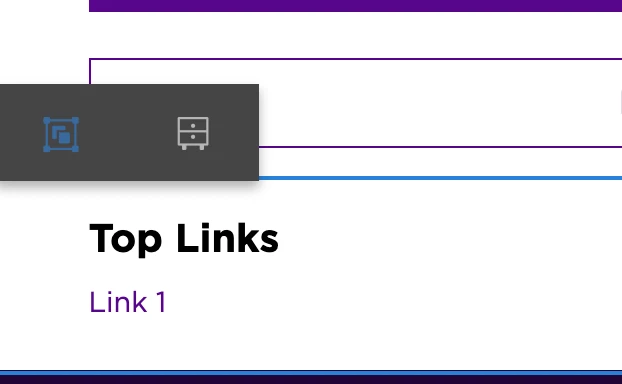
We have recently converted a site using static templates  from classic to touch dialog. All the dialogs have been converted to touch, I do see cq:dialog nodes on the components. However I don't see the option to edit the component. We have cq:actions with edit, delete, insert as well. When trying to edit the component we see following icon instead of hammer icon. when I click on this icon it is showing the dialog to convert to experience fragment.



This post is no longer active and is closed to new replies. Need help? Start a new post to ask your question.

6 replies

BrianKasingli
New Participant
March 10, 2022

A possible scenario is that you don't have ACL, edit permission on the path of the page resourced. Checkout http://localhost:4502/useradmin, and ensure that you have edit permission for that given user. 

New Participant
March 11, 2022

I logged in as admin, I checked /content it has all the permissions for content editing.


BrianKasingli
New Participant
March 11, 2022

what does the error.log say?

Anmol_Bhardwaj
New Participant
March 10, 2022

Looks like the dialogs were not revamped correctly.


Try pasting an OOTB cq:dialog inside your component and see if it shows up now.

If it does, you may need to check the dialogs which you have revamped.


Try this for migrating dialogs/templates from classic to touch UI: https://experienceleague.adobe.com/docs/experience-manager-cloud-service/content/migration-journey/refactoring-tools/aem-modernization-tools.html?lang=en

New Participant
March 10, 2022

I already tried copying ootb title cq:dialog. it is still showing the same issue.

We already migrated templates from classic to touch UI. I cannot even add the components to parsys.