Customization of landing page | Community
Skip to main content
Level 4
Jun 16, 2018 9:19 PM UTC
Solved

Customization of landing page

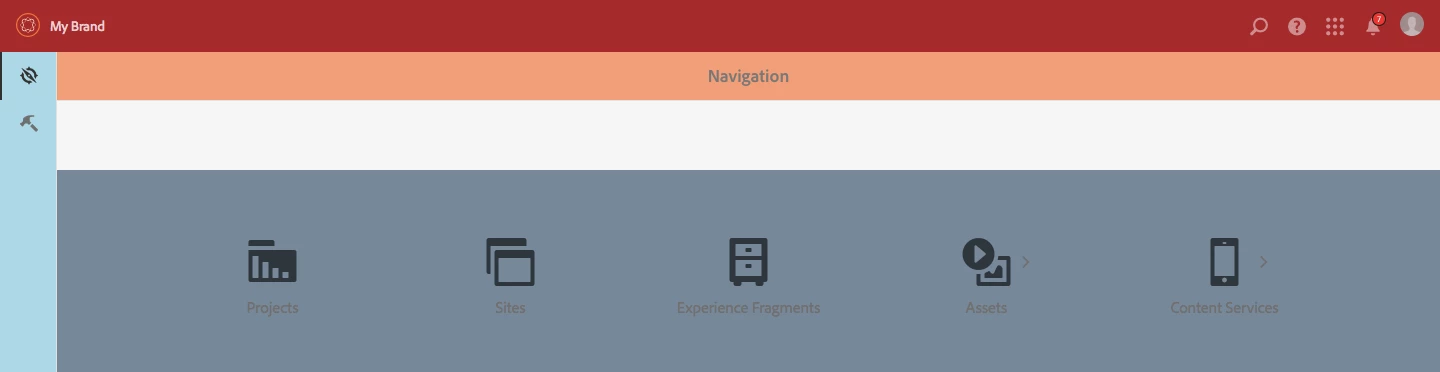
We want to customize the landing page with gray background with a client specific brand and also customize the thin vertical bar, top navigation etc in 6.4. Is there documentation that explains what components we need to overlay etc?

This post is no longer active and is closed to new replies. Need help? Start a new post to ask your question.
arunpatidar
arunpatidarAccepted solution
New Participant
Jun 17, 2018 1:11 PM UTC

Hi,

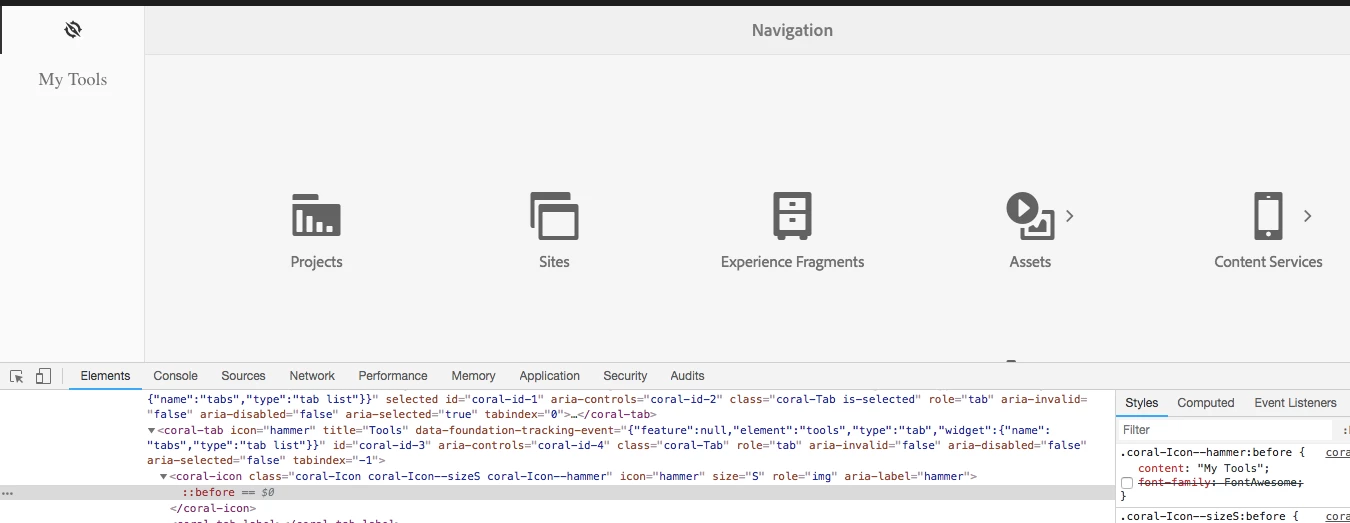
  • The background of the "Navigation" landing page (Page you see as soon as you log into AEM) - you need to create a clientlibs category of foundation granite/ui/components/coral/foundation/clientlibs/foundation.css
  • The vertical bar that has navigation and tools button - You can do it CSS, instead of icomoon you can use Text or image which has your brand name with text
  • To change The top bar that reads "Adobe Experience Manager" you need to overlay /libs/granite/ui/components/shell/page/page.jsp

Thanks

Arun

Arun Patidar

4 replies

aembytesAuthor
Level 4
Jun 17, 2018 1:42 PM UTC

Arun, appreciate your help. Awesome, thanks!

Translate
arunpatidar
arunpatidarAccepted solution
New Participant
Jun 17, 2018 1:11 PM UTC

Hi,

  • The background of the "Navigation" landing page (Page you see as soon as you log into AEM) - you need to create a clientlibs category of foundation granite/ui/components/coral/foundation/clientlibs/foundation.css
  • The vertical bar that has navigation and tools button - You can do it CSS, instead of icomoon you can use Text or image which has your brand name with text
  • To change The top bar that reads "Adobe Experience Manager" you need to overlay /libs/granite/ui/components/shell/page/page.jsp

Thanks

Arun

Translate
Arun Patidar
aembytesAuthor
Level 4
Jun 17, 2018 12:03 PM UTC

Specifically for starters

The background of the "Navigation" landing page (Page you see as soon as you log into AEM)

The vertical bar that has navigation and tools button to probably have a vertical text with client name and some branded color background

The top bar that reads "Adobe Experience Manager" to read differently (not AEM but Client name) and also background color should be brand format

Translate
arunpatidar
New Participant
Jun 17, 2018 11:59 AM UTC

Hi,

Changing look and feel can be done without overlapping anything.

You just need to create brand CSS clientlibs with either shell or foundation category.

I can let you know the exact Clientlibs if you can provide more info about whats need to be changed with client specific brand.

Thansk

Arun

Translate
Arun Patidar