Hi,
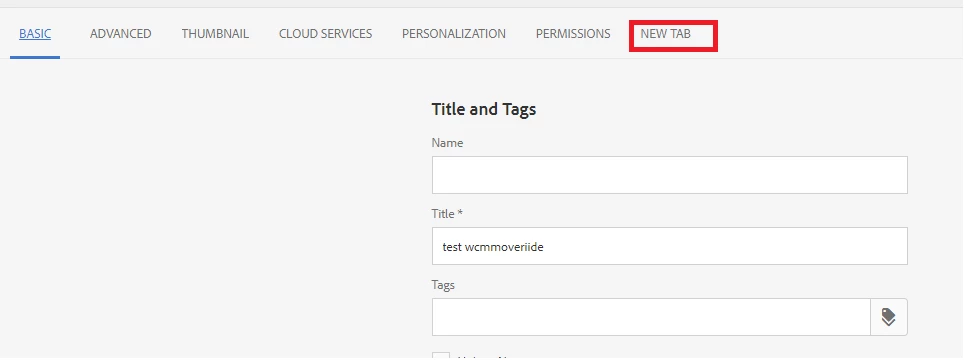
If the requirement is to create new tab for page properties, then we have to go for overriding instead of overlaying. Below is the steps for the same.
- Create a new component -> Delete the JSP that is automatically created.
- To the newly created component node -> add sling:resourceSuperType with value as "/libs/wcm/foundation/components/page"
- Create Touch UI dialog structure for the newly created component (same as is in "libs" till this node - /cq:dialog/content/items/tabs/items)
- Add node(granite/ui/components/foundation/section) for your new tab.
- Create template with resourceType being the component that you have created as above and hence the page out of it. -> You would see the new tab coming up on Page properties and while creating page.
- If you don't want this new tab to show up while creating page, add property named "cq:showOnCreate" (Boolean type set to false) - You can see this property for tabs other than "Basic" and "Advanced" which alone will show up while creating new page.
Screenshot for reference: (wcmpage-override is component inheriting from wcm/foundation/components/page)
Page created out of templates(with wcmpage-override) will pick this new tab along with entire logic/files/nodes from wcm/foundation/components/page.