Customizing validation for asset metadata fields | Community
Skip to main content
davidm28404065
New Participant
November 8, 2019
Solved

Customizing validation for asset metadata fields

  • November 8, 2019
  • 3 replies
  • 2581 views

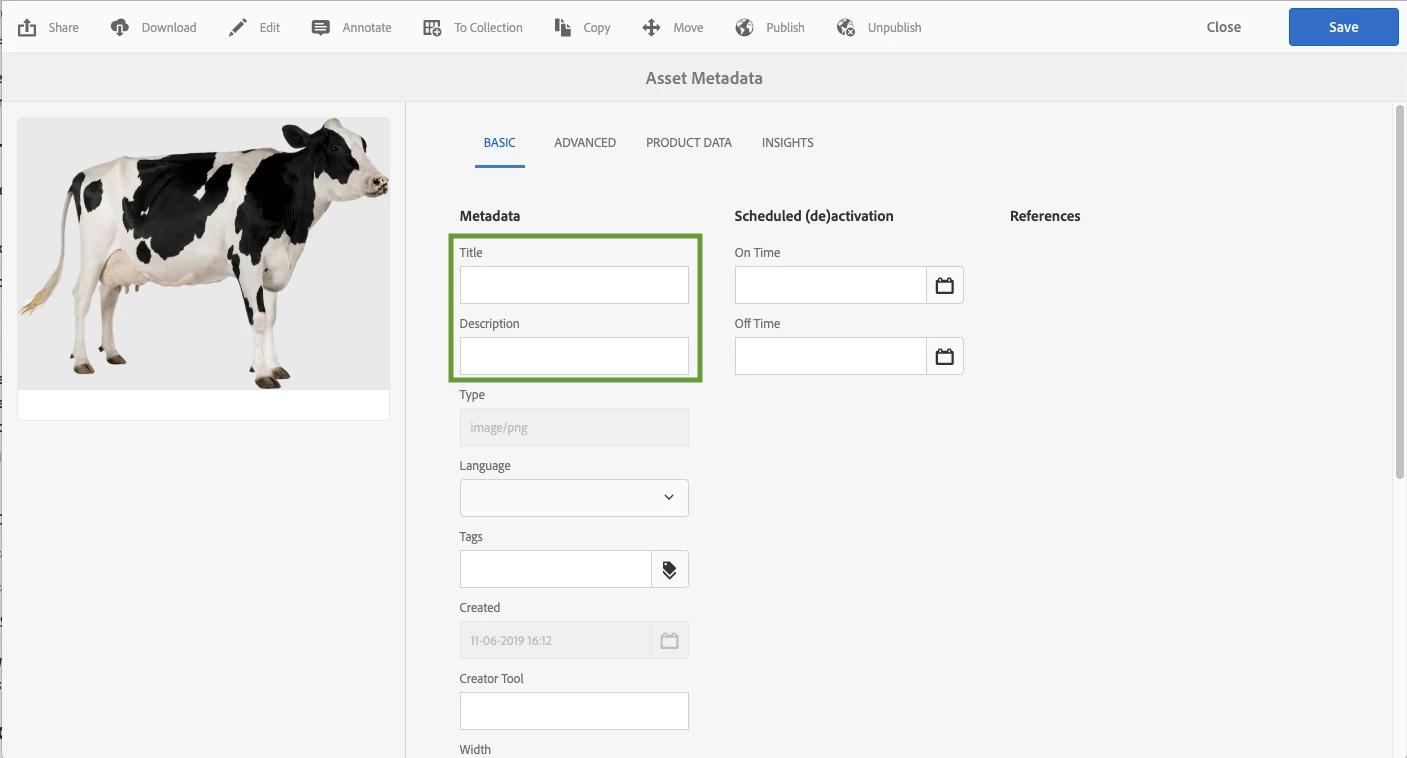
I'm trying to customize the validation for a couple of Asset Metadata fields. I need to make the Title and Description required. I also need to implement additional restrictions on the field values (no capital letters, no blank spaces, etc..., but I could do that on the js file). I have a few questions:

1) Why is my overlay attempt not working? (summary of what I did to follow)

2) What is the location of the javascript files that manage those fields? I wish to implement the rest of the validation there but I can't seem to find the appropriate files to edit and overlay. As a follow up, what is the recommended way to find the client side code under libs. I'm a backend dev with limited front end experience. I can work with the browser dev tools, but I often feel like I'm going through a wild goose chase.

I am able to make the fields required by adding the required parameter in the following nodes under libs

/libs/dam/content/schemaeditors/forms/default/items/tabs/items/tab1/items/col1/items/title

/libs/dam/content/schemaeditors/forms/default/items/tabs/items/tab1/items/col1/items/description

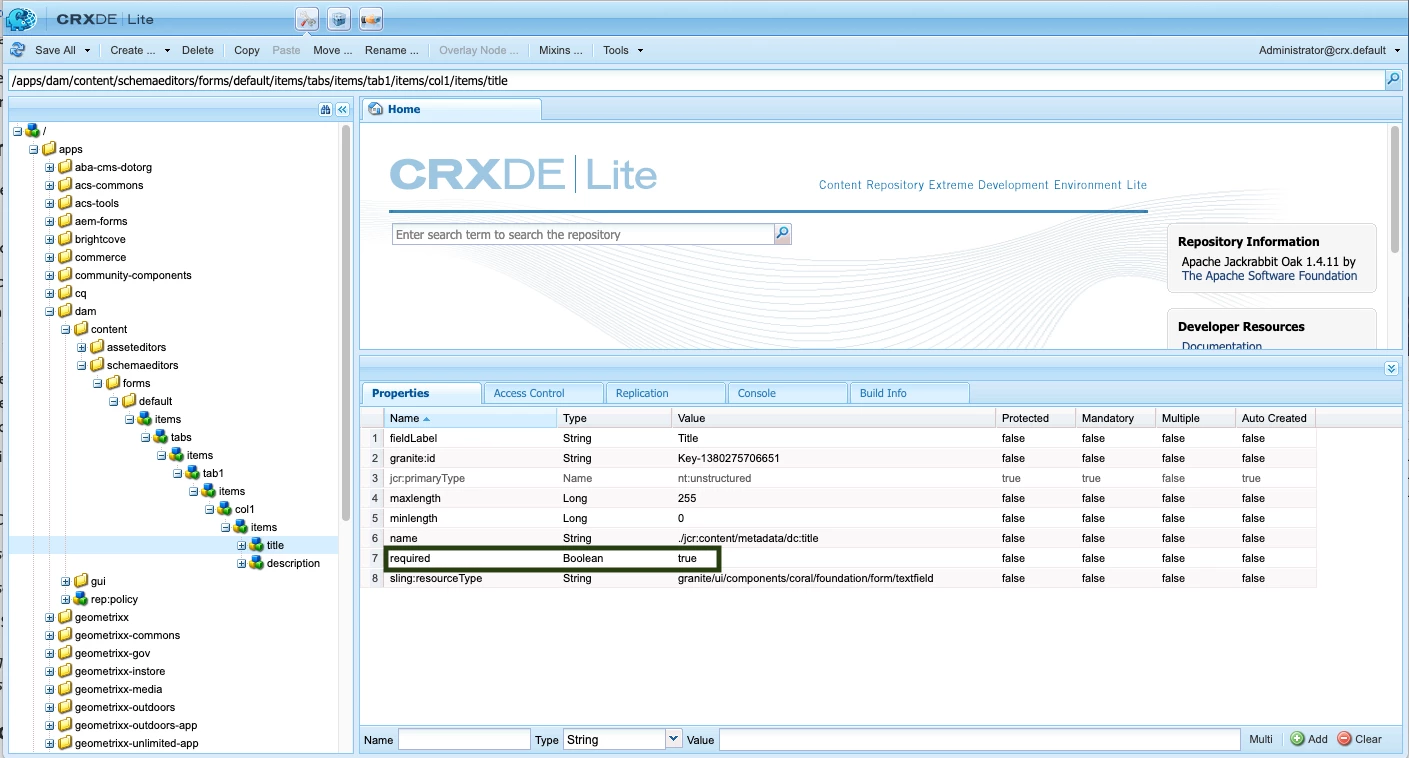
However, I when I attempted to overlay those nodes under apps I was not successful, the fields go back to not being required. I recreated the following nodes, including the required="{Boolean}true" parameter, and deleting the parameter from the nodes under libs since the ones under apps should take precedence.

/apps/dam/content/schemaeditors/forms/default/items/tabs/items/tab1/items/col1/items/title

/apps/dam/content/schemaeditors/forms/default/items/tabs/items/tab1/items/col1/items/description
Any help will be much appreciated

This post is no longer active and is closed to new replies. Need help? Start a new post to ask your question.
Best answer by Theo_Pendle

Hi David,

I used your problem as inspiration for this tutorial: https://medium.com/@theopendle/aem-custom-metadata-forms-for-assets-8c6597205f9d

With regards to your question about the failed overlay, its because that part of /libs is protected. You can read about it here but basically everything under /libs/dam/content/schemaeditors is marked with the granite:InternalArea mixin type, meaning it cannot be overlaid or overriden.

The good news is that as a rule of thumb, I've found that whenever I was prevented from doing what I want because of this issue, it usually means there is a more "standard" way to approach the problem (not always though, I'll admit)

3 replies

Theo_Pendle
New Participant
November 11, 2019

Hi sunjot16,

I'm sorry but I think this is completely the wrong approach If you'd like to discuss it, feel free to send me a message (so as not to pollute this thread).

sunjot16
Employee
November 11, 2019

Copy the entire schemaeditors node in libs and paste it under apps in the same location as it exists in libs, then try to make the changes to the items in the apps' schemaeditors/...

Theo_Pendle
Theo_PendleAccepted solution
New Participant
November 10, 2019

Hi David,

I used your problem as inspiration for this tutorial: https://medium.com/@theopendle/aem-custom-metadata-forms-for-assets-8c6597205f9d

With regards to your question about the failed overlay, its because that part of /libs is protected. You can read about it here but basically everything under /libs/dam/content/schemaeditors is marked with the granite:InternalArea mixin type, meaning it cannot be overlaid or overriden.

The good news is that as a rule of thumb, I've found that whenever I was prevented from doing what I want because of this issue, it usually means there is a more "standard" way to approach the problem (not always though, I'll admit)