DAM Update asset workflow not visible in create workflow floating section | Community
Skip to main content
Ravi_Joshi
New Participant
December 12, 2022
Solved

DAM Update asset workflow not visible in create workflow floating section

  • December 12, 2022
  • 1 reply
  • 1629 views

Hi There,


We have done some customization to the DAM asset update workflow. After that, it got vanished from the "create workflow -> Select model dropdown" section. 

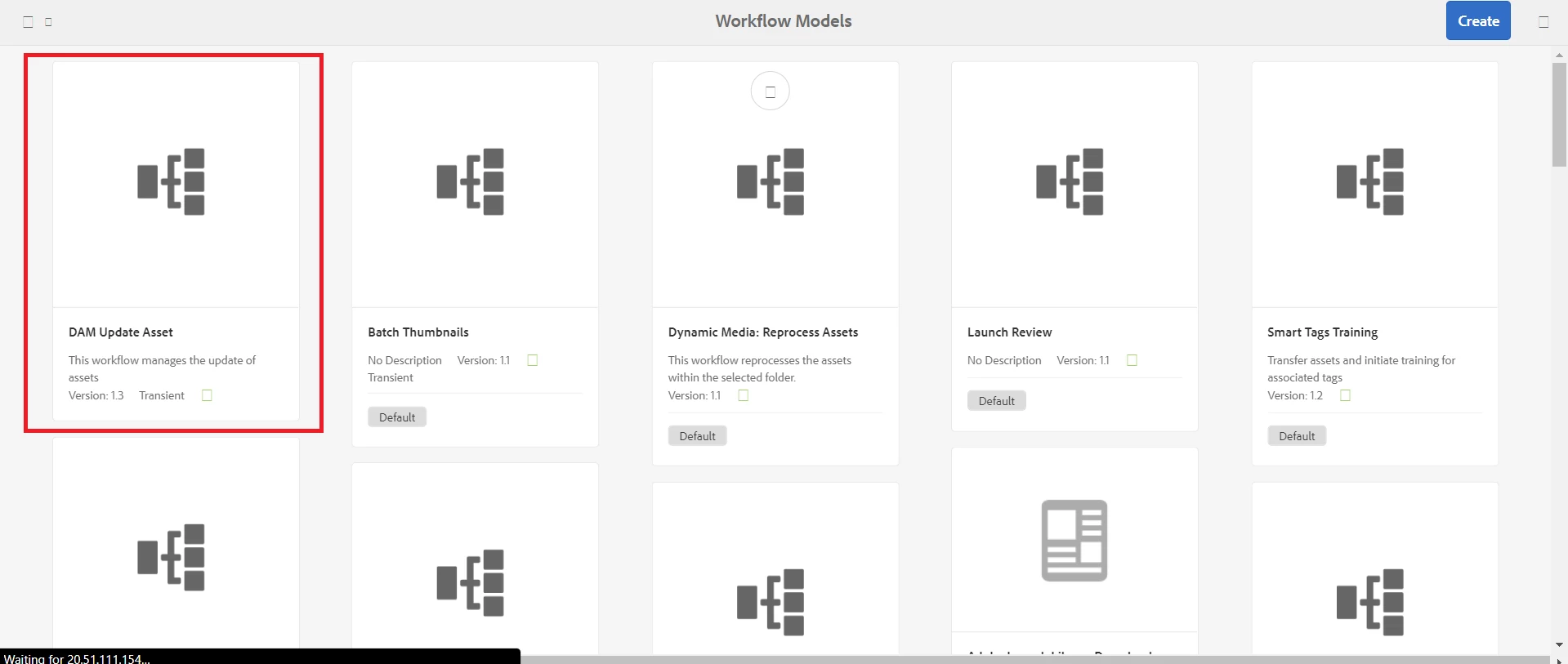
The model is available in the workflow models section. Not sure why it is not visible in the floating section of "create workflow".


Models section :
 

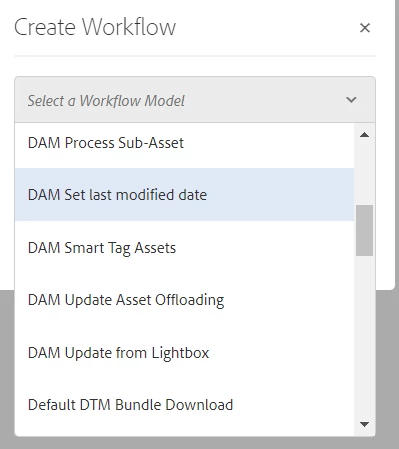
Create Workflow - Select Model - List (No DAM Asset Update Model) :
 

Please let me know your suggestions on the same.


Thanks,

Ravi Joshi
 

This post is no longer active and is closed to new replies. Need help? Start a new post to ask your question.
Best answer by krati_garg

@ravi_joshi Can you share a screen shot of user permissions for following Hierarchy

/var/workflow/models
/var/workflow/models/dam/update_asset

The datasource for the DropDown shown above, is getting populated via
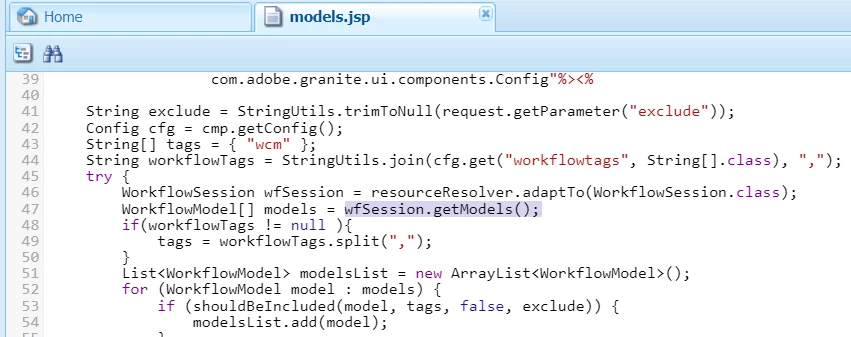
/libs/cq/gui/components/coral/common/admin/timeline/events/workflow/datasources/models/models.jsp
This JSP get models via  wfSession.getModels(). WorkflowSession depends upon user permission over these Workflow Models.


Please validate this, if it is still not working, please check the error logs


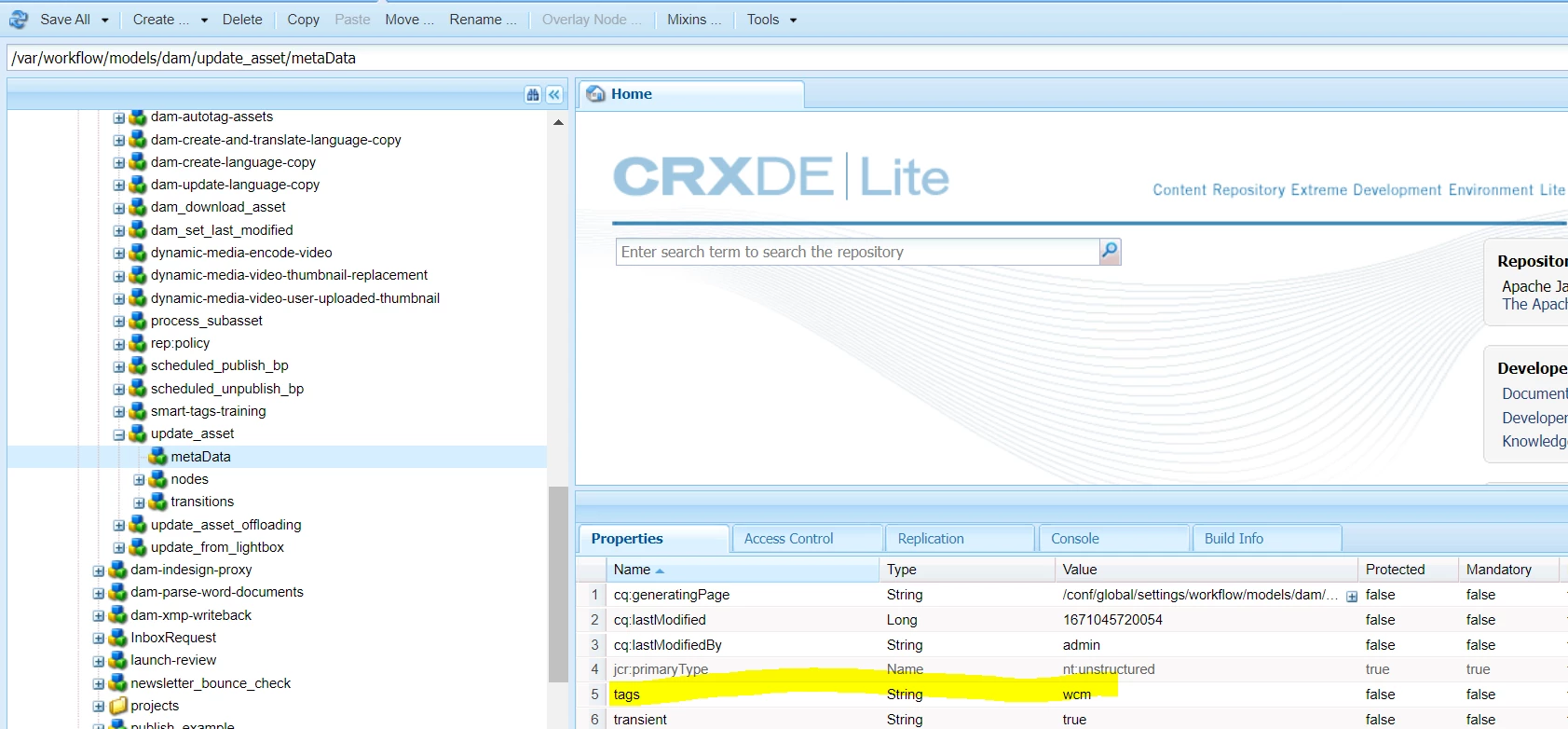
Also, please check wcm tag property for update_asset workflow, if it is true, it will not appear in drop down list. This can tag can be removed from workflow properties and save. This should also be synced with runtime workflow model


1 reply

Mani_kumar_
New Participant
December 12, 2022

Hi 

Please check the location of the workflow model after you have edited or customized as per this document.

Make sure they are in correct locations


https://experienceleague.adobe.com/docs/experience-manager-65/developing/extending-aem/extending-workflows/workflows-best-practices.html?lang=en#locations-workflow-models


Hope this is helpful


krati_garg
Employee
December 12, 2022

@ravi_joshi With location of the workflow model, please check the user you are logged in, has appropriate permissions
https://experienceleague.adobe.com/docs/experience-manager-65/administering/operations/workflows-managing.html?lang=en


Ravi_Joshi
New Participant
December 13, 2022

@krati_garg We are using admin credentials for this purpose. I have re-validated the access level. User has the admin-level access.