Download asset report | Community
Skip to main content
Level 2
March 13, 2025
Solved

Download asset report

Hi, I'm trying to download asset report in csv file from ACS AEM Commons using query builder but I'm getting an empty excel with no assets. Below I mentioned my query-

type=dam:Asset
path=/content/dam/cognizant-dot-com
group.1_daterange.property=jcr:content/jcr:lastModified
group.1_daterange.lowerBound=2025-03-01
group.1_daterange.upperBound=2025-03-15
p.limit=1000
p.guessTotal=true
p.indexTag=assetsOmnisearch

 

giuseppebaglio
giuseppebaglioAccepted solution
Level 10
March 13, 2025

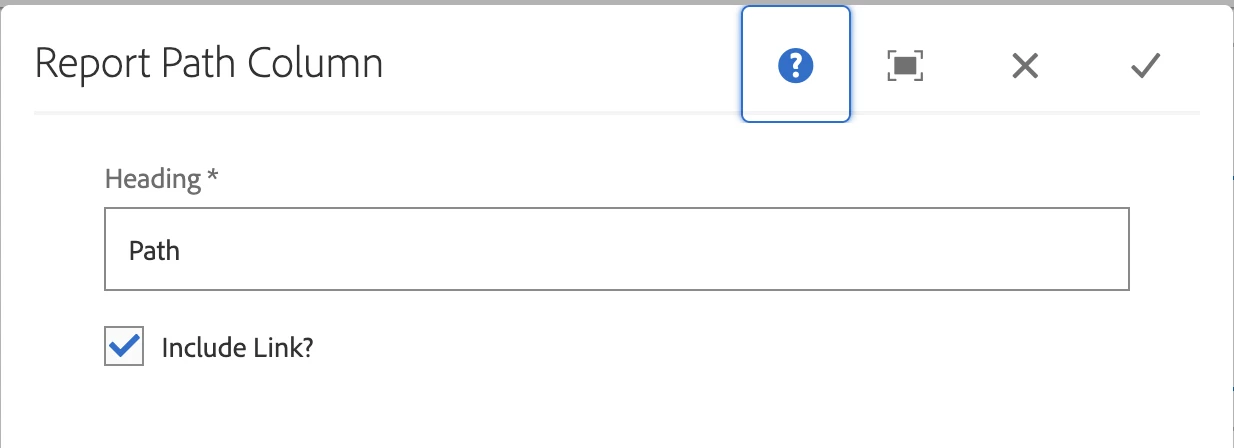
I believe the issue may lie in the "Result Columns" section. At a minimum, you must add the component "ACS Commons Report Builder Path Column" to view the asset paths. This is my configuration, which is quite simple:


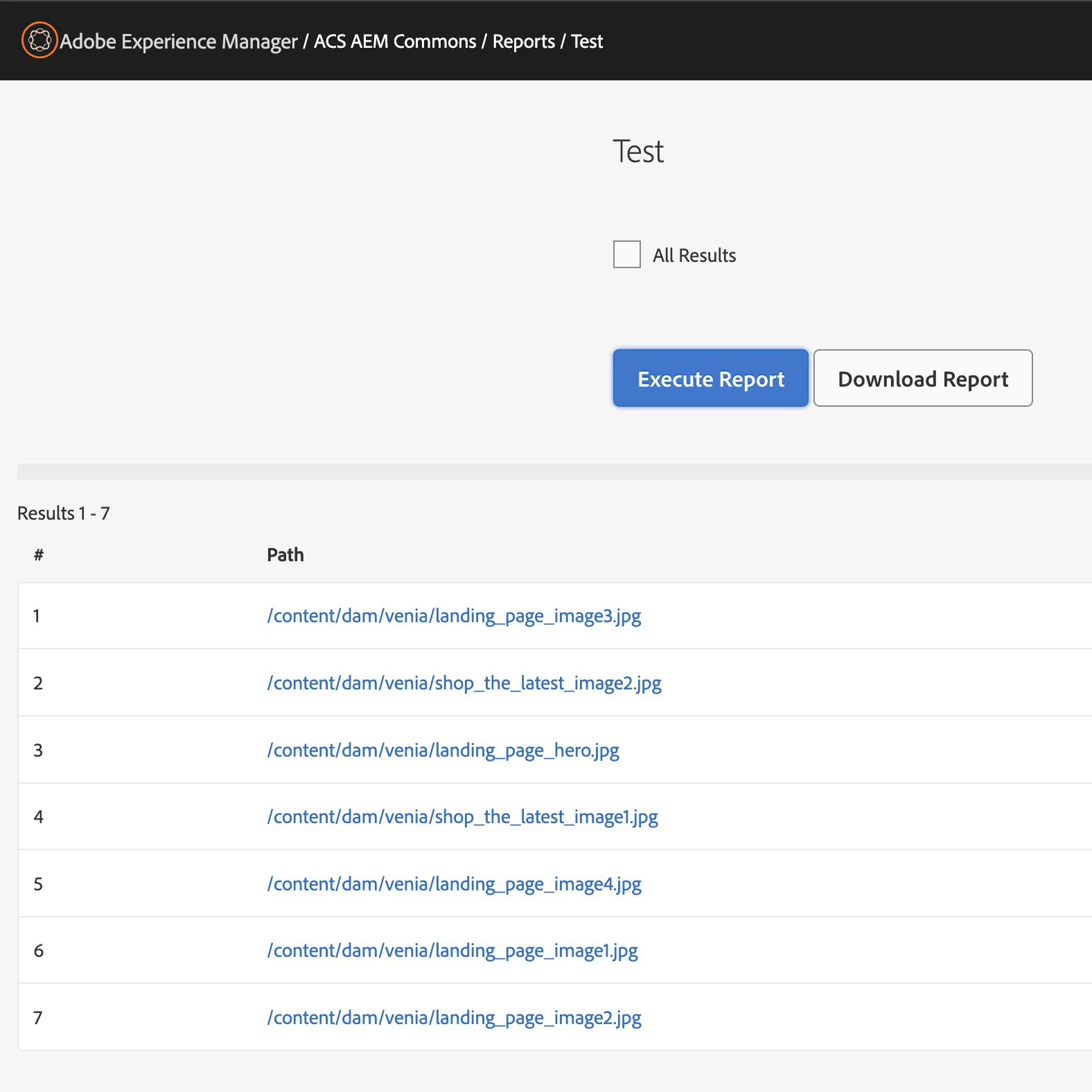
It gives the following result:


3 replies

Karishma_begumSh
Level 4
March 13, 2025

hi @prachimathur 

once try to rewrite the query as below before ACS AEM commons

type=dam:Asset
path=/content/dam/cognizant-dot-com
group.1_daterange.property=jcr:content/jcr:lastModified
group.1_daterange.lowerBound=2025-03-01T00:00:00.000Z
group.1_daterange.upperBound=2025-03-15T23:59:59.999Z
orderby=@jcr:content/jcr:lastModified
orderby.sort=desc
p.limit=-1

Translate
giuseppebaglio
giuseppebaglioAccepted solution
Level 10
March 13, 2025

I believe the issue may lie in the "Result Columns" section. At a minimum, you must add the component "ACS Commons Report Builder Path Column" to view the asset paths. This is my configuration, which is quite simple:


It gives the following result:

 
Translate
Level 2
March 13, 2025

This is working. Thanku

Translate