Folder Level ACL not inheriting to its child folder items. | Community
Skip to main content
New Participant
July 20, 2022
Solved

Folder Level ACL not inheriting to its child folder items.

  • July 20, 2022
  • 1 reply
  • 627 views

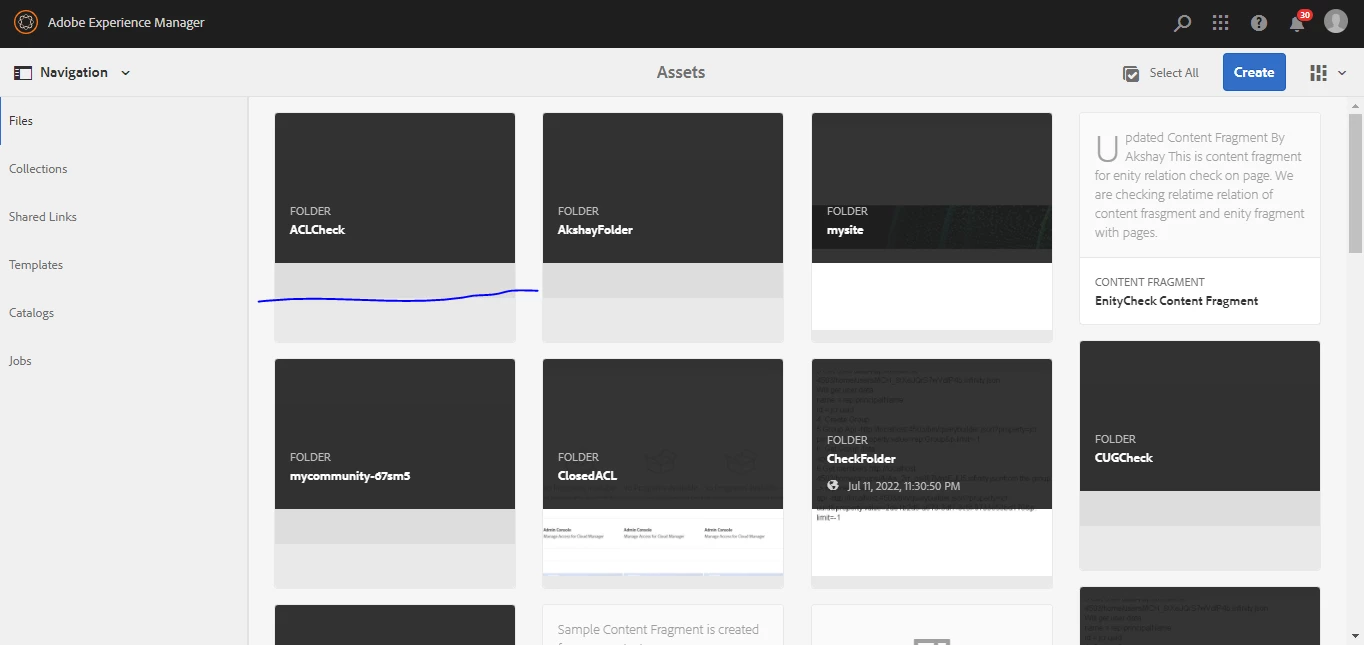
Step 1: Created Folder ACLCHeck


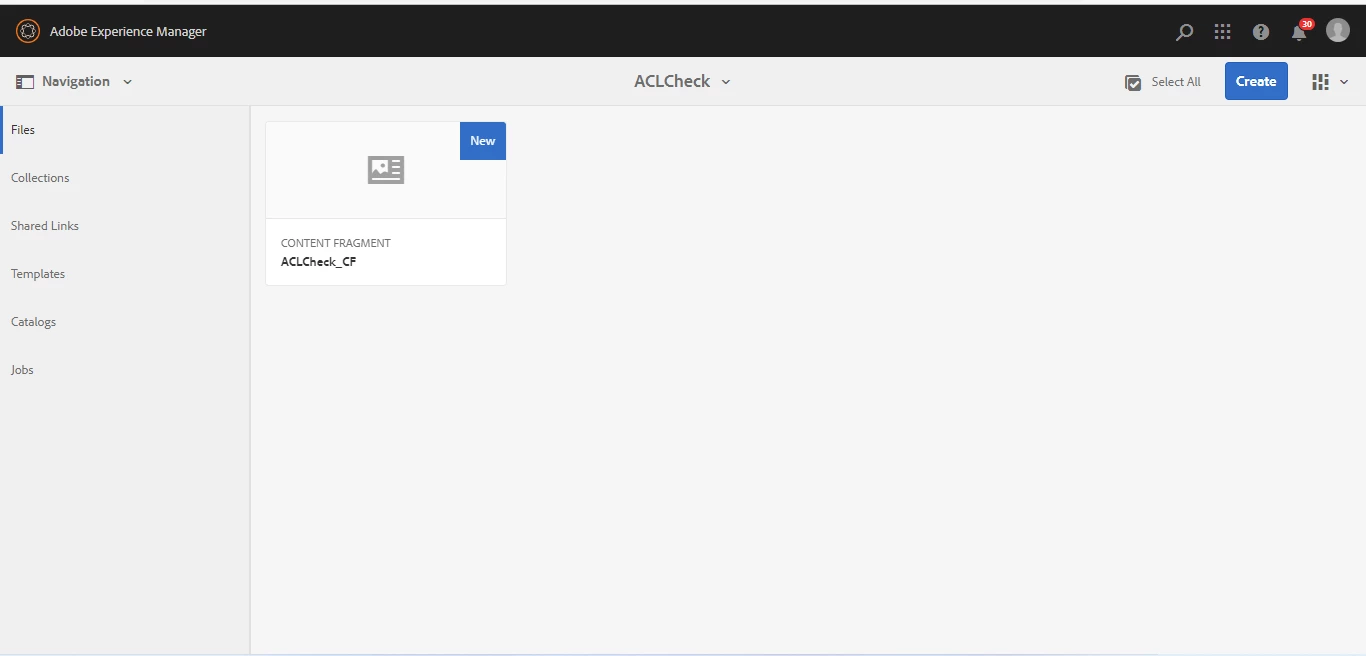
Step 2 :

Created Content Fragment in ACLCheck folder


Step 3 : Gave jcr:read, jcr:modify permissions to ACLCheckUser on ACLCheck folder using useradmin window.
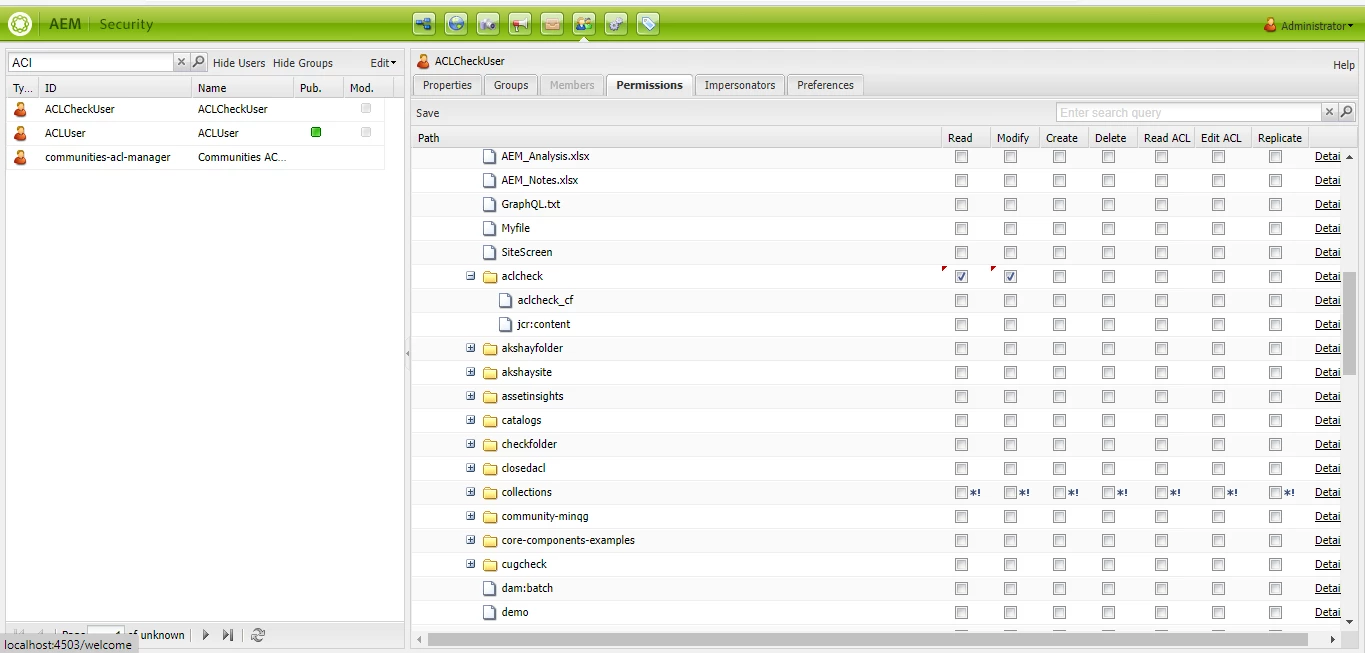


After refreshing same ACLCheck folder ACL reflected on adobecheck_cf
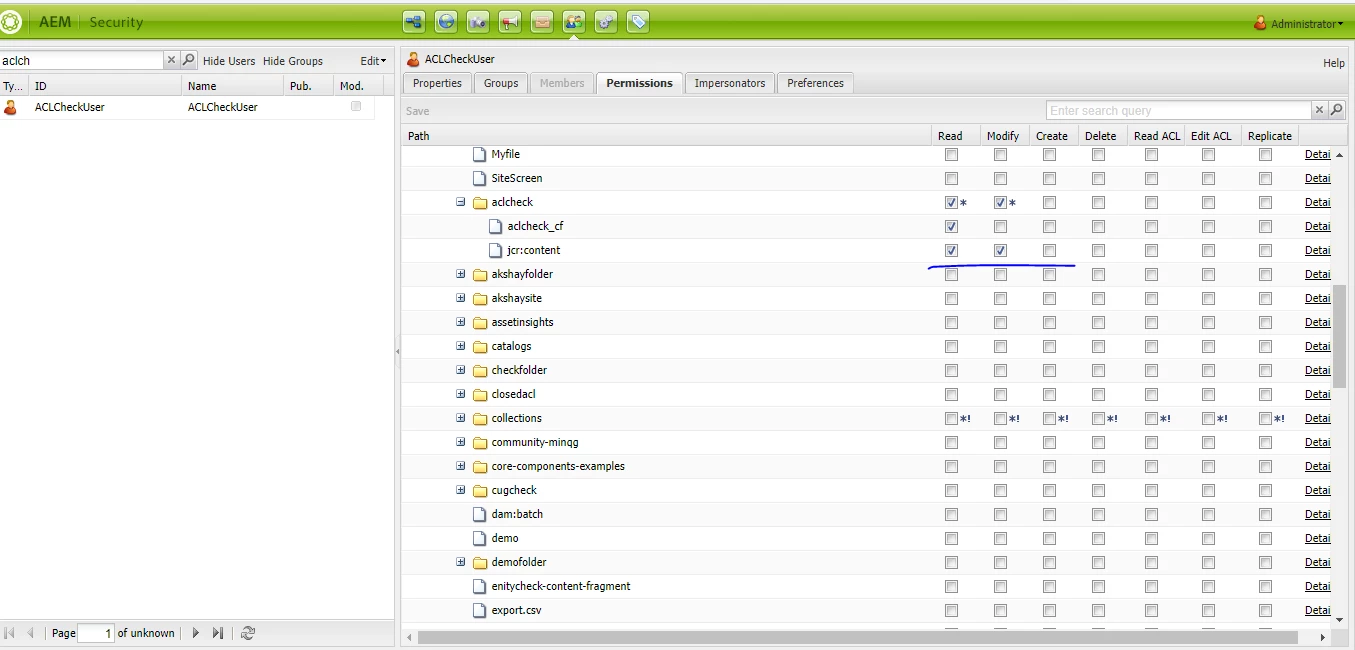


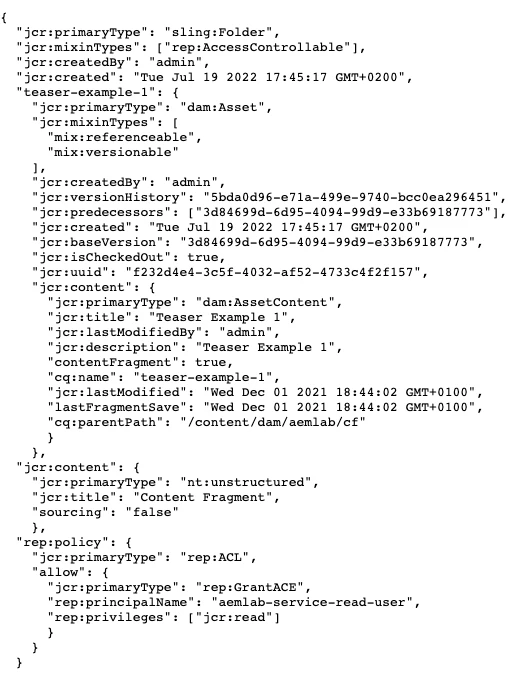
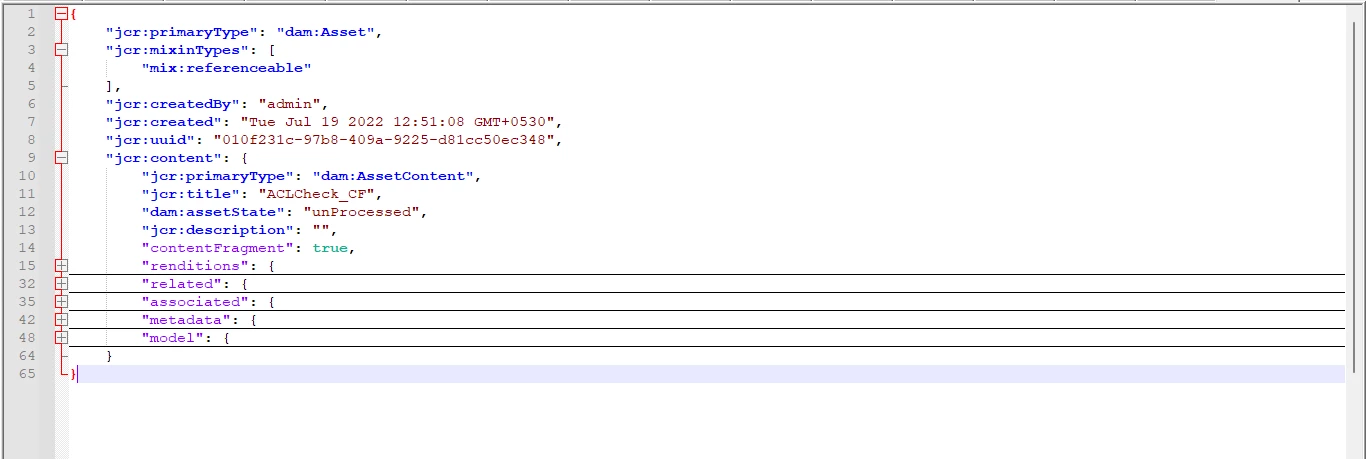
Step 4. But in json response of adobecheck_cf no ACL info is reflecting.


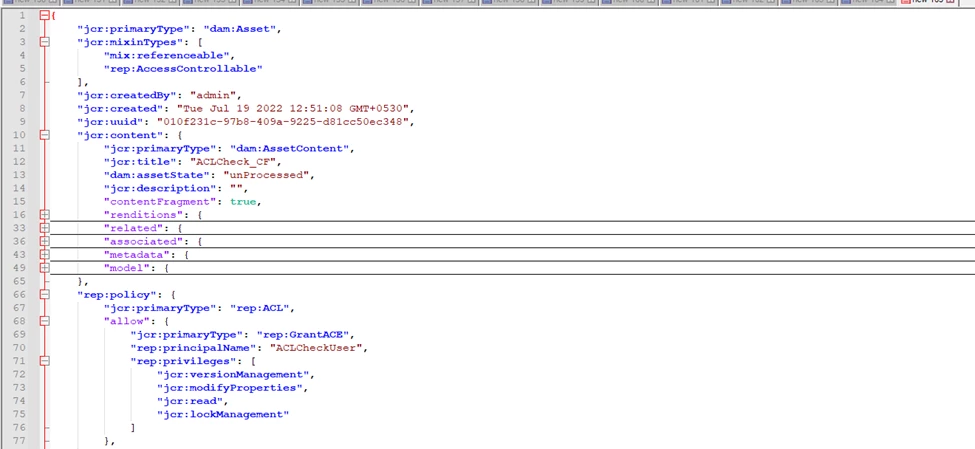
ACL should reflect in json response as below
This post is no longer active and is closed to new replies. Need help? Start a new post to ask your question.
Best answer by arunpatidar

When I hit http://localhost:4502/content/dam/aemlab/cf.tidy.2.json, I can see the permissions 


1 reply

arunpatidar
New Participant
July 20, 2022

Hi,

You cannot get the rep:policy values in json if you don't have read acl rights.

and whenever the AC rights applied , they inherited by default.


In your screenshot, you must save the value first and again refresh the permission for user and then only you will see the rights for children node as well.

Arun Patidar
New Participant
July 20, 2022

Hi @arunpatidar 


I have hit the json responce api for above page using Admin credentials, and I think Admin have read ACL permission.

Also my main concern is the ACL applied on Folder is not inheriting to its child folder items. In json response of folder item it is not reflecting.


arunpatidar
arunpatidarAccepted solution
New Participant
July 20, 2022

When I hit http://localhost:4502/content/dam/aemlab/cf.tidy.2.json, I can see the permissions 


Arun Patidar