How can you find all the pages in which an image is used? | Community
Skip to main content
This post is no longer active and is closed to new replies. Need help? Start a new post to ask your question.
Ravi_Pampana
Ravi_PampanaAccepted solution
New Participant
Mar 14, 2023 4:52 PM UTC

Hi,


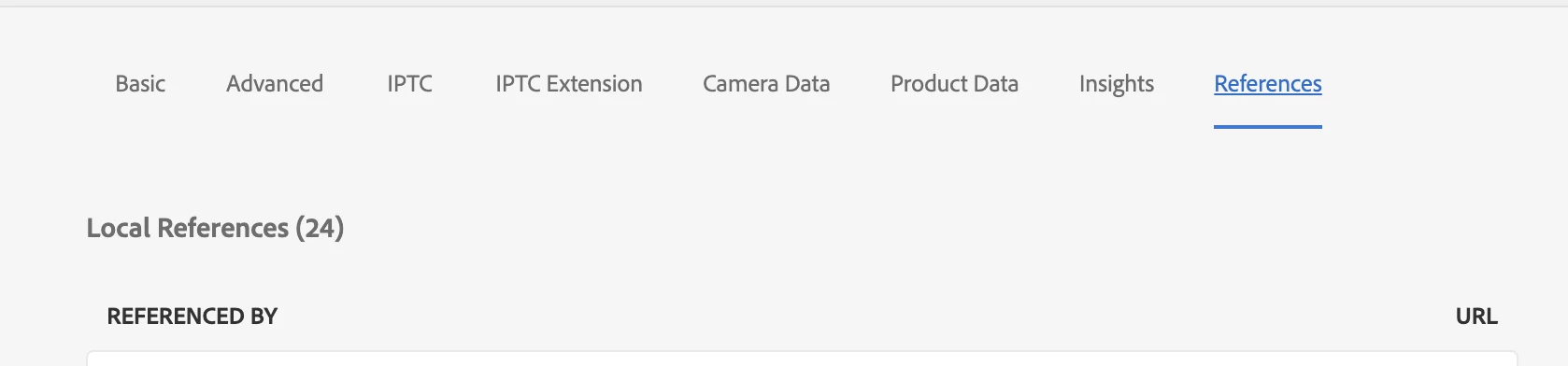
You can find the references of an image by selecting image, clicking on properties and check under references tab


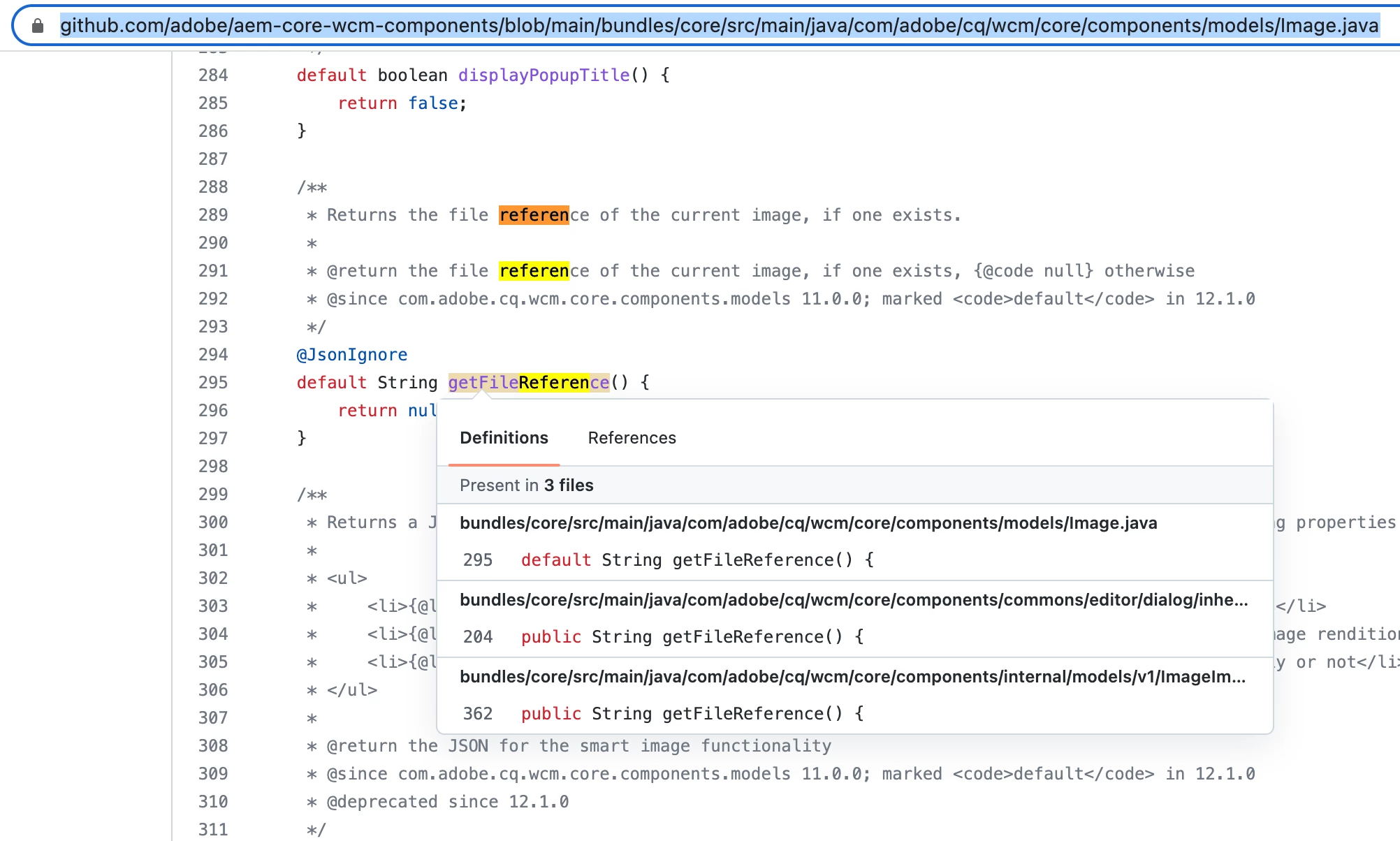
Refer https://github.com/adobe/aem-core-wcm-components/blob/main/bundles/core/src/main/java/com/adobe/cq/wcm/core/components/models/Image.java for retrieving it from backend


4 replies

DEBAL_DAS
New Participant
Mar 15, 2023 10:40 AM UTC

Option 1: Select the specific asset and click on References tab, then you will be seeing all the pages in which that image is used.


Option 2: If you want to do it programmatically then you can refer http://wemcode.wemblog.com/get_asset_reference_in_page [Other way around section]


Hope these will help.

Translate
Ravi_Pampana
Ravi_PampanaAccepted solution
New Participant
Mar 14, 2023 4:52 PM UTC

Hi,


You can find the references of an image by selecting image, clicking on properties and check under references tab


Refer https://github.com/adobe/aem-core-wcm-components/blob/main/bundles/core/src/main/java/com/adobe/cq/wcm/core/components/models/Image.java for retrieving it from backend


Translate
Rohit_Utreja
New Participant
Mar 14, 2023 4:13 PM UTC

It can be seen in the left rail as mentioned by @umesh_thakur .

Other than that, you can hit the below query to get a list.

select * from nt:base where jcr:path like '{path_to_search}' and contains(*, '{image_path_to_search}')

Translate
Umesh_Thakur
New Participant
Mar 14, 2023 3:54 PM UTC

Yes we do have.

From the asset console, you just select the image and select the references from the left rail.


if you need the reference in query, you can easily write one.

You can get the reference in code as well.

Hope this hleps.

Umesh Thakur

Translate