How to add Core Image component in RTE customization | Community
Skip to main content
New Participant
April 13, 2023
Solved

How to add Core Image component in RTE customization

  • April 13, 2023
  • 1 reply
  • 701 views

Dear All,


My requirement is that I want the image plugin in RTE should similar to call /apps/core/wcm/components/image/v2/image and look like below.
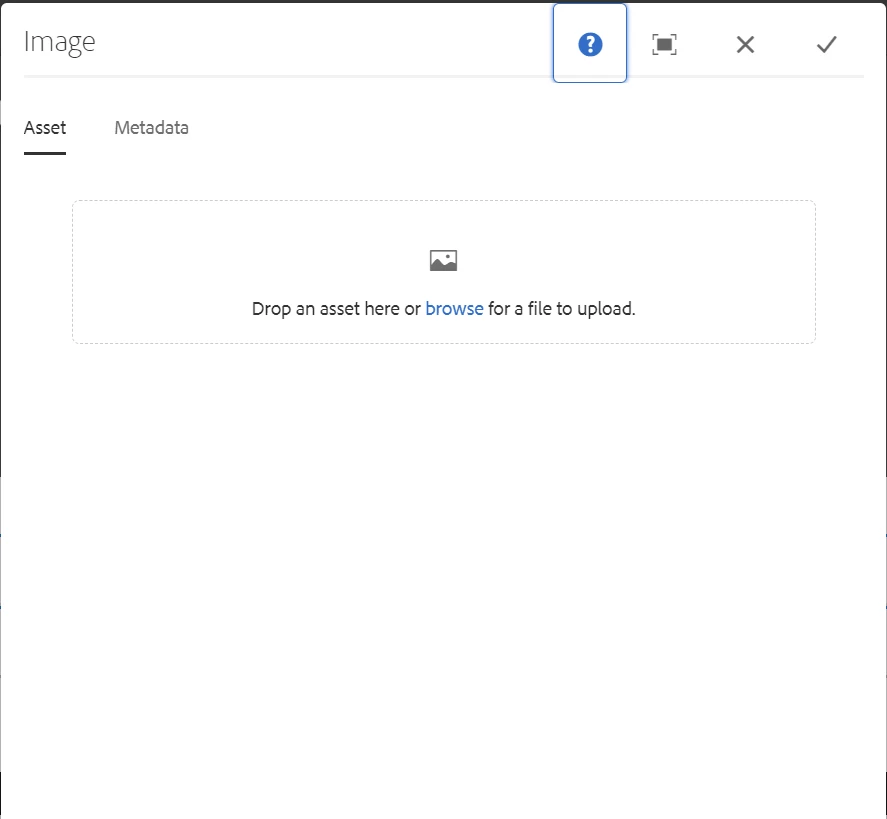


I am following below blog and am trying to customize Image plugin in RTE  in AEM 6.5 in touch UI


http://experience-aem.blogspot.com/2015/09/aem-61-touch-ui-rich-text-editor-rte-browse-insert-image.html


but not able to proceed further...Anybody can help here ?


This post is no longer active and is closed to new replies. Need help? Start a new post to ask your question.
Best answer by DPrakashRaj

You can reuse one dialog fields or tabs in another component using resourceType "granite/ui/components/foundation/include".

please check this

https://experienceleaguecommunities.adobe.com/t5/adobe-experience-manager/touch-ui-reuse-dialog-field/m-p/227051

1 reply

DPrakashRaj
DPrakashRajAccepted solution
New Participant
April 13, 2023

You can reuse one dialog fields or tabs in another component using resourceType "granite/ui/components/foundation/include".

please check this

https://experienceleaguecommunities.adobe.com/t5/adobe-experience-manager/touch-ui-reuse-dialog-field/m-p/227051