How to adjust height of components/ images in template editor AEM | Community
Skip to main content
arjuns71585267
Level 4
Sep 20, 2018 12:47 PM UTC

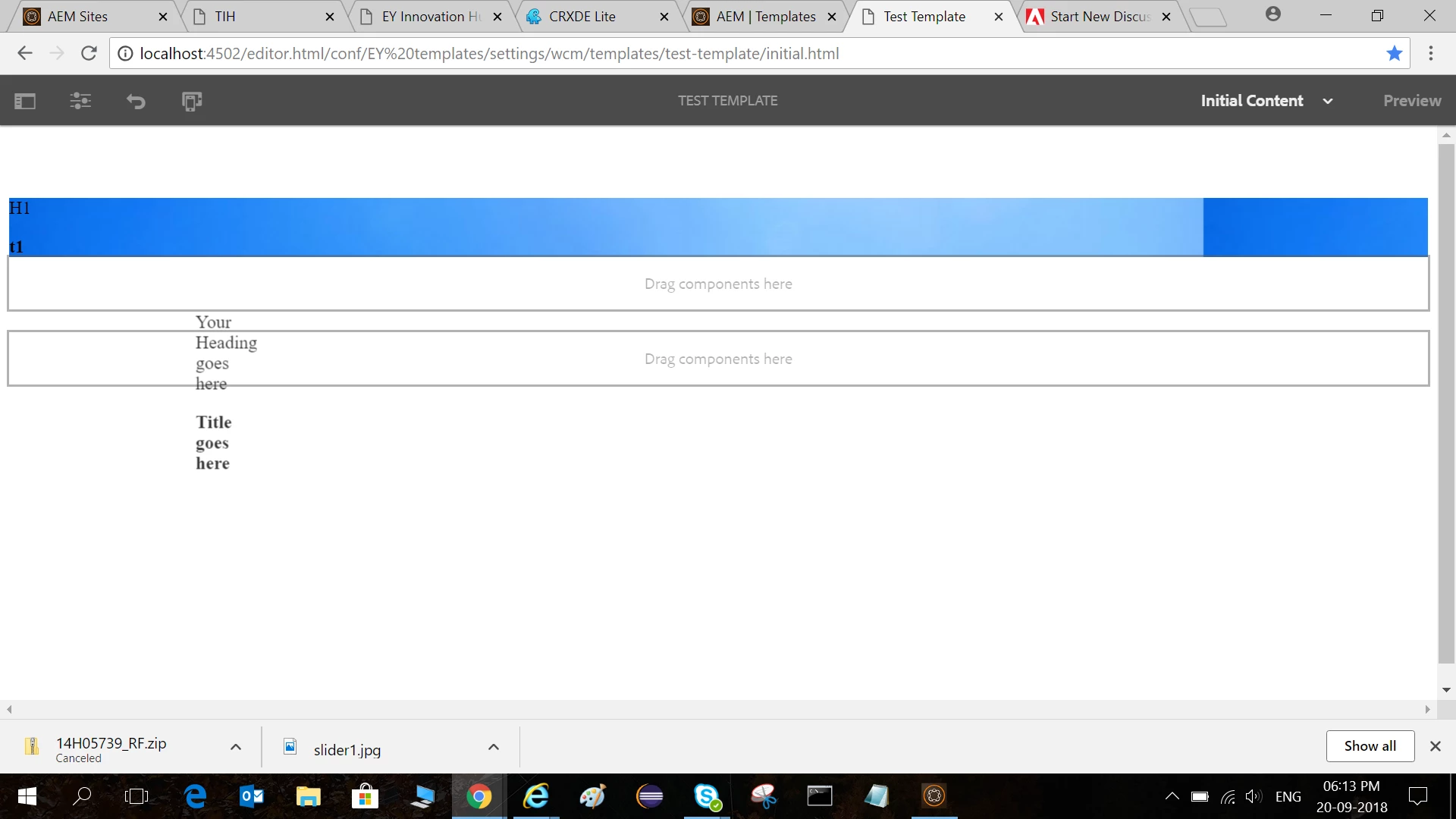
How to adjust height of components/ images in template editor AEM

Hi everyone,

I can only adjust the width of the images once added in AEM. I wish to adjust the height also but there are no resize options to adjust the height!  I would also like to customize my templates/ page using my own css and is there any way to do that?
This post is no longer active and is closed to new replies. Need help? Start a new post to ask your question.

3 replies

Ratna_Kumar
Level 10
Sep 21, 2018 7:40 AM UTC

Hi Arjun,

Yes please refer the article as Scott suggested. You can adjust the component using CSS

Adobe Experience Manager Help | Creating an Adobe Experience Manager 6.4 website using Editable Templates

Thanks,

Ratna Kumar.

Translate
smacdonald2008
Level 10
Sep 20, 2018 1:28 PM UTC

Look at this artilce - notice how we add CSS in a clientlibs. You can control that appearance of your site by using CSS like we show in this article:

Adobe Experience Manager Help | Creating an Adobe Experience Manager 6.4 website using Editable Templates

Translate
smacdonald2008
Level 10
Sep 20, 2018 1:29 PM UTC

Refer to this section "Integrate Style into the Experience Manager template "-- Adobe Experience Manager Help | Creating an Adobe Experience Manager 6.4 website using Editable Templates

Translate