How to allow only one user to access the particular page in aem? | Community
Skip to main content
Employee
January 4, 2023
Solved

How to allow only one user to access the particular page in aem?

  • January 4, 2023
  • 5 replies
  • 2943 views

Hi,


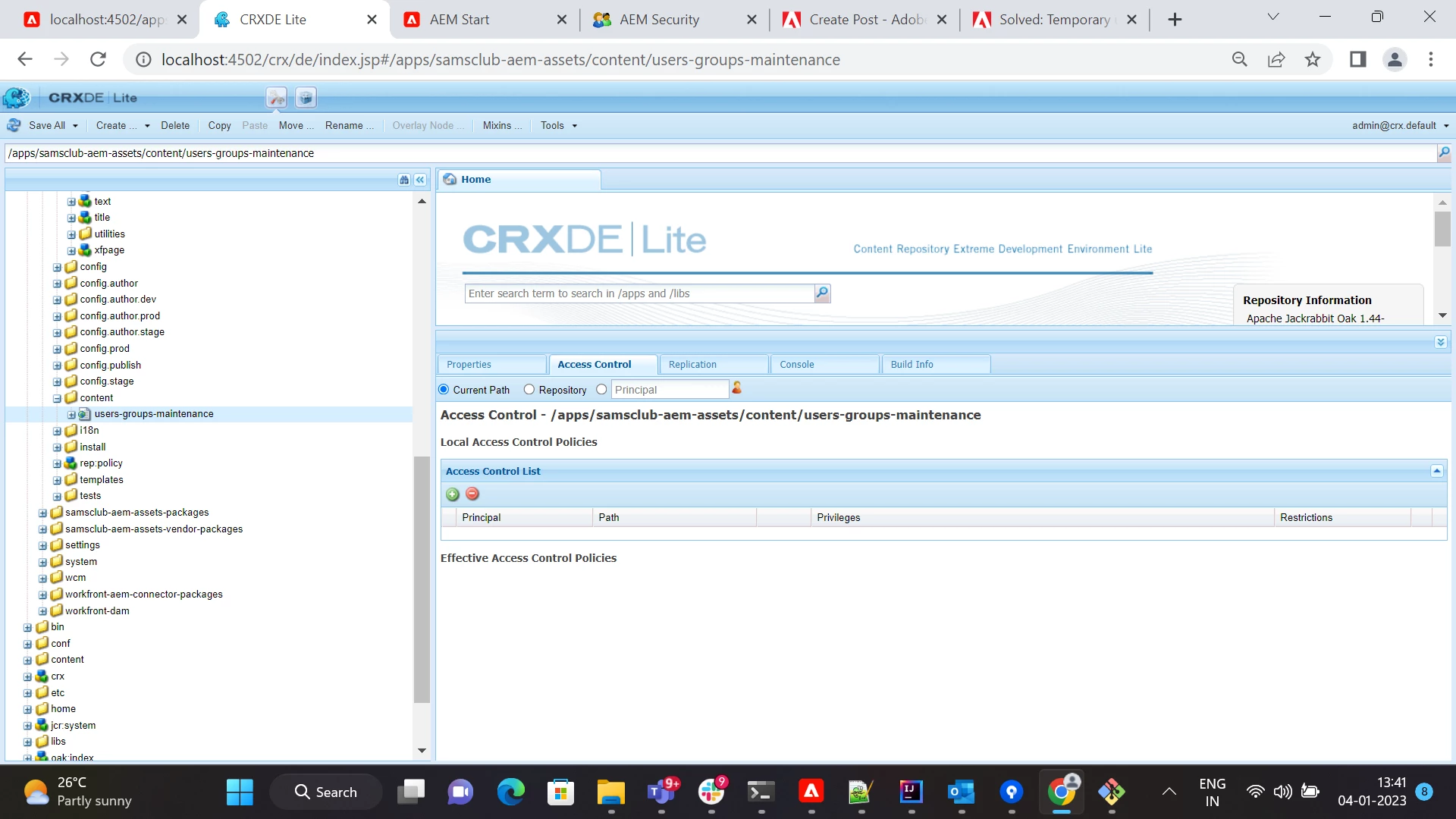
There's a requirement to give permission to only one user to access the page that is created. The users-groups-maintenance page should be accessed by only one user. I added the user to access this page but other users are also able to access this page until and unless the other users are denied with the permission. Is there a way to allow one user and deny rest of the users to access this page?
 

This post is no longer active and is closed to new replies. Need help? Start a new post to ask your question.
Best answer by Harishv31

Hi ,


Can you please check if CUG feature is helpful in this usecase.


https://experienceleague.adobe.com/docs/experience-manager-65/administering/security/cug.html?lang=en


Thanks 

5 replies

Harishv31Accepted solution
New Participant
January 5, 2023

Hi ,


Can you please check if CUG feature is helpful in this usecase.


https://experienceleague.adobe.com/docs/experience-manager-65/administering/security/cug.html?lang=en


Thanks 

Mani_kumar_
New Participant
January 4, 2023

If the ACLs level permissions are not working, you can create a group and add the user to that group

Also implement a sling filter which checks only for that path and also check the current use belongs to the group, if use user is present in that group then forward the request else Reject the request in the filter

Hope this is useful

Suraj_Kamdi
New Participant
January 4, 2023

@keerthana_h_n I will suggest you update everyone group first just to disable that path from every content author and Create separate group which has permission to access all the required crxde path. BTW This is not recommended way we can also use Sling Filters Intsteads

Just go through this documentation about Managing ACL's https://experienceleague.adobe.com/docs/experience-manager-screens/user-guide/administering/setting-up-acls.html?lang=en 

Siva_Sogalapalli
New Participant
January 4, 2023

If the other users are part of any common group then you can also simply deny the access to that group. 

Employee
January 4, 2023

Hi @siva_sogalapalli ,

If the user is part of administrators group and if I deny the access to users-groups-maintenance page. That user will still be able to access the page. As you mentioned above if I create the groups for access and deny and add users to these particular groups and if the users under deny group has the admin access it doesn't work as expected. Is there any other way to give permission to only one user.

Himanshu_Jain
New Participant
January 4, 2023

Create a group and assign ACL rather than user level permission and the the required user in that group.

Himanshu Jain
Employee
January 4, 2023

Hi @himanshu_jain ,

Is there any other way to view the page to only one user other than access control to that particular path.