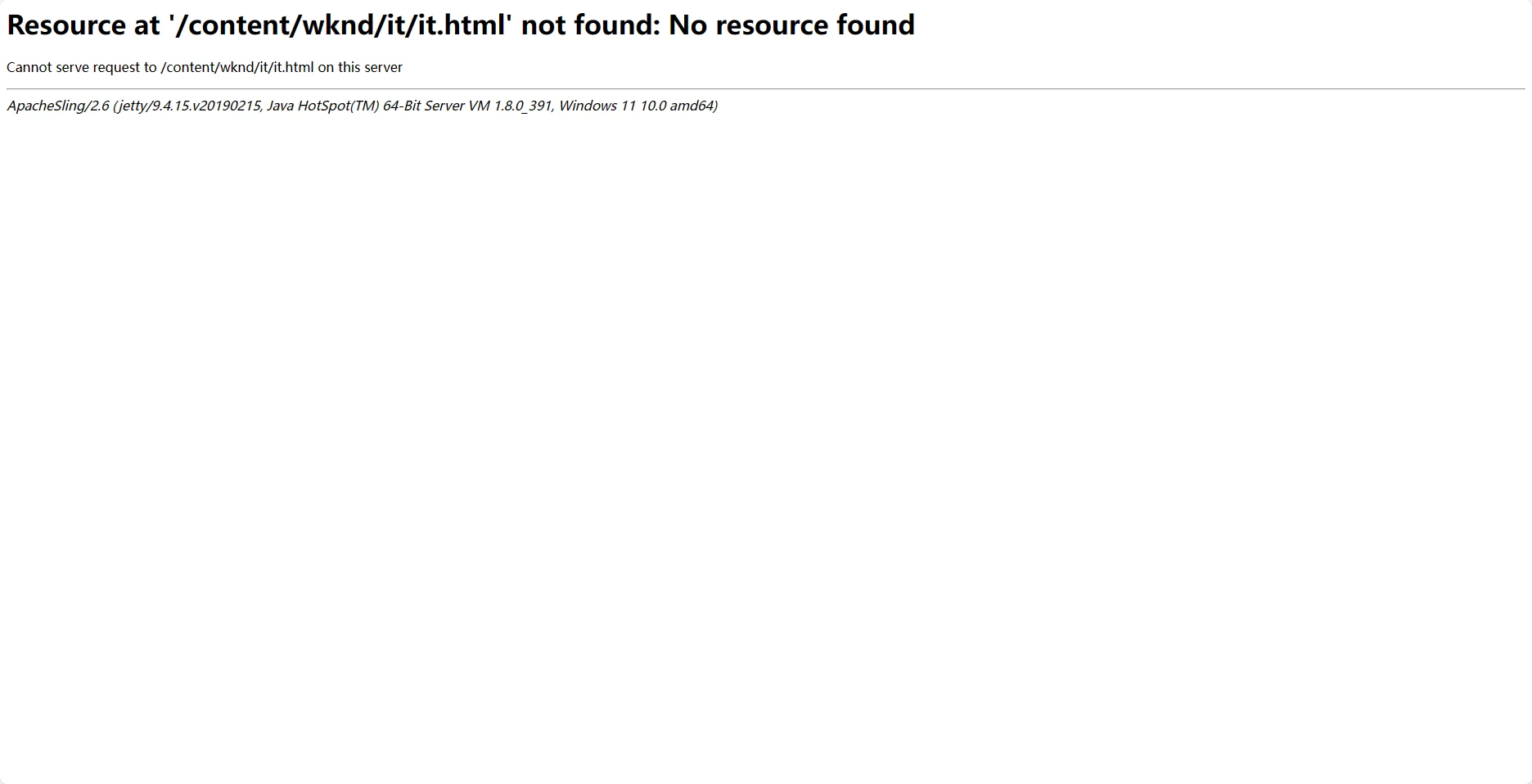
how to deploy WKND Site in my local publish instance | Community
Skip to main content
This post is no longer active and is closed to new replies. Need help? Start a new post to ask your question.
Jagadeesh_Prakash
Jagadeesh_PrakashAccepted solution
New Participant
April 25, 2024

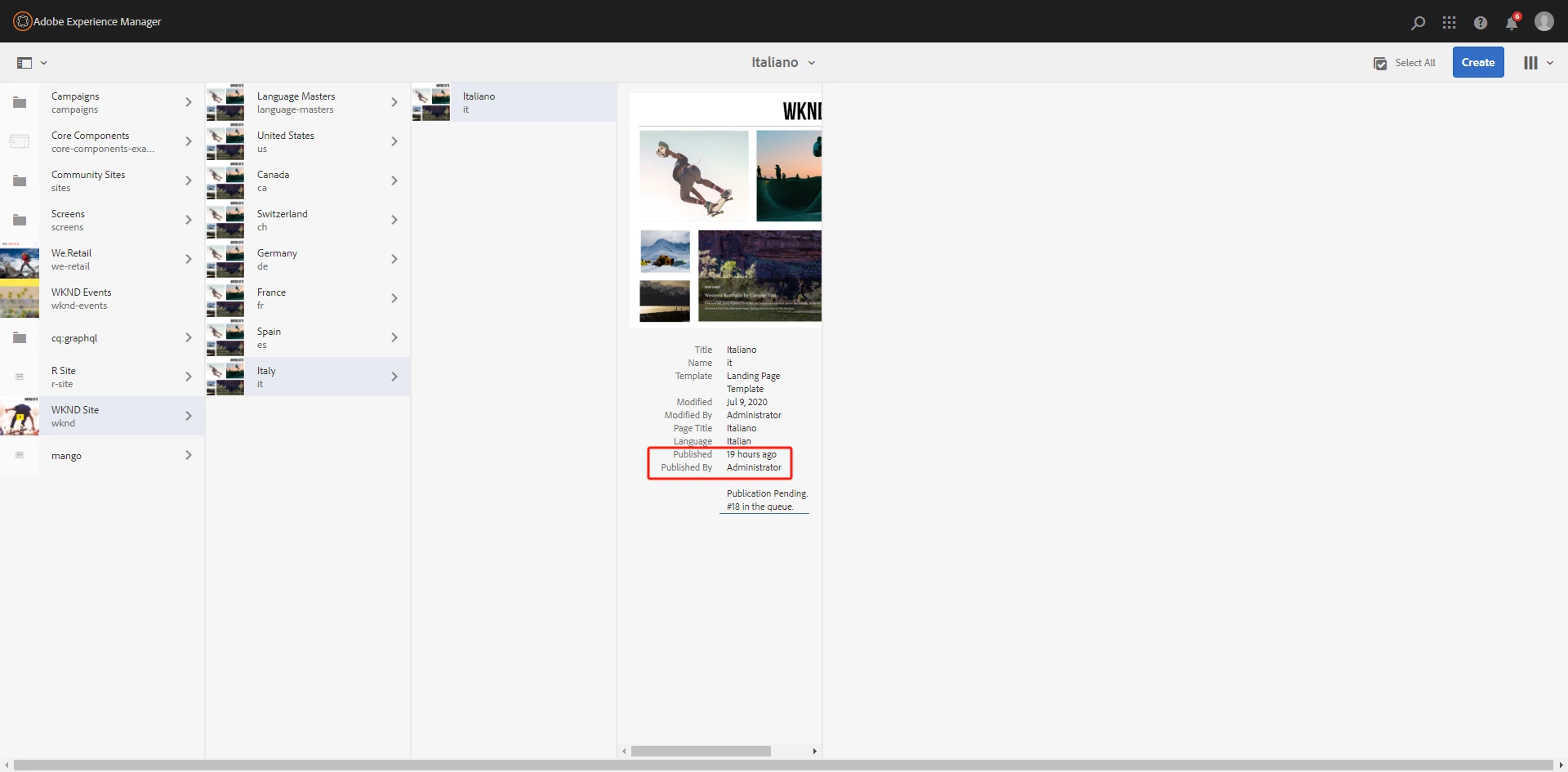
@anhuazh  from the second screen shot we can see that the package in pending in queue. Can you check if the package is not stuck in the replication queue. 


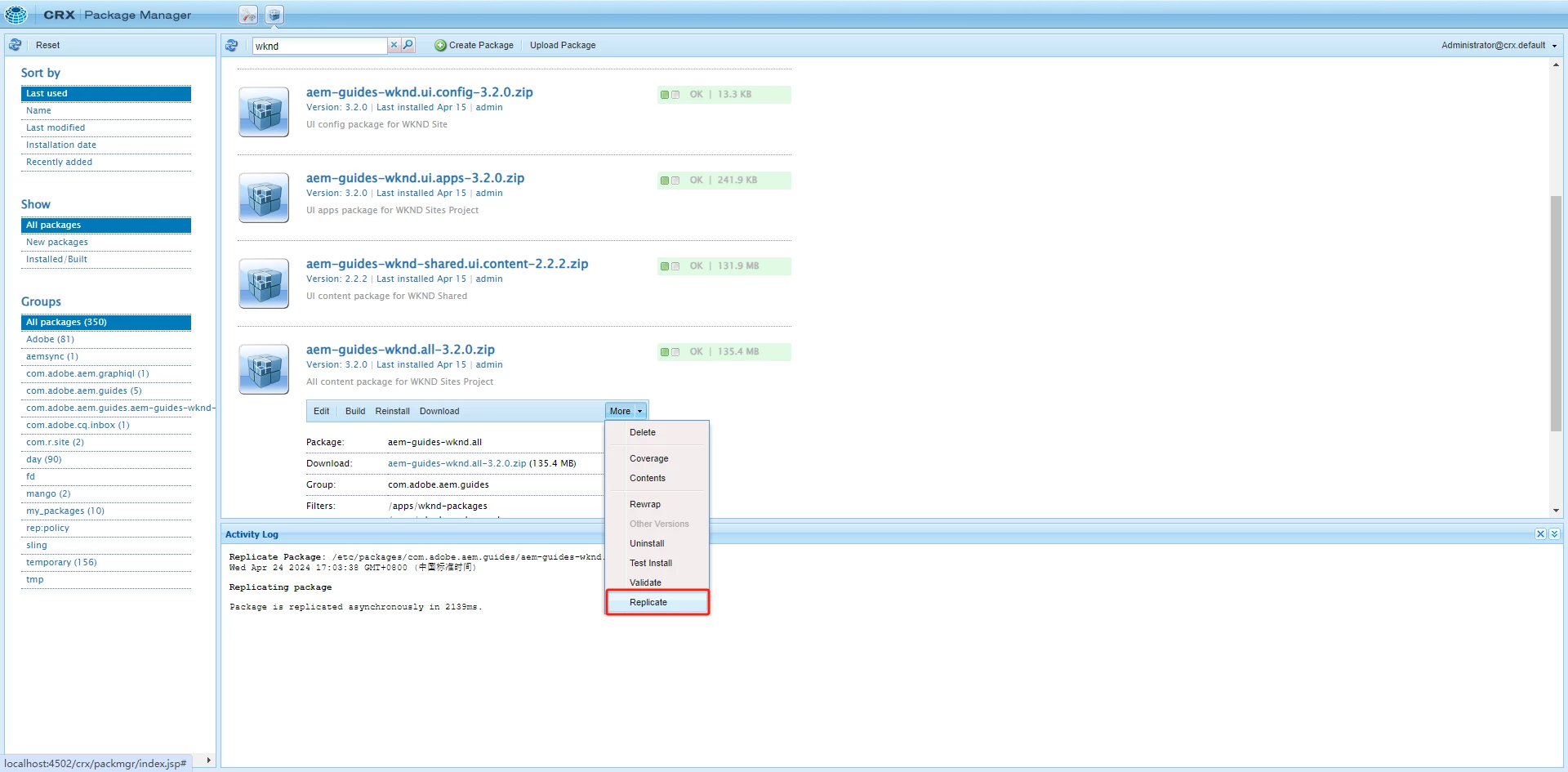
If not once try installing the package directly in publisher crx package manager

10 replies

EstebanBustamante
New Participant
April 26, 2024

@anhuazh Did you find the suggestions from users helpful? Please let us know if more information is required. Otherwise, please mark the answer as correct for posterity. If you have found out solution yourself, please share it with the community

Translate
Esteban Bustamante
Jagadeesh_Prakash
Jagadeesh_PrakashAccepted solution
New Participant
April 25, 2024

@anhuazh  from the second screen shot we can see that the package in pending in queue. Can you check if the package is not stuck in the replication queue. 


If not once try installing the package directly in publisher crx package manager

Translate
AnHuaZhAuthor
Level 2
April 25, 2024


@jagadeesh_prakash hi! as you said,replication queue is blocked and the log report error: com.day.cq.replication.ReplicationException: Repository error during node import: Node type dam:color does not exist


Translate
aanchal-sikka
New Participant
April 25, 2024

@anhuazh 


  1. Click on "Clear" button to remove all the blocked enteries
  2. Upload the WKND package directly to publish via Package manager


Translate
Aanchal Sikka
aanchal-sikka
New Participant
April 25, 2024

@anhuazh 


  • Please assure that the package is not blocked in the replicaton queue
  • Verify the package installation in Package manager of publish
Translate
Aanchal Sikka