Solved
How to execute workflow step as per scheduler in AEM
Hi Team,
I done customization in complete Work Item added Date Time picker.
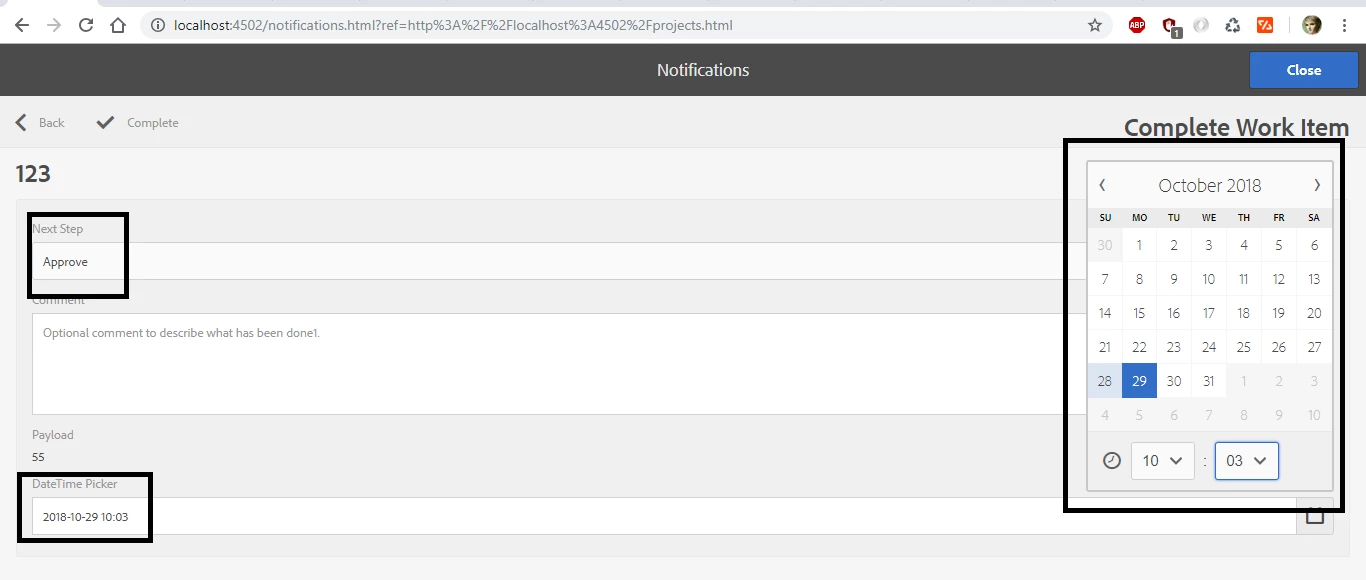
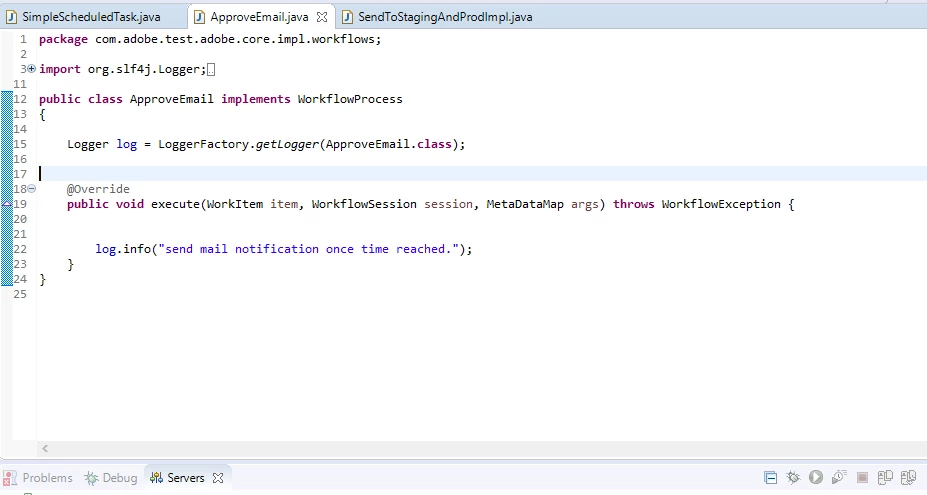
As per given scheduler time I need to execute Approve step.
Thanks
Kotireddy Naru
Hi Team,
I done customization in complete Work Item added Date Time picker.
As per given scheduler time I need to execute Approve step.
Thanks
Kotireddy Naru
https://aem.adobemarketingclub.com/scheduled-activation-workflows/
Have a custom workflow step that sets a workflow “metaData” with property name “abosluteTime” and value being the time in milliseconds (calendar.getTimeInMillis()). This custom step can even use the On Time set on the page properties or use a custom dialog to capture date/time for activation depending on what you need

b) Have a participant step (could be called Waiting for activation), which could be assigned to admin user and set the timeout handler to the OTB provided “Absolute Time Auto Advancer” properties to the following

The Absolute Time Auto Advancer times outs and advances to the next step automatically (which can be the Activate Page step) at the time provided in the absoluteTime property. Alternatively, you can write your own Timeout Advancer as well that works out of a page property directly.
Enter your E-mail address. We'll send you an e-mail with instructions to reset your password.