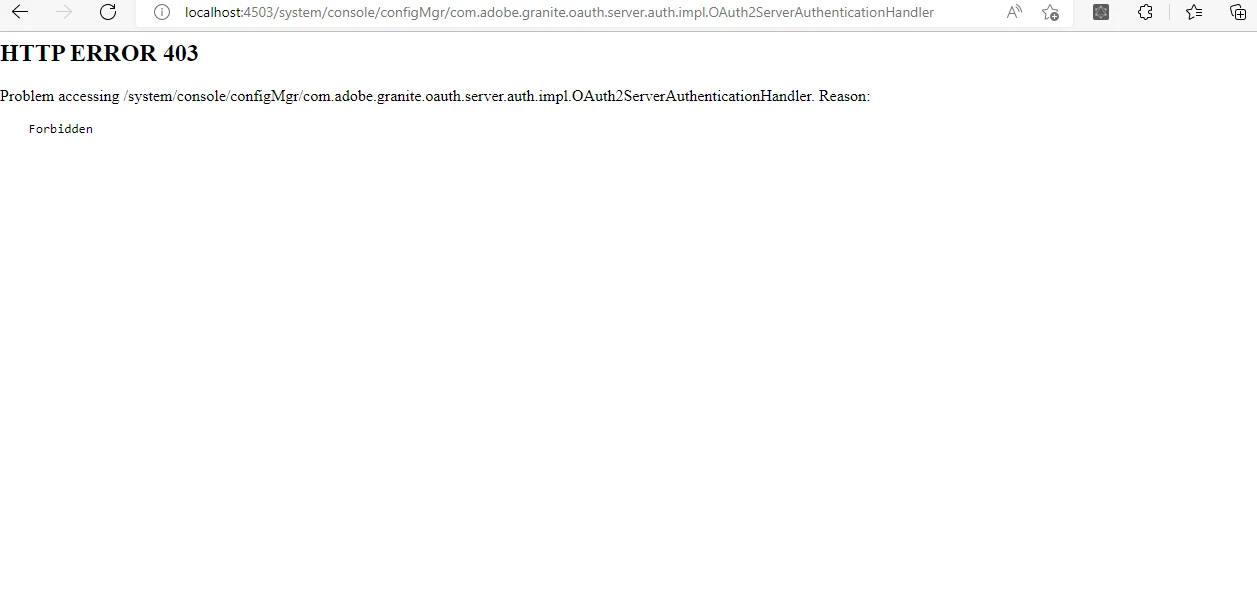
How to give any user the access of http://localhost:4503/system/console/configMgr . | Community
Skip to main content
This post is no longer active and is closed to new replies. Need help? Start a new post to ask your question.
Best answer by Jagadeesh_Prakash

Hi @akshaybhujbale 


Follow below steps it works

  1. Create a group using user admin console(IP:PORT/useradmin)
  2. Add this group in another group or user that needs console access
  3. Go to configuration manager(IP:Port/system/console/configMgr)
  4.  Search & edit “Apache Sling Web Console Security Provider”
  5. Add the group (created in step 1) to Group Names field in Apache Sling Web console Security Provider
  6. Save it and you are all set.

3 replies

joerghoh
Employee
October 23, 2022

Do you really want to give someone the chance to re-configure your AEM instance? Anyway, I would never change the OSGI settings on a running Stage/PROD environment via the Webconsole. Instead I would introduce all changes in a controlled way via a deployment.


Jagadeesh_Prakash
Jagadeesh_PrakashAccepted solution
New Participant
October 21, 2022

Hi @akshaybhujbale 


Follow below steps it works

  1. Create a group using user admin console(IP:PORT/useradmin)
  2. Add this group in another group or user that needs console access
  3. Go to configuration manager(IP:Port/system/console/configMgr)
  4.  Search & edit “Apache Sling Web Console Security Provider”
  5. Add the group (created in step 1) to Group Names field in Apache Sling Web console Security Provider
  6. Save it and you are all set.
Lokesh_Vajrala
New Participant
October 21, 2022

You can add users and groups to the following config that needs web console access


http://localhost:4502/system/console/configMgr/org.apache.sling.extensions.webconsolesecurityprovider.internal.SlingWebConsoleSecurityProvider