How to implement save button on a page | Community
Skip to main content
Level 4
Jun 26, 2022 6:35 PM UTC
Solved

How to implement save button on a page

I'm extending AEM Tools menu to create a custom Cloud Service. When I click on it, it opens a blank page with the title as below: 
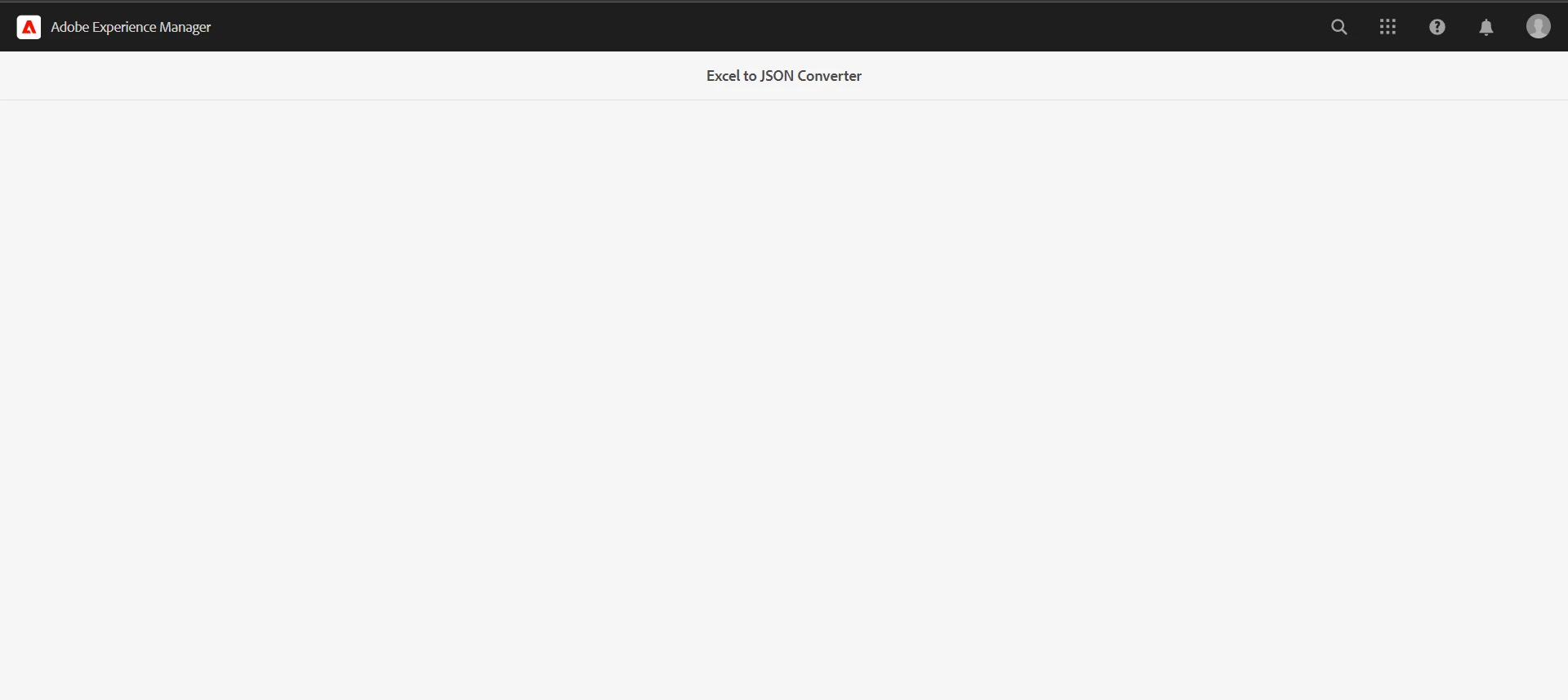
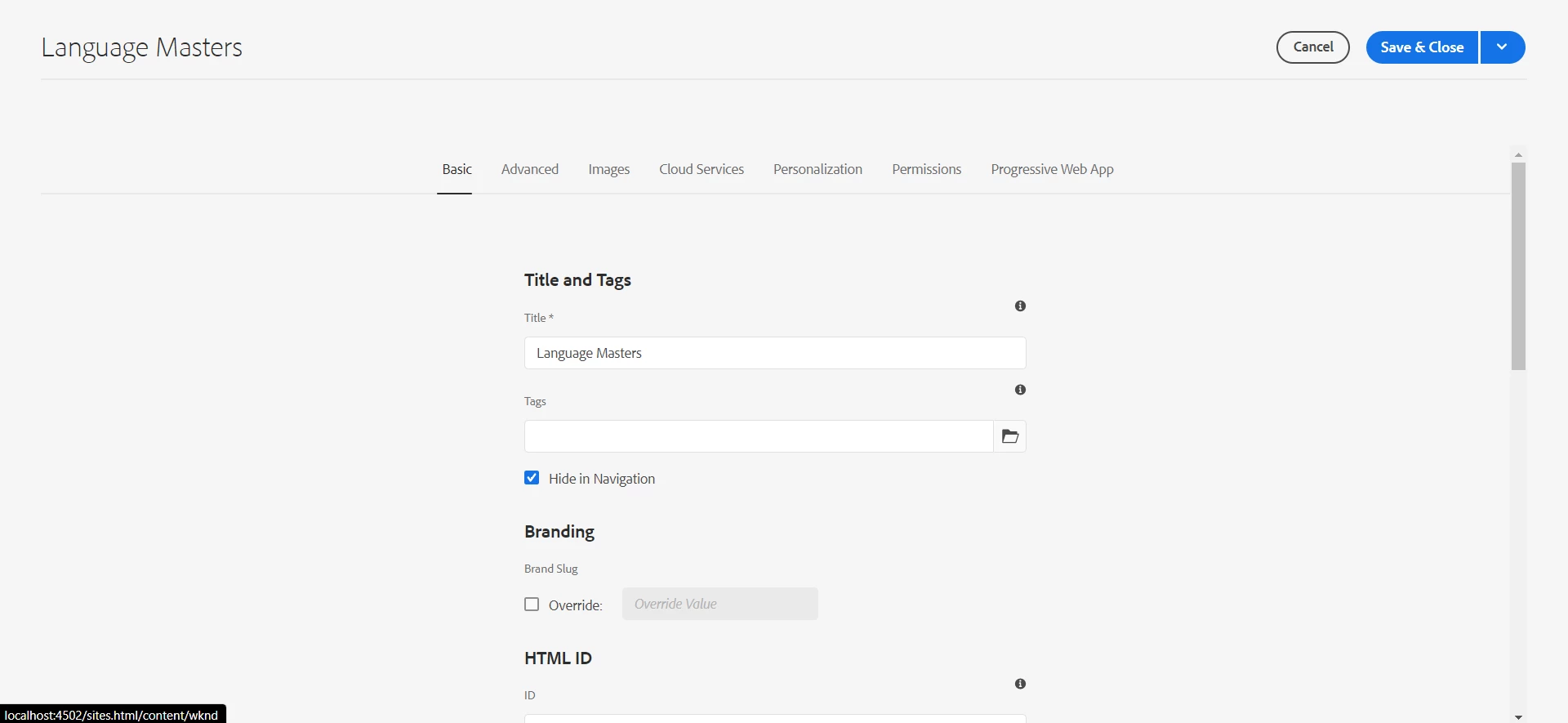
The problem is that there is no Save button on the page and I don't know how to implement it. I want it as below: 
This post is no longer active and is closed to new replies. Need help? Start a new post to ask your question.
nikita24tailorAccepted solution
Level 4
Jun 29, 2022 4:58 AM UTC

I got the solution. I changed the sling:resourceType to granite/ui/components/shell/propertiespage and in added formId in that node which adds the Cancel and Save button automatically for the page.

6 replies

arunpatidar
New Participant
Jun 27, 2022 7:46 AM UTC

Hi,

You need to extend from the shell page to add action, this will be supertype of your component

/libs/granite/ui/components/shell/page/page.jsp  

Translate
Arun Patidar
Level 4
Jun 27, 2022 4:44 PM UTC

Yes, I'm using Shell page only but don't know how to add this action in the page.

Translate
SantoshSai
New Participant
Jun 27, 2022 2:14 AM UTC

Hi @nikita24tailor ,

The actual content of the page seems missing here, you can add sling:resourceType for rendering script or use Granite UI Components.

For more details please refer: https://aem4beginner.blogspot.com/create-custom-aem-menu-tools-with

Hope that helps!

Regards,

Santosh

Translate
Santosh Sai
Level 4
Jun 27, 2022 5:37 AM UTC

I have not added any content for now. I just want the Save button on the right top most which comes on most of the windows.

Translate