I am trying to add field in Asset property dialog | Community
Skip to main content
New Participant
February 23, 2023
Solved

I am trying to add field in Asset property dialog

  • February 23, 2023
  • 3 replies
  • 753 views

Within Basic tab of asset property I wanted to add few fields but I am unable to overlay and add field
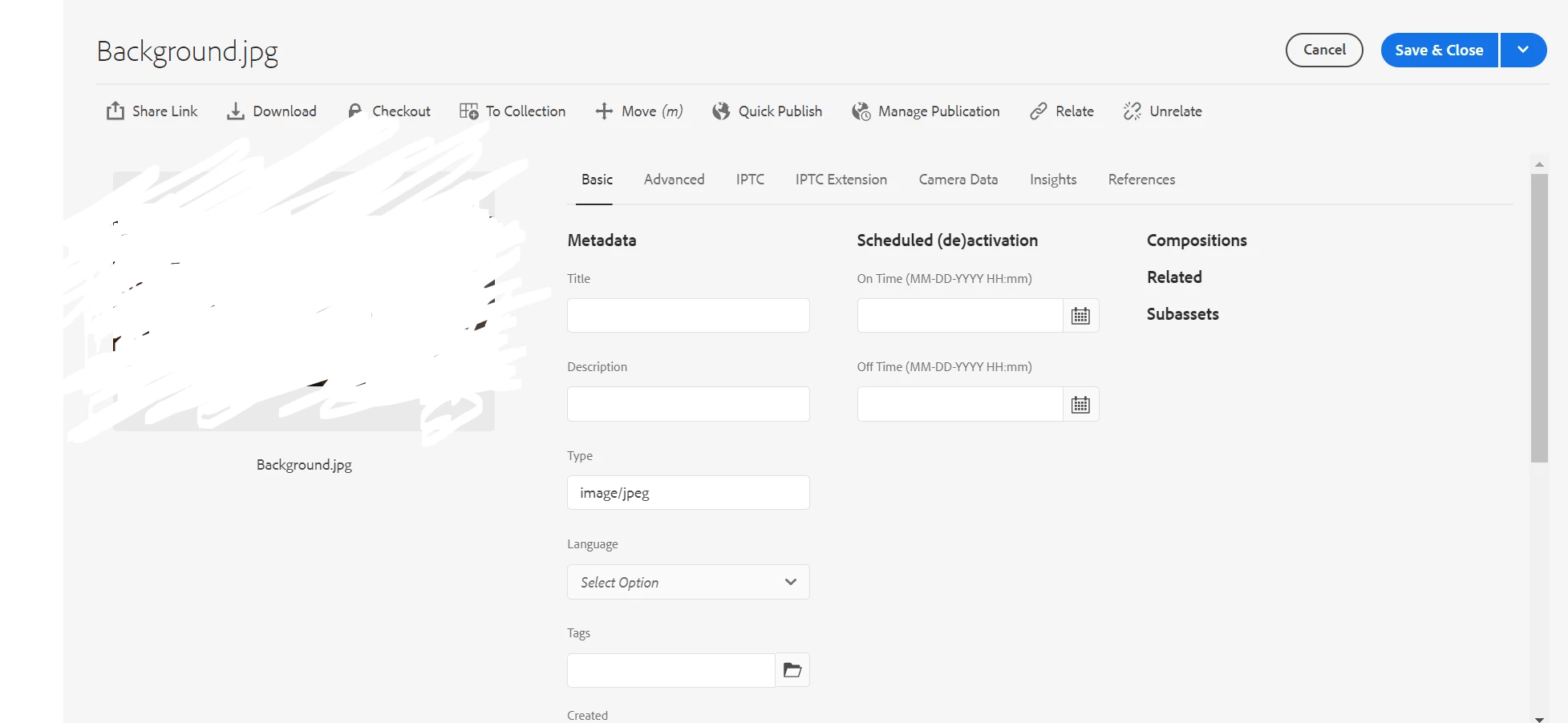
I wanted to add one text area and textfield 

This post is no longer active and is closed to new replies. Need help? Start a new post to ask your question.
Best answer by Saravanan_Dharmaraj

Hi @ronnie09 ,

  You can edit the various editable metadata properties under the available tabs. However, you cannot modify the asset Type in the Basic tab of properties page.


Please check #2

https://experienceleague.adobe.com/docs/experience-manager-64/assets/administer/metadata-schemas.html?lang=enYou%20can%20edit%20the%20various%20editable%20metadata%20properties


3 replies

Jagadeesh_Prakash
New Participant
February 24, 2023
krishna_sai
New Participant
February 23, 2023

Hi @ronnie09 you should be able to add any fields into basic tab in metadata schema however you cannot edit few fields like type, created date etc.

Thanks,

Krishna

Saravanan_Dharmaraj
Saravanan_DharmarajAccepted solution
New Participant
February 23, 2023

Hi @ronnie09 ,

  You can edit the various editable metadata properties under the available tabs. However, you cannot modify the asset Type in the Basic tab of properties page.


Please check #2

https://experienceleague.adobe.com/docs/experience-manager-64/assets/administer/metadata-schemas.html?lang=enYou%20can%20edit%20the%20various%20editable%20metadata%20properties