Image loading taking more time | Community
Skip to main content
New Participant
January 1, 2018
Solved

Image loading taking more time

  • January 1, 2018
  • 9 replies
  • 10270 views

[Moderator moved from Adobe Portfolio to Adobe Experience Manager.]

Hi All,

Whenever I load my site, the project banner images(first image) on the home page takes more time to load and display, which is quite frustrating.Same scenario happens on loading some other pages too.Is it any way to make the images to load quicker with in 2 seconds.

Im using jpg Image format and size is of about 200 Kb.

Kindly provide me a solution to overcome this issue.

Thanks in advance.
This post is no longer active and is closed to new replies. Need help? Start a new post to ask your question.
Best answer by edubey

Not sure if you have read the linked article completely,

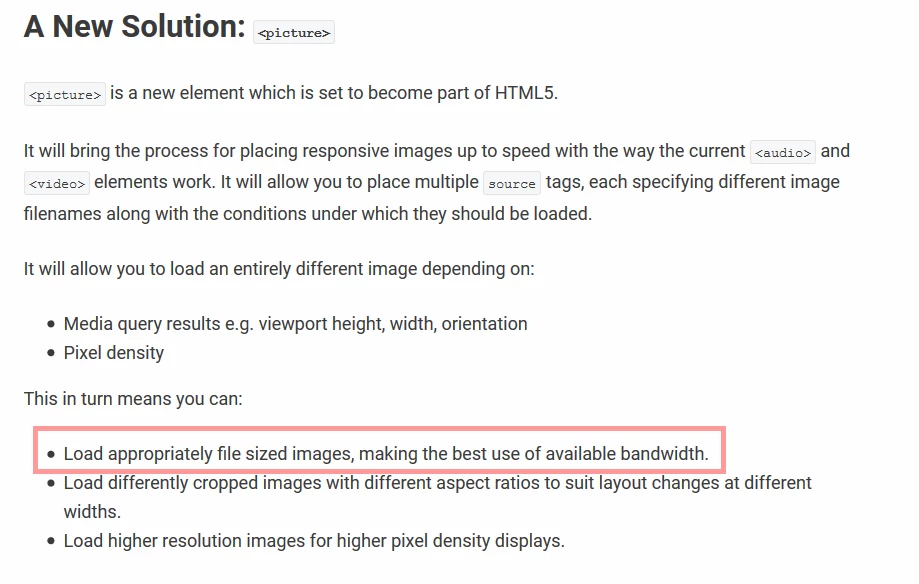
For a particular image, you define multiple tags. Each tag will have device width + image source url

When page load on a device, based on a device width browser will pick on correct url and load only that image

9 replies

edubey
edubeyAccepted solution
New Participant
January 20, 2018

Not sure if you have read the linked article completely,

For a particular image, you define multiple tags. Each tag will have device width + image source url

When page load on a device, based on a device width browser will pick on correct url and load only that image

New Participant
January 20, 2018

Hi ,

MY page contains nearly 10 image section, for each if  I use the <picture> load time of my page will be slow.

Is there any other resolution

edubey
New Participant
January 19, 2018

If you can supply the image url in source tag for renditions,
HTML + Browser will do rest of the work for you

Refer: https://webdesign.tutsplus.com/tutorials/quick-tip-how-to-use-html5-picture-for-responsive-images--cms-21015

Nancy_OShea
New Participant
January 18, 2018

I think you are in the wrong forum.  Which Adobe product are you using?  I can branch and move this question the correct forum for you.

Nancy

New Participant
January 18, 2018

Hi,

Do any one having idea on writing servlet/service to pick up rendition image directly based on screen resolution.

Nancy_OShea
New Participant
January 2, 2018

Run your site URL through Google PageSpeed Insights.

https://developers.google.com/speed/pagespeed/insights/

Image optimization is the only thing we have direct control over.  The rest is maintained by Adobe Portfolio and thus out of our hands.

Nancy

New Participant
January 2, 2018

Is there any other way to get fast response

Nancy_OShea
New Participant
January 1, 2018

Also see this related discussion for tips on how to reduce image file size.

DPI/PPI of my images?

Nancy_OShea
New Participant
January 1, 2018

I keep all my cover images well below 100 kb to promote a faster loading page.   With multiple projects, the combined filesize can make a big difference.