In template how to create 3 column layout | Community
Skip to main content
New Participant
September 19, 2020
Solved

In template how to create 3 column layout

  • September 19, 2020
  • 3 replies
  • 3036 views

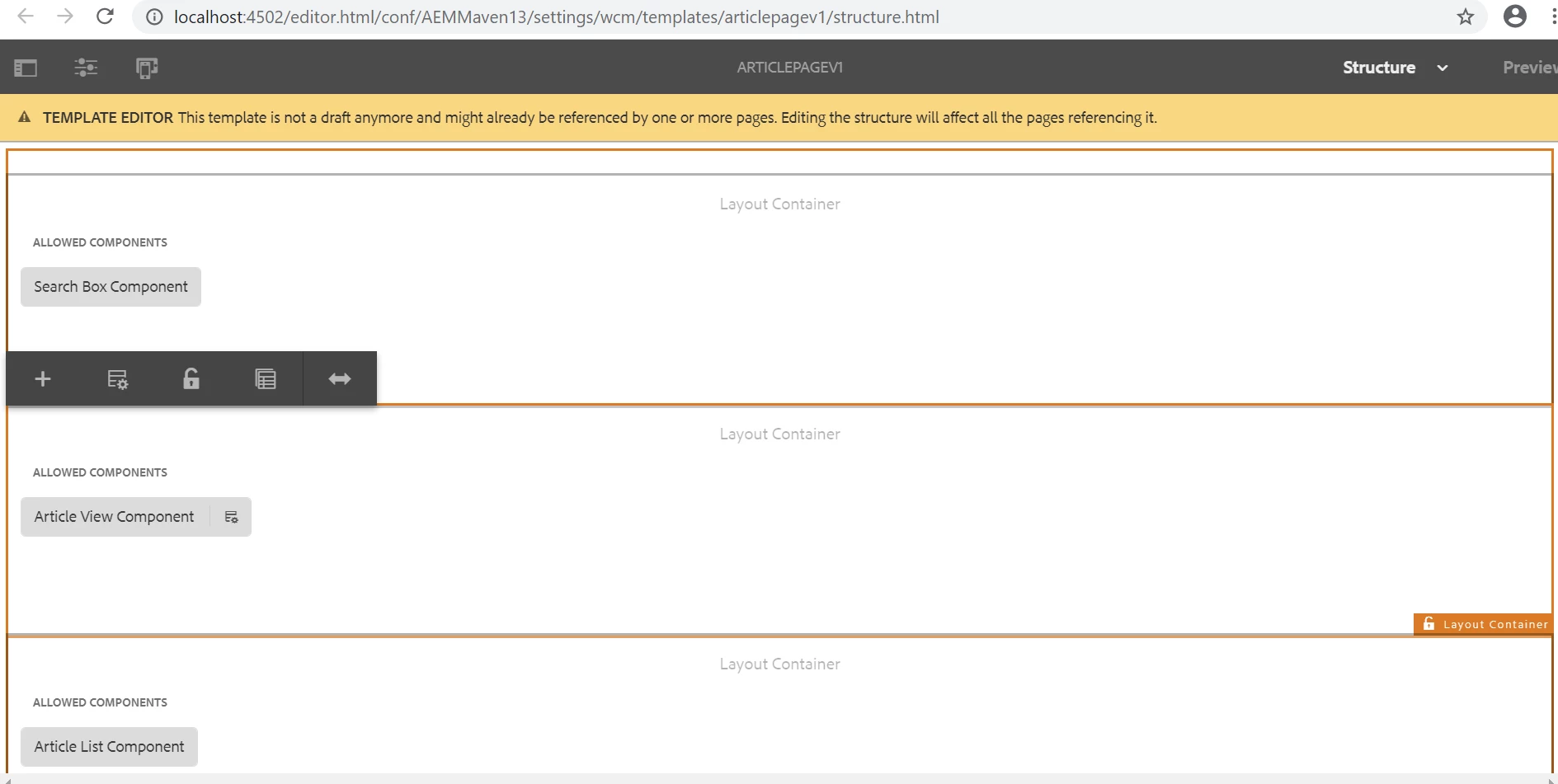
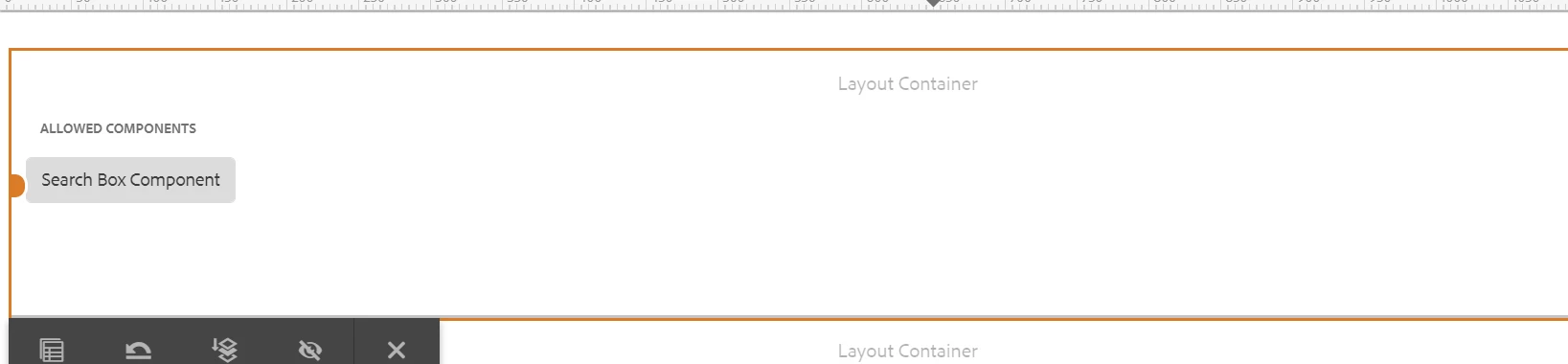
Hi I have 3 components and I want to add them all in thee columns in a page. But when I do drag the layout frame left or right it again takes the full page.  Layout frame is not remain in same position.


This post is no longer active and is closed to new replies. Need help? Start a new post to ask your question.
Best answer by raj_mandalapu

Resizing won't work by default, you need to add grid.less file in your client library.

Can you please try by placing below script. 

@15844621 "/etc/clientlibs/wcm/foundation/grid/grid_base.less"; /* maximum amount of grid cells to be provided */ @max_col: 12; @grid-gutter-width: 24px; /* default breakpoint */ .aem-Grid { .generate-grid(default, @518014_col); width: auto; } /* phone breakpoint */ @media (max-width: 650px) { .aem-Grid { .generate-grid(phone, @518014_col); } } /* tablet breakpoint */ @media (min-width: 651px) and (max-width: 1200px) { .aem-Grid { .generate-grid(tablet, @518014_col); } } .aem-GridColumn { padding: 0 @2321967-gutter-width/2; } /* TODO: find a better place for this */ /* additional styling for components in grid */ .aem-GridColumn.text.parbase p { *padding: 0 20px; text-align: justify; }
 

3 replies

raj_mandalapu
raj_mandalapuAccepted solution
New Participant
September 20, 2020

Resizing won't work by default, you need to add grid.less file in your client library.

Can you please try by placing below script. 

@15844621 "/etc/clientlibs/wcm/foundation/grid/grid_base.less"; /* maximum amount of grid cells to be provided */ @max_col: 12; @grid-gutter-width: 24px; /* default breakpoint */ .aem-Grid { .generate-grid(default, @518014_col); width: auto; } /* phone breakpoint */ @media (max-width: 650px) { .aem-Grid { .generate-grid(phone, @518014_col); } } /* tablet breakpoint */ @media (min-width: 651px) and (max-width: 1200px) { .aem-Grid { .generate-grid(tablet, @518014_col); } } .aem-GridColumn { padding: 0 @2321967-gutter-width/2; } /* TODO: find a better place for this */ /* additional styling for components in grid */ .aem-GridColumn.text.parbase p { *padding: 0 20px; text-align: justify; }
 

arunpatidar
New Participant
September 20, 2020

What version of core components are you using?

Arun Patidar
sagrawalAuthor
New Participant
September 20, 2020
I am using 6.4 version.
Nikhil-Kumar
New Participant
September 19, 2020

@sagrawal 


Which versoin of AEM are you using ?
Try verifying the below configuration of Clientlib required to make this happen:
https://docs.adobe.com/content/help/en/experience-manager-64/administering/operations/configuring-responsive-layout.html


Let me know if it doesn't work, faced and resolved it some days back.
Thanks,
Nikhil

sagrawalAuthor
New Participant
September 19, 2020
i am using 6.4