Insert text field component in HTML | Community
Skip to main content
New Participant
November 18, 2022
Solved

Insert text field component in HTML

  • November 18, 2022
  • 1 reply
  • 1361 views

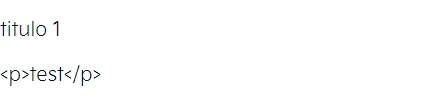
I created a component that uses text fields, but adding them gives me <p> tags, for example
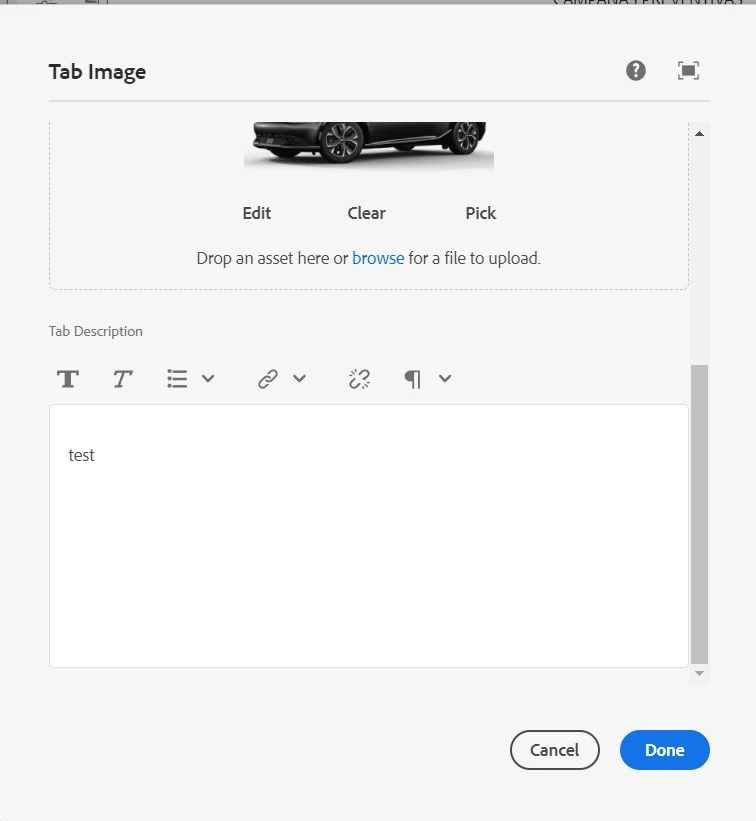
Can someone help me to get the text right?

This post is no longer active and is closed to new replies. Need help? Start a new post to ask your question.
Best answer by SantoshSai

@jeremy_josueba Use @ context='html'in your HTL

eg.

 ${model.text @ context='html'}


1 reply

SantoshSai
New Participant
November 18, 2022

Hi @jeremy_josueba ,

I am assuming that you are referring to those <p> which are generated when you type something in RTE and view source edit.

The default behaviour of AEM generates those <p> tags and can only be removed if you author only one paragraph by adding property removeSingleParagraphContainer

For more details please refer this article [0].

[0]: https://sourcedcode.com/blog/aem/aem-richtext-remove-p-tag-removesingleparagraphcontainer-for-touch-ui

Hope that helps!

Regards,

Santosh

Santosh Sai
New Participant
November 18, 2022

Now it stay like this

i need only show the text, in this case "descrption", not "<p>description</p>

SantoshSai
SantoshSaiAccepted solution
New Participant
November 18, 2022

@jeremy_josueba Use @ context='html'in your HTL

eg.

 ${model.text @ context='html'}


Santosh Sai