Installing AEM 1.8 for macOS(10.12) | Community
Skip to main content
New Participant
Mar 20, 2018 8:01 PM UTC
Solved

Installing AEM 1.8 for macOS(10.12)

Hi, I'm just getting started and trying get it setup with

Direct Download | Adobe Experience Manager Desktop

and following this

Adobe Experience Manager Desktop App

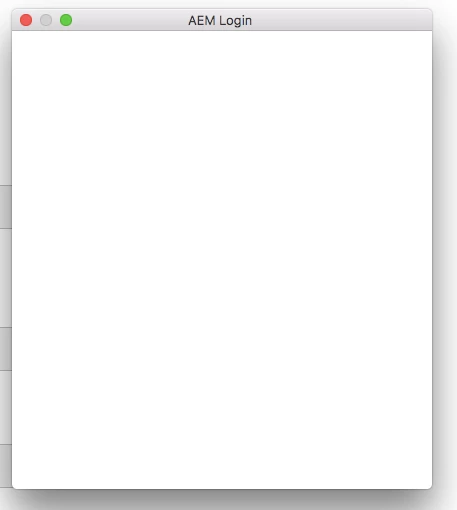
I'm installing it on macOS (10.12). I should see the login screen for username and pass, but i just get this after "Mount AEM assets". This happens even if I set my default browser to Firefox, Safari, or Chrome (after quiting AEM Desktop app and reopening of course).

This post is no longer active and is closed to new replies. Need help? Start a new post to ask your question.
kautuk_sahni
kautuk_sahniAccepted solution
Employee
Mar 22, 2018 5:00 AM UTC

Reply from engineering:

This can happen if the targeted AEM instance is not running or cannot be reached from the computer running the Desktop Application. This can also happen if the target is not entered into preferences correctly.

-Kautuk

Kautuk Sahni

5 replies

kautuk_sahni
kautuk_sahniAccepted solution
Employee
Mar 22, 2018 5:00 AM UTC

Reply from engineering:

This can happen if the targeted AEM instance is not running or cannot be reached from the computer running the Desktop Application. This can also happen if the target is not entered into preferences correctly.

-Kautuk

Translate
Kautuk Sahni
Employee
Mar 21, 2018 5:57 PM UTC

Can you paste a screenshot of your Desktop App preferences?

This can happen if the URL is not set properly. If the advanced radio button is checked in Preferences, it uses the loginURL otherwise AEM Assets URL. Make sure the URL's are reachable from your browser too

Translate
New Participant
Mar 21, 2018 4:17 PM UTC

i can't. it's greyed out

Translate
Employee
Mar 21, 2018 4:13 PM UTC

Hey Mike,

Can you check the logs by going to Advanced > Show logs and share the logs if possible ?

Translate
kautuk_sahni
Employee
Mar 21, 2018 10:10 AM UTC

Checking internally!

Translate
Kautuk Sahni