Issue with AEM Headless GraphQL Query: Traversal Query Without Index Error | Community
Skip to main content
New Participant
January 23, 2024
Solved

Issue with AEM Headless GraphQL Query: Traversal Query Without Index Error

  • January 23, 2024
  • 3 replies
  • 2202 views

Everything was functioning correctly with my AEM Headless setup until I restarted my Mac. Post-restart, I've been facing an error when executing a GraphQL query. It is an AEM Headless project, using content fragments and graphql. The error message is:


[AEMHeadless:RESPONSE_ERROR] There was a problem parsing response data: Exception while fetching data: java.lang.IllegalArgumentException: Traversal query (query without index)...; consider creating an index.


Full:

"sdk":"AEMHeadless","sdkDetails":{"serviceURL":"/","endpoint":"graphql/execute.json/my-project/tests-all%3Bformat%3DJPG%3BpreferWebp%3Dtrue%3Bsize%3D%5Bobject%20Object%5D"},"code":"RESPONSE_ERROR","message":"[AEMHeadless:RESPONSE_ERROR] There was a problem parsing response data: Exception while fetching data (/testList) : java.lang.IllegalArgumentException: Traversal query (query without index): SELECT main.* FROM [dam:Asset] AS main WHERE ISDESCENDANTNODE(main, '/content/dam') AND main.[jcr:content/contentFragment] = true AND main.[jcr:content/data/cq:model] = '/conf/my-project/settings/dam/cfm/models/test' ORDER BY main.[jcr:path] OPTION (INDEX TAG[fragments], TRAVERSAL FAIL); called by com.adobe.cq.dam.cfm.graphql.ContentFragmentsFetcher.fetchResource; consider creating an index.","stacktrace":"AEMHeadlessError: [AEMHeadless:RESPONSE_ERROR] There was a problem parsing response data: Exception while fetching data (/testList) : java.lang.IllegalArgumentException: Traversal query (query without index): SELECT main.* FROM [dam:Asset] AS main WHERE ISDESCENDANTNODE(main, '/content/dam') AND main.[jcr:content/contentFragment] = true AND main.[jcr:content/data/cq:model] = '/conf/my-project/settings/dam/cfm/models/test' ORDER BY main.[jcr:path] OPTION (INDEX TAG[fragments], TRAVERSAL FAIL); called by com.adobe.cq.dam.cfm.graphql.ContentFragmentsFetcher.fetchResource; consider creating an index.\n at new <anonymous> (http://localhost:3000/static/js/bundle.js:3387:9)\n at AEMHeadless.__handleRequest (http://localhost:3000/static/js/bundle.js:2780:13)\n at async fetchPersistedQuery (http://localhost:3000/static/js/bundle.js:461:22)\n at async fetchData (http://localhost:3000/static/js/bundle.js:558:20)"


I get 0% read optimization for my queries here: http://localhost:4502/libs/granite/operations/content/diagnosistools/queryPerformance.html
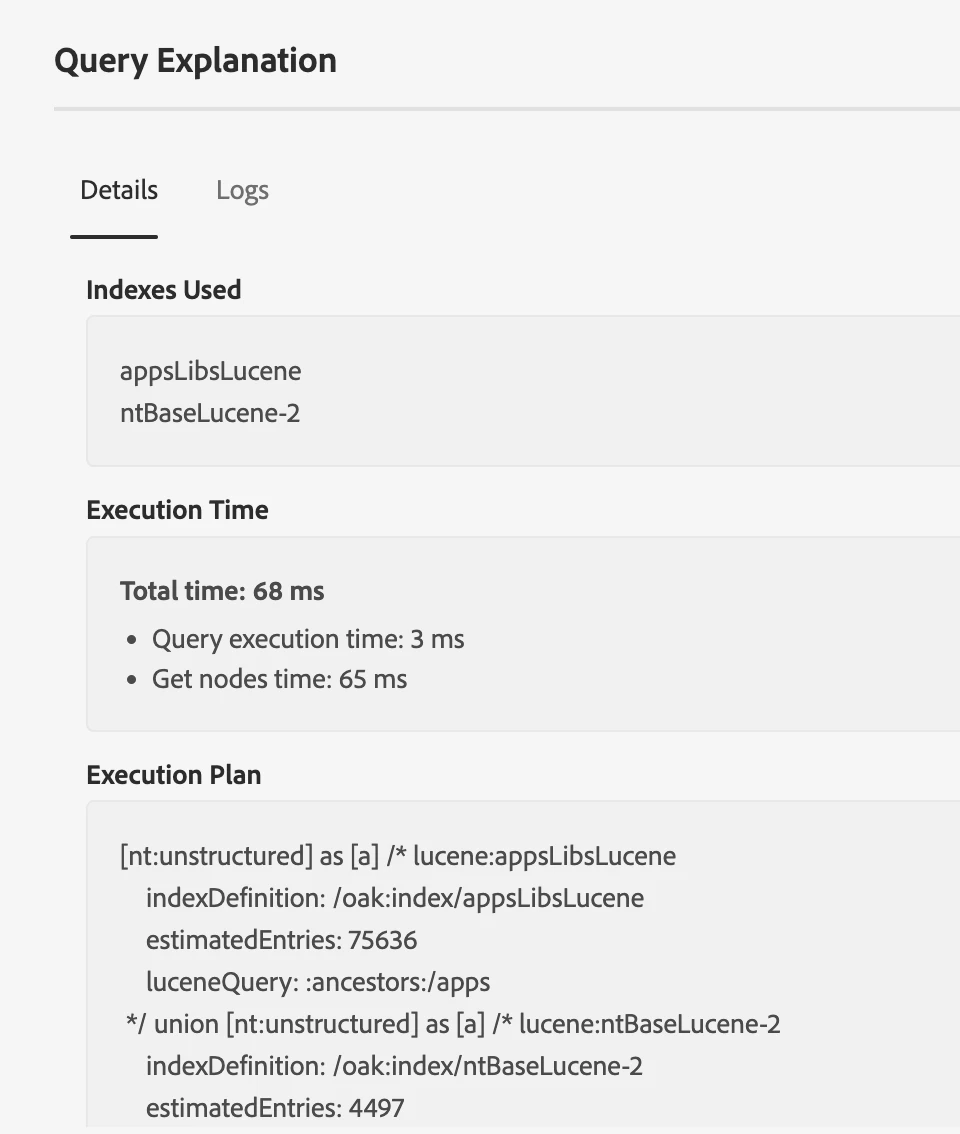
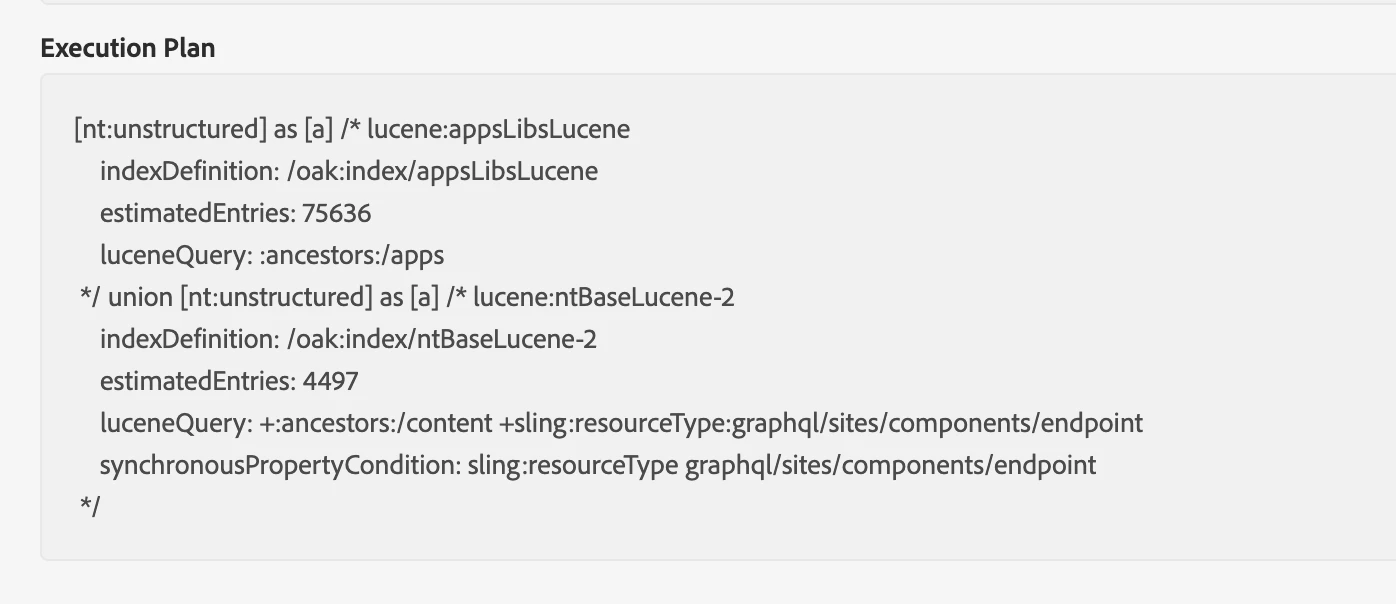


Does someone have a solution? Or something I can try? 

This post is no longer active and is closed to new replies. Need help? Start a new post to ask your question.
Best answer by narendragandhi

Hi @mosa1 


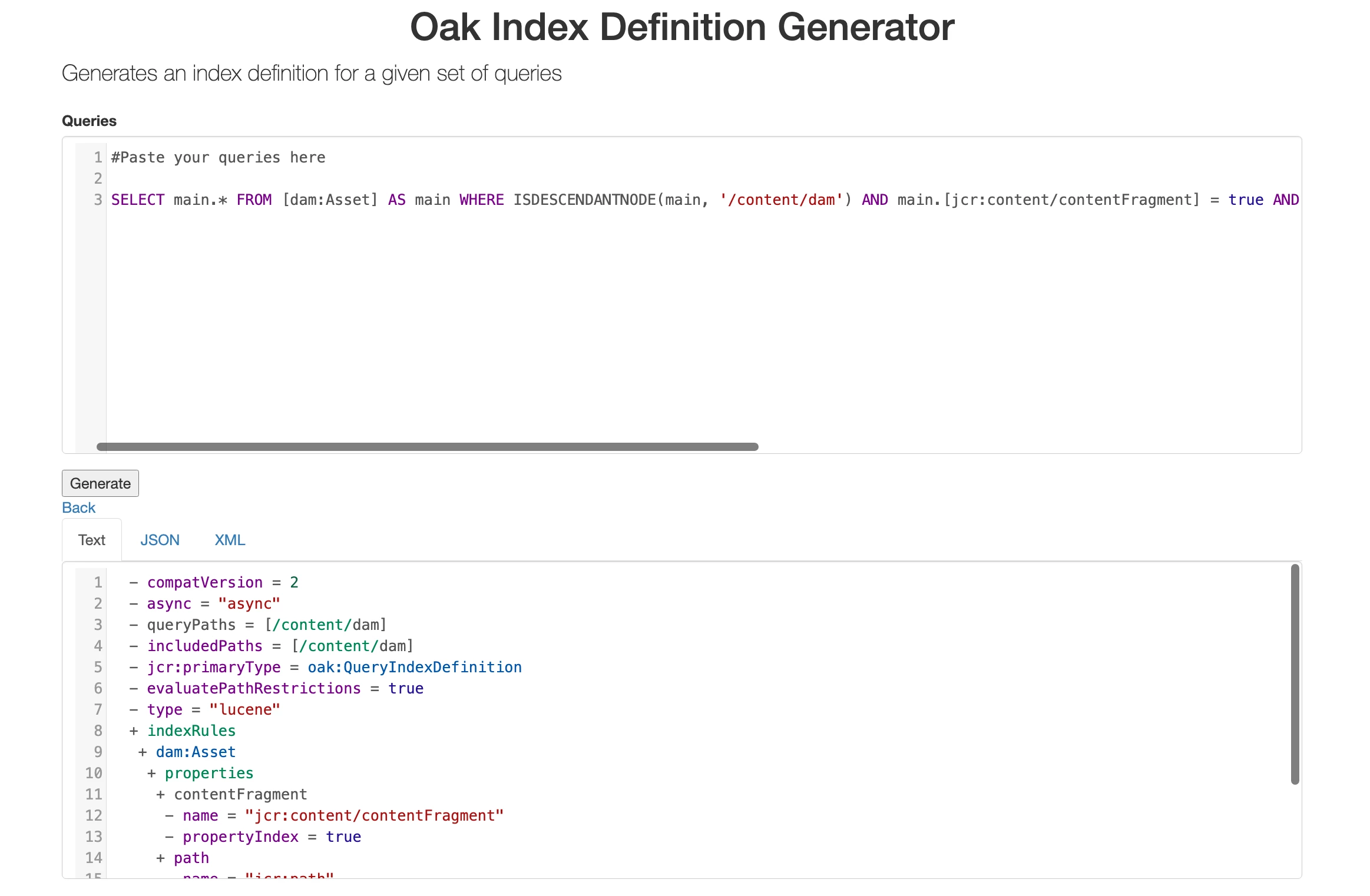
You can use this link to generate index definition by providing your query - https://oakutils.appspot.com/generate/index


Since the actual content exists under /content/dam I think the queryPaths should point to it.


Thanks

Narendra


3 replies

kautuk_sahni
Employee
January 29, 2024

@mosa1 Did you find the suggestions from users helpful? Please let us know if more information is required. Otherwise, please mark the answer as correct for posterity. If you have found out solution yourself, please share it with the community.

Kautuk Sahni
Raja_Reddy
New Participant
January 24, 2024

Hi @mosa1 
Please try  this way

1.In the CRX DE Lite interface, navigate to the "Indexing" tab.
2.Create a New Index:

3.Create a new index by clicking the "+" icon or selecting the "New" option.
4.Choose the type of index based on your requirements. For example, you might want to create a Traversal Index.
5.Configure the index parameters, including the name and properties.
Specify Indexing Configuration:

6.Make sure to configure the index based on the traversal query causing the issue.
In your case, the traversal query is looking for assets with specific properties, such as jcr:content/contentFragment and jcr:content/data/cq:model. Ensure that the index configuration includes these properties.
7.Save and Activate:

8.Save the index configuration.
9.Activate the index to make it available for use.
10.Check Query Performance:

After creating the index, revisit the query performance tool at http://localhost:4502/libs/granite/operations/content/diagnosistools/queryPerformance.html.
Confirm that the index is being used and that you see improved read optimization for your queries.

MoSa1Author
New Participant
January 24, 2024

Thank you I appreciate the instructions. Currently do not see an "indexing tab", I thought the process to create an index was to create one under oak:index? 

narendragandhi
narendragandhiAccepted solution
New Participant
January 24, 2024

Hi @mosa1 


You can use this link to generate index definition by providing your query - https://oakutils.appspot.com/generate/index


Since the actual content exists under /content/dam I think the queryPaths should point to it.


Thanks

Narendra


EstebanBustamante
New Participant
January 23, 2024
Esteban Bustamante
MoSa1Author
New Participant
January 23, 2024


Thanks, right I see the queryPaths here is the whole conf path which may cause issues?
Do you have advice in terms of creating indexes? Should the path itself be to my content fragment assets or rather to the graphql itself, or should we be including both?