JavaScript code fix using AEM Page Property | Community
Skip to main content
Level 4
Aug 14, 2020 5:14 PM UTC
Solved

JavaScript code fix using AEM Page Property

HI,


I have a situation where is there a CSS/JS which is causing multiple components in several pages visual disruption. We have a JS fix for that as interim solution which we can add in AEM Page property under "JS/CSS" section. That fixes the issue in the page.

We can not go for release now and that is why trying to fix using page prop as interim solution.


Question is: Is there anyway to propagate this JS fix from parent page's page prop to child pages..? Otherwise we have to manually add that piece of JS code in each of the pages which is almost like 300 pages..!!

This post is no longer active and is closed to new replies. Need help? Start a new post to ask your question.
ChitraMadan
ChitraMadanAccepted solution
New Participant
Aug 14, 2020 9:21 PM UTC

Hi @mayukh007,


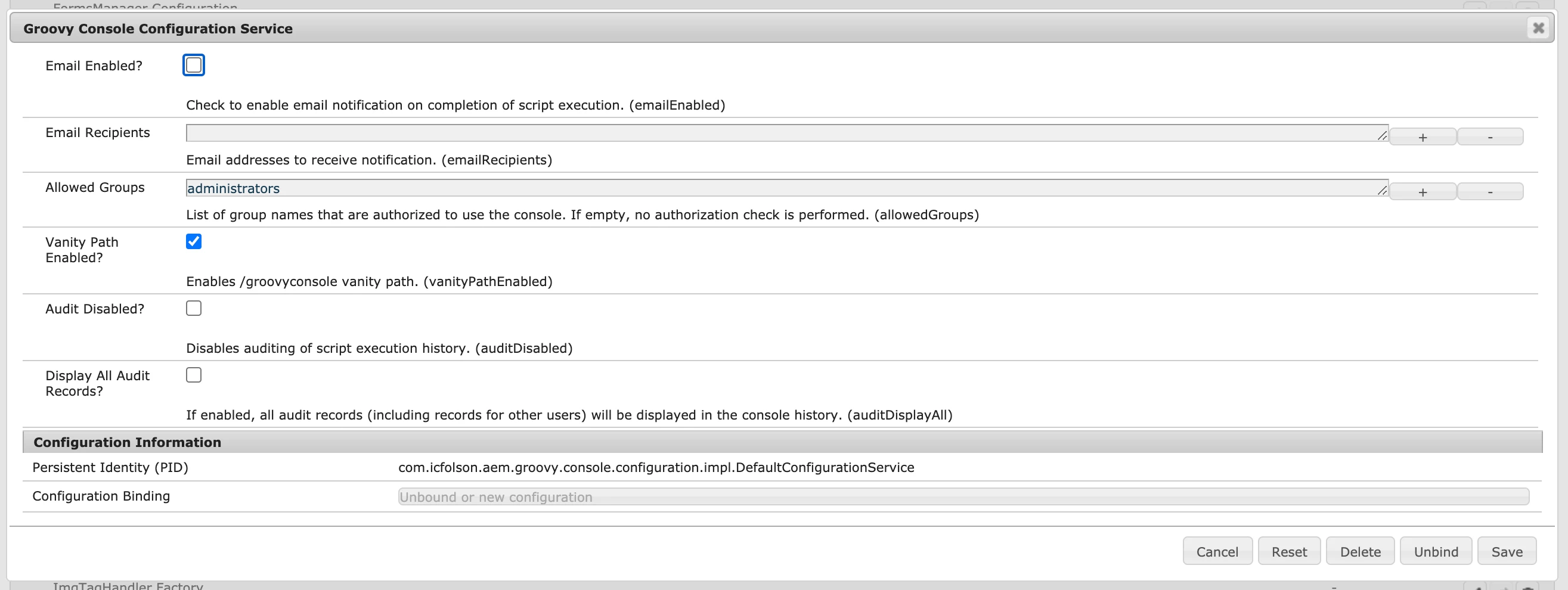
You can run the groovy script to add the required page property in the 300 child pages.


Please find below the steps:

  • Now go to http://localhost:4502/groovyconsole and write script something similar to this.
  • def path = "/content/whatever/parentpage";

    getPage(path).recurse { page ->

    def jcrContentNode = page.node;
    jcrContentNode.setProperty("newProperty" , "value");
    println("Property Added!!" + page.getPath())
    } 
    save();

  • There are 2 approaches for doing this, which you will have to decide:
  • You can either bring the content which needs to be updated in lower environment, run the script and then upload to production
  • Or You can directly run the groovy script on production author, make sure to take its back up for worst case scenario
This approach will take care of your existing pages and adding property in template will help for the newly created pages as suggested by other replies.

9 replies

arunpatidar
New Participant
Aug 16, 2020 1:37 PM UTC

You can use context aware configuration to achieve propagation of parent property to children pages

https://sling.apache.org/documentation/bundles/context-aware-configuration/context-aware-configuration.html

Translate
Arun Patidar
Mayukh007Author
Level 4
Aug 16, 2020 11:53 PM UTC
Thank you..will try that
Translate
BrianKasingli
New Participant
Aug 15, 2020 3:27 PM UTC

@mayukh007,

You can have all your child pages inherit the page property from the parent page. From Sightly HTL, you can use the "inheritedPageProperties" helper.


<script data-sly-test="${inheritedPageProperties.jsConfigPath}" src="${inheritedPageProperties.jsConfigPath}"></script>


When you apply this script into the basepage.html, all children pages should be able to pick up the JavaScript config path as expected. 

Translate
ChitraMadan
ChitraMadanAccepted solution
New Participant
Aug 14, 2020 9:21 PM UTC

Hi @mayukh007,


You can run the groovy script to add the required page property in the 300 child pages.


Please find below the steps:

  • Now go to http://localhost:4502/groovyconsole and write script something similar to this.
  • def path = "/content/whatever/parentpage";

    getPage(path).recurse { page ->

    def jcrContentNode = page.node;
    jcrContentNode.setProperty("newProperty" , "value");
    println("Property Added!!" + page.getPath())
    } 
    save();

  • There are 2 approaches for doing this, which you will have to decide:
  • You can either bring the content which needs to be updated in lower environment, run the script and then upload to production
  • Or You can directly run the groovy script on production author, make sure to take its back up for worst case scenario
This approach will take care of your existing pages and adding property in template will help for the newly created pages as suggested by other replies.
Translate
Mayukh007Author
Level 4
Aug 14, 2020 9:26 PM UTC
Thank you for the suggestion....will try that one..
Translate
sunjot16
Employee
Aug 14, 2020 8:50 PM UTC

Make the necessary change(s) in the template(s) that are used to create those pages. That would fix the JS/CSS errors on all the pages that are created using that template.


I hope it helps !! 🙂

Translate
Mayukh007Author
Level 4
Aug 14, 2020 8:58 PM UTC
Thank you Sunjot..will try that...
Translate
Varun_Shakya
New Participant
Aug 14, 2020 5:36 PM UTC

Try adding the fix at template level. This might solve the issue for most of the pages.

Translate
Mayukh007Author
Level 4
Aug 14, 2020 8:59 PM UTC
Thank you Varun..will try that...
Translate