Lazy Loading of Images in AEM | Community
Skip to main content
New Participant
Jan 28, 2019 2:50 PM UTC
Solved

Lazy Loading of Images in AEM

Hello People,
Wanted to know if there is any implementation of Lazy loading specifically for images in AEM with no libraries. Any leads would be appreciated. 

Thanks,
Sesha Sai

This post is no longer active and is closed to new replies. Need help? Start a new post to ask your question.
Vaibhavi_J
Vaibhavi_JAccepted solution
Level 7
Jul 26, 2019 9:05 AM UTC

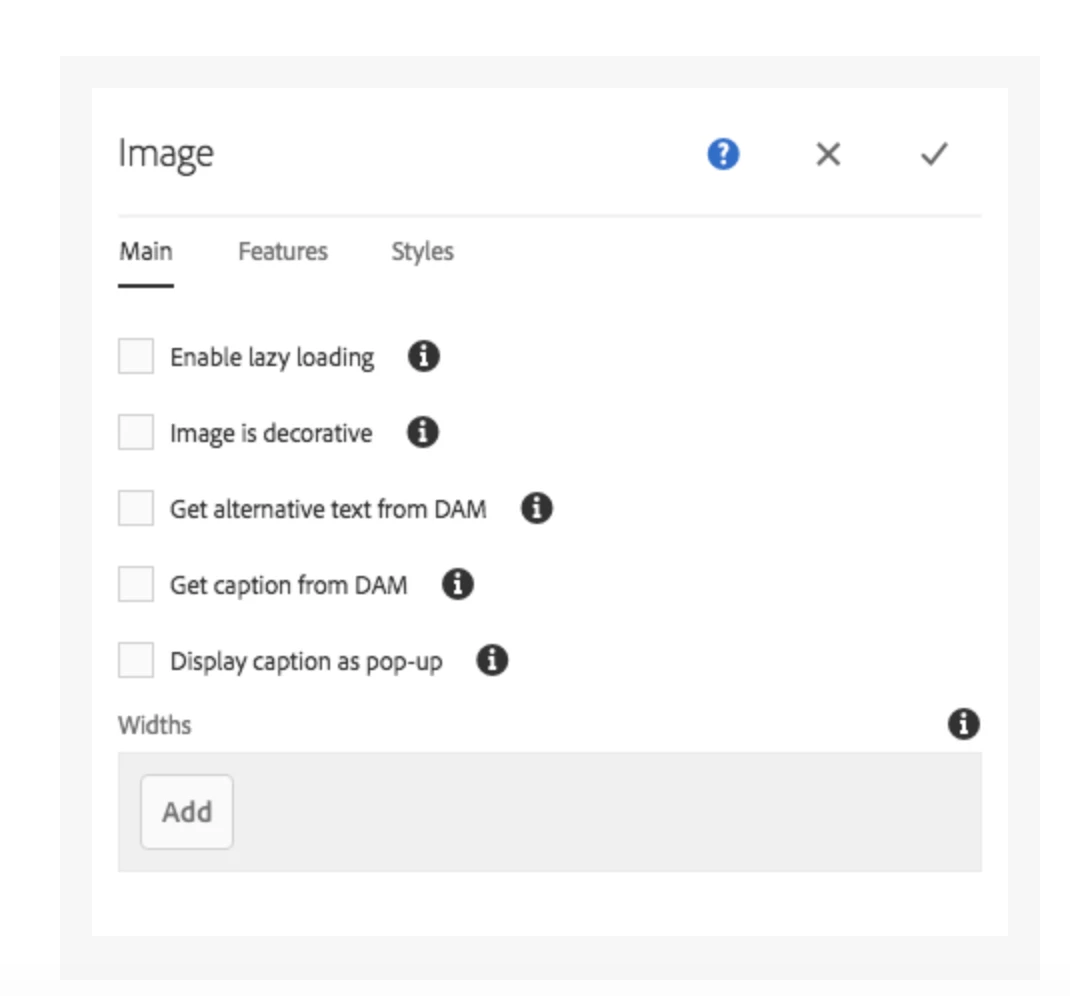
This feature is available in aem 6.4. OOTB image component has an option choose lazy loading of the images.

Refernce link to configure the lazy loading:  Configuring Components in Design Mode

Thanks,

Vaibhavi

8 replies

Vaibhavi_J
Vaibhavi_JAccepted solution
Level 7
Jul 26, 2019 9:05 AM UTC

This feature is available in aem 6.4. OOTB image component has an option choose lazy loading of the images.

Refernce link to configure the lazy loading:  Configuring Components in Design Mode

Thanks,

Vaibhavi

Translate
chintan97
Level 2
Mar 3, 2020 4:38 PM UTC
I am facing an issue when I enable lazy loading. The images get disappeared as soon as I enable lazy loading. The problem also occurs when I try configuring widths of images from the option given below the 'Display caption as pop-up'. I am using AEM 6.5.
Translate
Gaurav-Behl
Level 10
Jan 28, 2019 3:14 PM UTC

You would definitely need to use custom libraries (jquery or others) for same, however, you could convert the normal images to PWA-ready images using DAM Asset Update Workflow.

Refer to link for command to configure in workflow -  Generate progressive image with imagemagick in AEM http://430014083@stash.genworth.net/scm/aem/aem-redirect-rules.git

Translate
smacdonald2008
Level 10
Jan 28, 2019 2:54 PM UTC

OOTB - there is no feature like this. When you use an image component - the images are loaded immediately.

Translate