Lock AEM Components | Community
Skip to main content
New Participant
January 31, 2023
Solved

Lock AEM Components

  • January 31, 2023
  • 5 replies
  • 1939 views

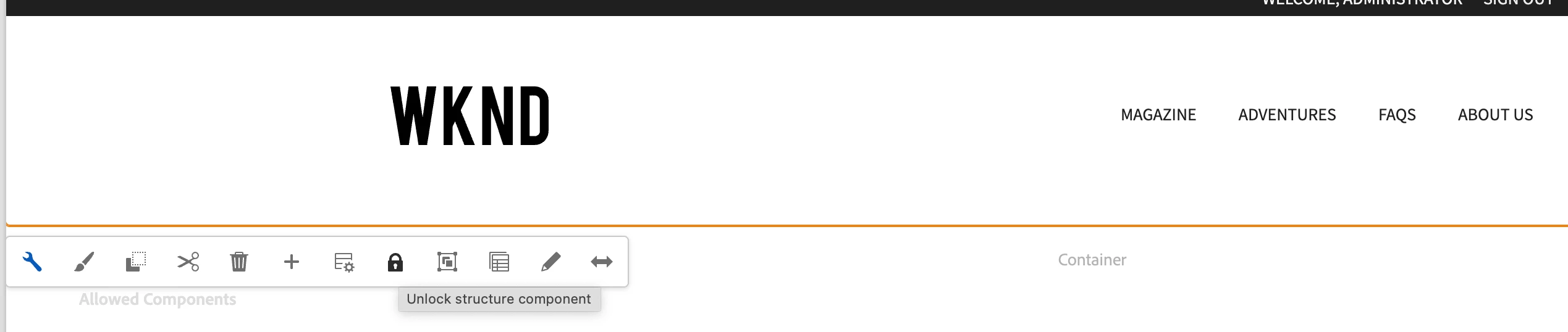
currently we have option to lock and unlock AEM Pages, like that do we have any option available to lock and unlock AEM components?

This post is no longer active and is closed to new replies. Need help? Start a new post to ask your question.
Best answer by Kiran_Vedantam

Hi @sathishtb1 


You can do it at the template level


Hope it helps!

Thanks,
Kiran Vedantam

5 replies

Manu_Mathew_
New Participant
February 1, 2023

@sathishtb1 You could try using ACLs to control permissions to components using useradmin console.

ref. https://experienceleaguecommunities.adobe.com/t5/adobe-experience-manager/user-access-based-on-components-in-aem-page/m-p/250003


Kiran_Vedantam
Kiran_VedantamAccepted solution
New Participant
January 31, 2023

Hi @sathishtb1 


You can do it at the template level


Hope it helps!

Thanks,
Kiran Vedantam

VeenaVikraman
New Participant
January 31, 2023

So is it like you have few authors who should be allowed to edit a few components and rest few should not ?

New Participant
February 1, 2023

yes

New Participant
January 31, 2023

What would be use case when you want unlock/lock a components , either you can use allow/disallow certain components via Template Editor.

To answer your question currently there are no OOTB functionality to support your requirement

New Participant
January 31, 2023

Need to lock the component, as other user is not allowed to edit the component.

Jagadeesh_Prakash
New Participant
January 31, 2023

@sathishtb1  i dont think we have any OOTB feature of lock and unlock the component. But you can place a container in template and use the lock and unlock feature for a layout container