No "Drag Components here" in template edit | Community
Skip to main content
New Participant
April 10, 2018
Solved

No "Drag Components here" in template edit

  • April 10, 2018
  • 4 replies
  • 2326 views

Hi,

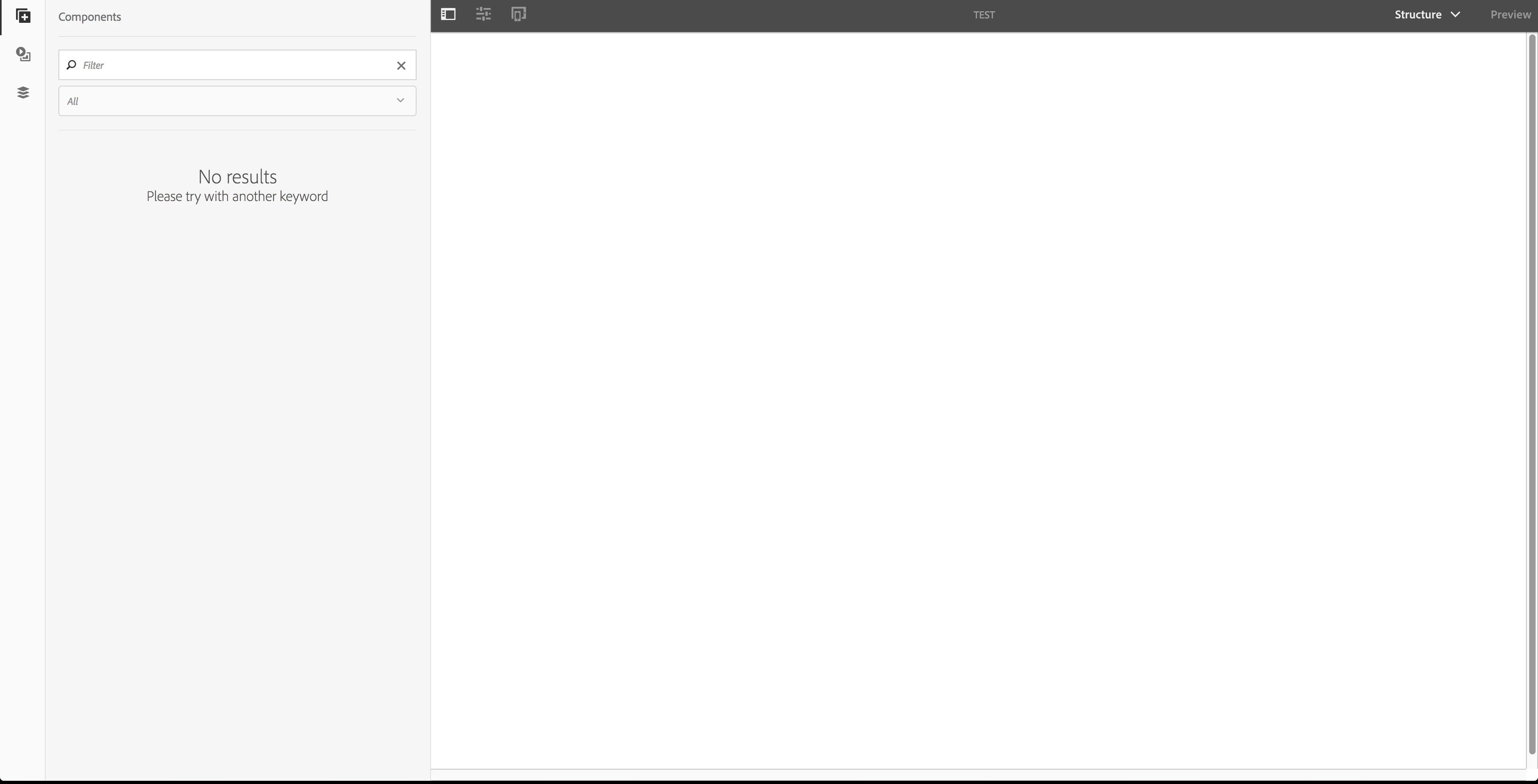
I have the quickstart jar for AEM 6.3 and I'm going through the WKND tutorial. I'm at part 2 and under the heading "Create our first page". When I create a template from the empty page template there are no "Drag components here", so I can't continue with the tutorial? It says to mark the root layout container (which I do not have) and edit its policies.

Have anyone else encountered this problem?
Regards,

/Robert

This post is no longer active and is closed to new replies. Need help? Start a new post to ask your question.
Best answer by roberts80774429

This was due to missing the patches to AEM 6.3. Installing SP2 fixed it.

4 replies

New Participant
July 17, 2021

@roberts80774429 I am facing same issue in 6.4 have got solution for this at that time?

 
roberts80774429AuthorAccepted solution
New Participant
April 11, 2018

This was due to missing the patches to AEM 6.3. Installing SP2 fixed it.

New Participant
April 10, 2018

Hi Ratna,

Yes I have done all the steps in the tutorial. I have also cloned the finished repository from github:

Releases · Adobe-Marketing-Cloud/aem-guides-wknd · GitHub

And I have the same problem with that.

Regards,

/Robert

Ratna_Kumar
New Participant
April 10, 2018

Hi Robert,

Have you followed the exact steps that described in the article.

I have done this before but I didn't faced this issue.

I will again look into it and get back to you with my findings!!

Thanks,

Ratna.