Not able get drag component option | Community
Skip to main content
New Participant
August 2, 2023

Not able get drag component option

  • August 2, 2023
  • 3 replies
  • 1433 views

Hi Team,

In one of our editable template we are not getting the neither the layout container nor getting any option to drag components. I have checked to compare with the other templates which is working fine but not able to get the cause of the issue

Could anyone please help 
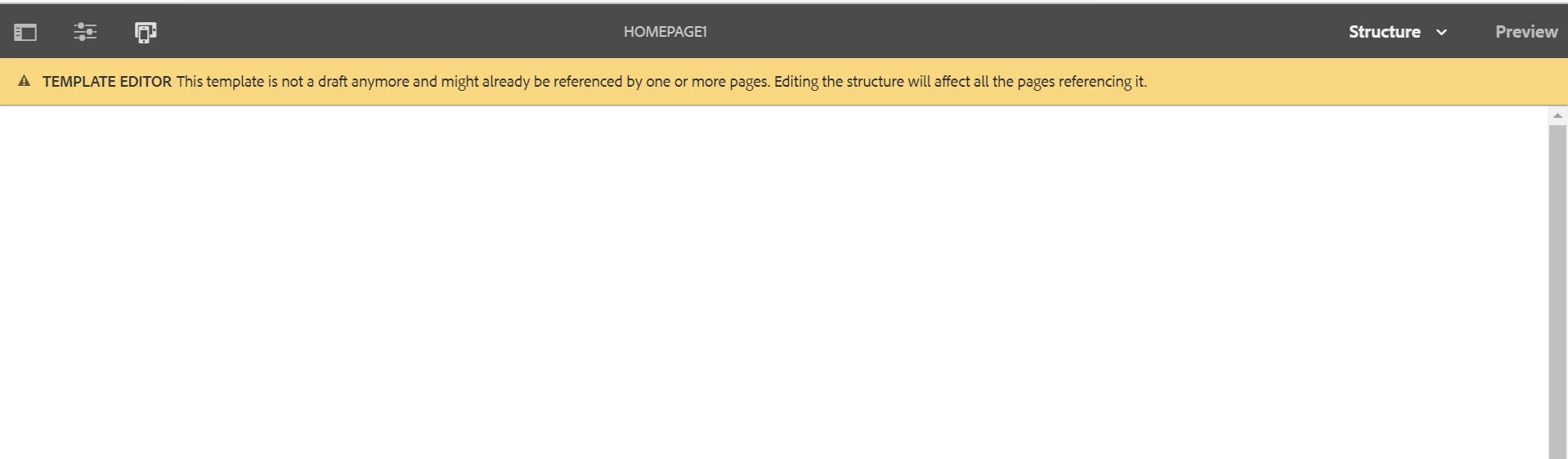
You can see nothing is showing in the template.

This post is no longer active and is closed to new replies. Need help? Start a new post to ask your question.

3 replies

EstebanBustamante
New Participant
August 2, 2023

Can you check if there are any issues in the browser console? Usually, this behavior is due to some JS is not fully executed. 

Esteban Bustamante
skumariAuthor
New Participant
August 2, 2023

Hi @estebanbustamante 

Yeah when loading the page used by the editable template getting js error in console.

EstebanBustamante
New Participant
August 2, 2023

That maybe the reason why the template is not working, Can you post which error are you seeing? 

Esteban Bustamante
aanchal-sikka
New Participant
August 2, 2023

hello @skumari 


It would be difficult to debug, without looking at the structure and policy in details.


I would suggest to duplicate a working template, remove whats not needed, and append whats needed. It should be much easier than debugging without a live session

Aanchal Sikka
santhosh_kumark
New Participant
August 2, 2023

Hi @skumari 


Is it working for initial?
Can you verify the sling:resourceType of structure is mapping to page component.

You can refer https://experienceleaguecommunities.adobe.com/t5/adobe-experience-manager/not-seeing-layout-container-in-quot-spa-root-quot-oob-template/m-p/396081/highlight/true#M10005

skumariAuthor
New Participant
August 2, 2023

Hi @santhosh_kumark 

This is my node structure for template in side conf folder