Not able to build AEM project in local because of below error | Community
Skip to main content
This post is no longer active and is closed to new replies. Need help? Start a new post to ask your question.
Best answer by bagwanpankaj

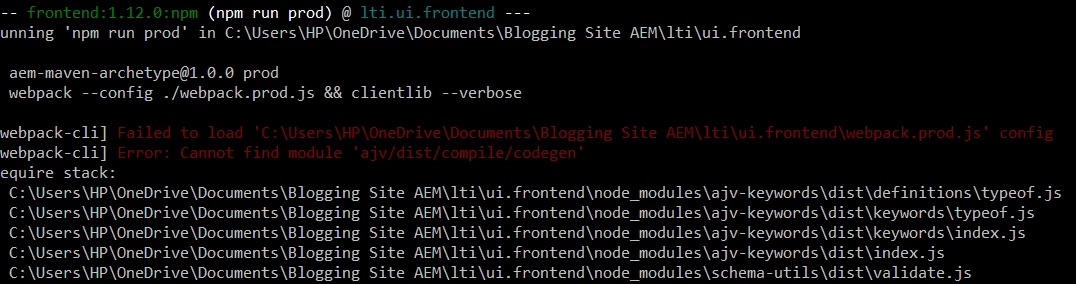
Change directory to ui.frontend folder and run following command to make sure all node dependencies are installed and there are no error

npm install


There are also direct package.json script. It should be 

npm run dev


3 replies

bagwanpankajAccepted solution
New Participant
July 27, 2023

Change directory to ui.frontend folder and run following command to make sure all node dependencies are installed and there are no error

npm install


There are also direct package.json script. It should be 

npm run dev


Sachin_Arora_
New Participant
July 27, 2023

I see you are using onedrive directory. Sometime onedrive takes time to sync files and it causes issue. Can you please try outside onedrive folder like C or D Drive and see if same behavior is observed? 

EstebanBustamante
New Participant
July 26, 2023

Did you try to run "npm install" in the ui.frontEnd module firstly? Also, can you verify that you are using the node & npm versions the project you are running support?

Esteban Bustamante