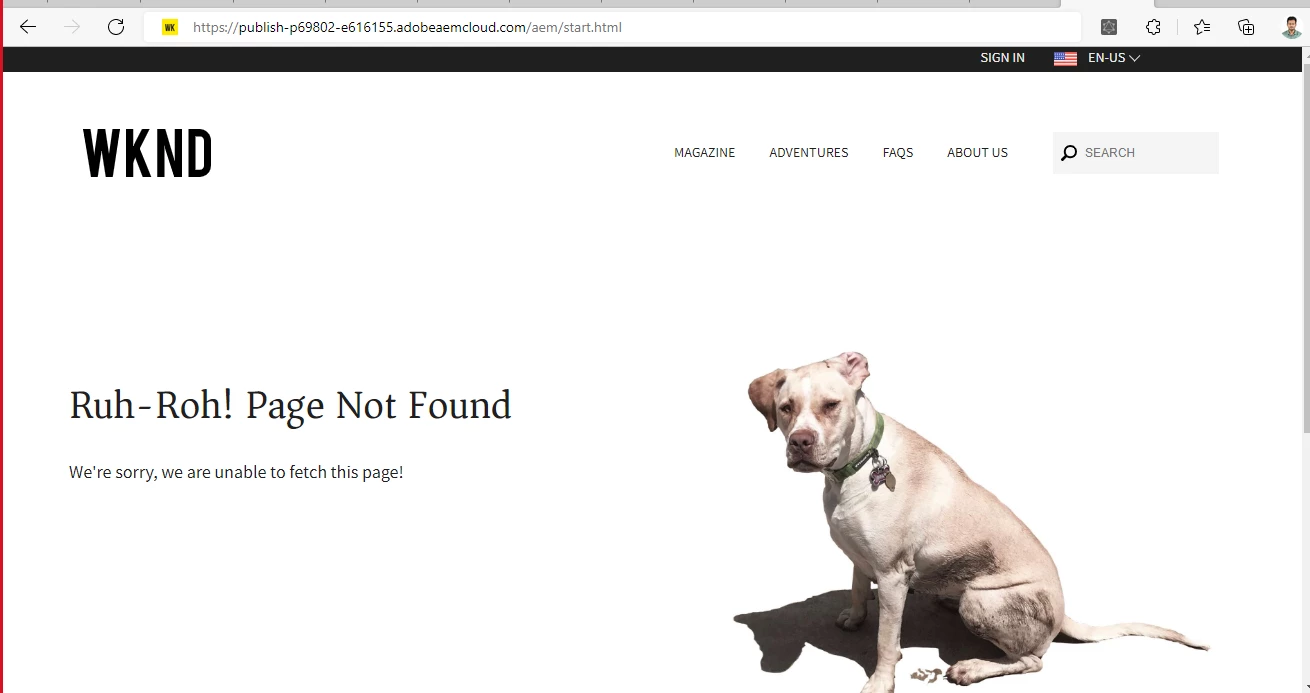
Not able to open publish instance in AEM as cloud service> | Community
Skip to main content
This post is no longer active and is closed to new replies. Need help? Start a new post to ask your question.
Best answer by arunpatidar

Hi,

You need to add a path of your page in the url.


If you are accessing internal AEM pages and you are not logged in in publisher, you will see 404 page. Another reason could be the dispatcher rule, which block the request other than filter.

3 replies

Lokesh_Vajrala
New Participant
November 13, 2022

@akshaybhujbale In AEM as a Cloud Service Publish and Preview servers, internal pages (login, sites, assets), including operational and health check pages, are not accessible. Alternatively, you can use Developer Console -> Repository Browser to look at the JCR structure for debugging.

Developer Console - https://experienceleague.adobe.com/docs/experience-manager-learn/cloud-service/debugging/debugging-aem-as-a-cloud-service/developer-console.html?lang=en 

Repository Console - https://experienceleague.adobe.com/docs/experience-manager-learn/cloud-service/debugging/debugging-aem-as-a-cloud-service/repository-browser.html?lang=en 

arunpatidar
arunpatidarAccepted solution
New Participant
November 10, 2022

Hi,

You need to add a path of your page in the url.


If you are accessing internal AEM pages and you are not logged in in publisher, you will see 404 page. Another reason could be the dispatcher rule, which block the request other than filter.

Arun Patidar
Jagadeesh_Prakash
New Participant
November 10, 2022

@akshaybhujbale  In AEM cloud the dispatcher itself is publisher. As dispatcher rules are added on dispatcher yu can not open the sites.html. It is considering the URL as Page not found and redirecting to 404 page.