onclick function in ui.frontend | Community
Skip to main content
New Participant
November 12, 2021
Solved

onclick function in ui.frontend

  • November 12, 2021
  • 3 replies
  • 1303 views

Hi everyone


I’ve created a custom component button search
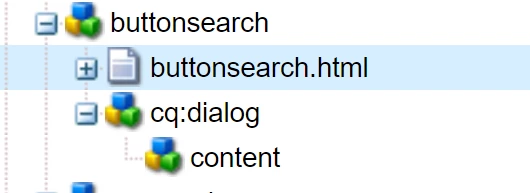
 

Here’s the HTML of the button (buttonsearch.html)

 

On the ui.frontend > src > main > webpack > components ( there’s scss and js files) I’ve created a js file ( _buttonsearch.js), where my function “displayModal” is defined
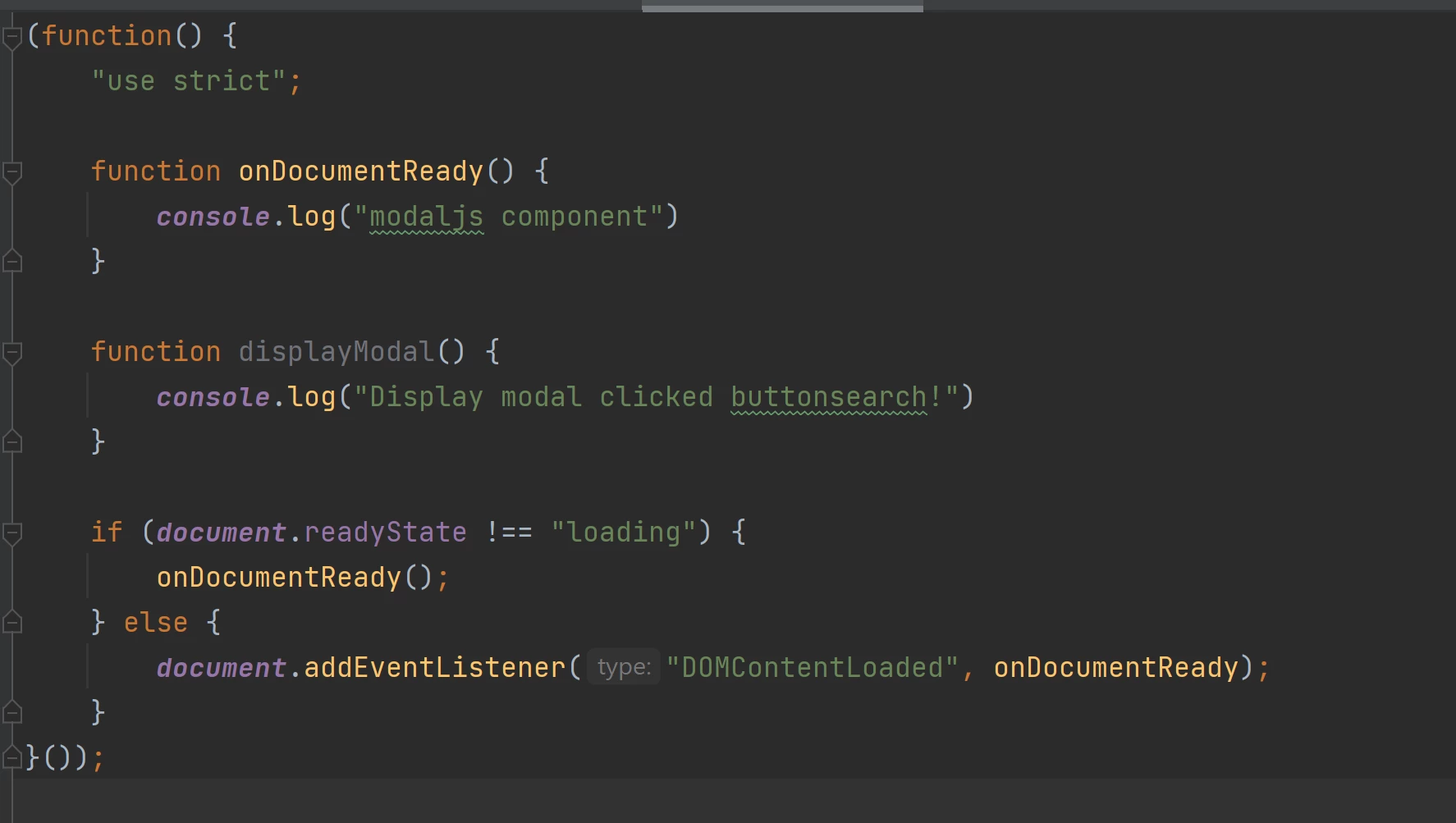
But when i click the button I get an error “Uncaught ReferenceError: displayModal is not defined” anyone knows hpw could I make it work ?

Thanks in advance.

This post is no longer active and is closed to new replies. Need help? Start a new post to ask your question.
Best answer by arunpatidar

Hi,

I would suggest to add a class/id to button and get the button instance inside your javascript.

But answering your question, the scope of the function is not global thats why it is not undefined outside its scope. you can create as a global function to make it work, e.g. jquery plugin https://learn.jquery.com/plugins/

https://codepen.io/arunpatidar02/pen/yLoqrYv


3 replies

arunpatidar
arunpatidarAccepted solution
New Participant
November 13, 2021

Hi,

I would suggest to add a class/id to button and get the button instance inside your javascript.

But answering your question, the scope of the function is not global thats why it is not undefined outside its scope. you can create as a global function to make it work, e.g. jquery plugin https://learn.jquery.com/plugins/

https://codepen.io/arunpatidar02/pen/yLoqrYv


Arun Patidar
BrianKasingli
New Participant
November 12, 2021

Assuming that you are using the latest aem-project-archtype, ensure that you have all your imports are identified from the main.ts or main.js file.


The out of the box main.ts file looks like this; aem-project-archetype/main.ts at develop · adobe/aem-project-archetype · GitHub


SantoshSai
New Participant
November 12, 2021

Hi @odabio 

I believe you have to manage with your imports from webpacks.

Regards,

Santosh

Santosh Sai