Out of Box Column control is not working in AEM 6.4 | Community
Skip to main content
New Participant
December 14, 2018
Solved

Out of Box Column control is not working in AEM 6.4

  • December 14, 2018
  • 8 replies
  • 5512 views

Dear All,

I am trying to use the OUT of Box Column Control in AEM 6.4 in the WKND sites , by following the below steps.

But it is not coming fine means , in the drop down it is not coming anything . I am following the below steps.

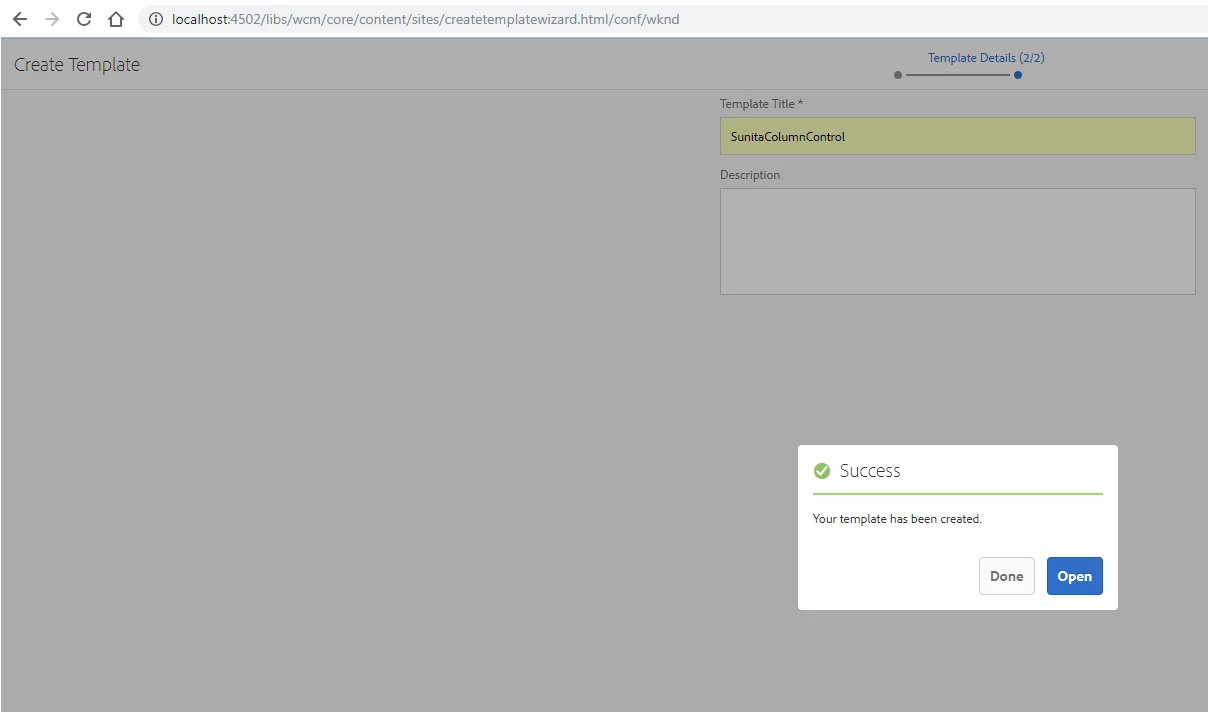
1) I go the WKND editable template (http://localhost:4502/libs/wcm/core/content/sites/templates.html/conf/wknd ) , as shown below and created the sunitacolumncontrol , as shwon below.
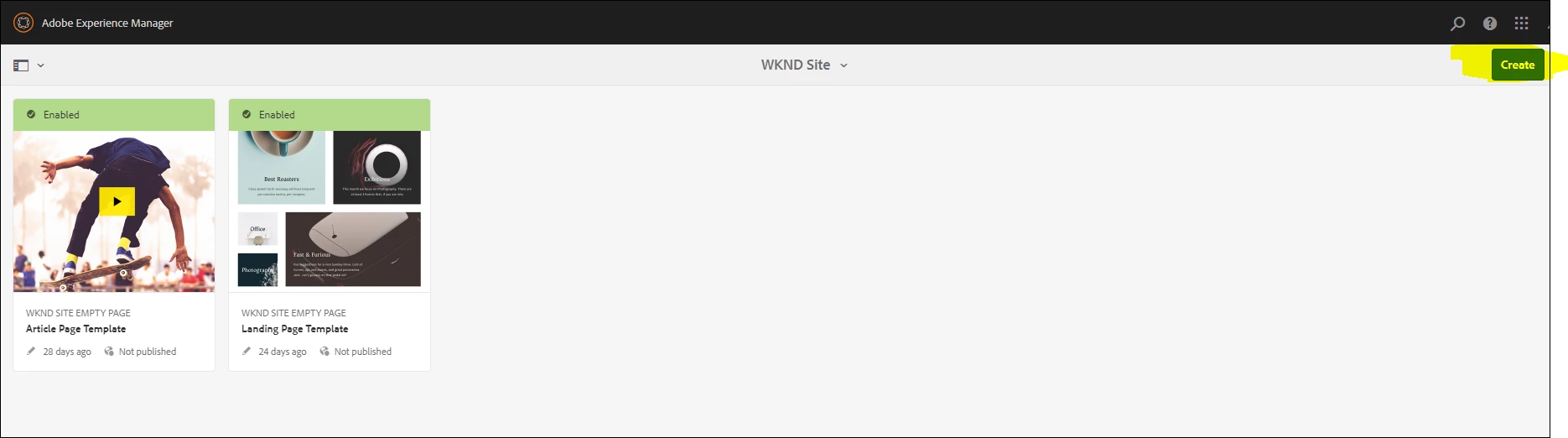
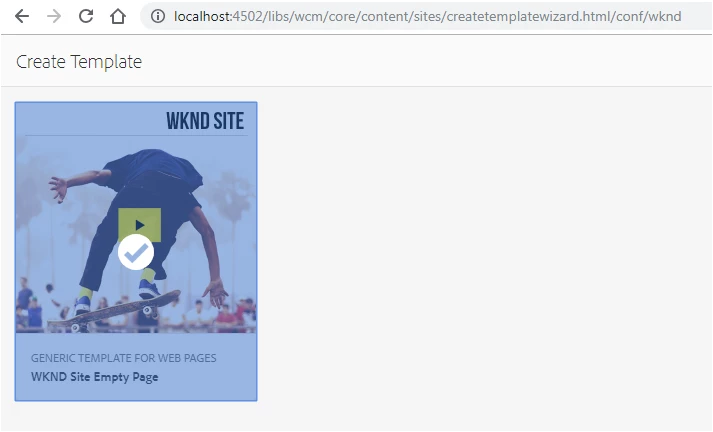
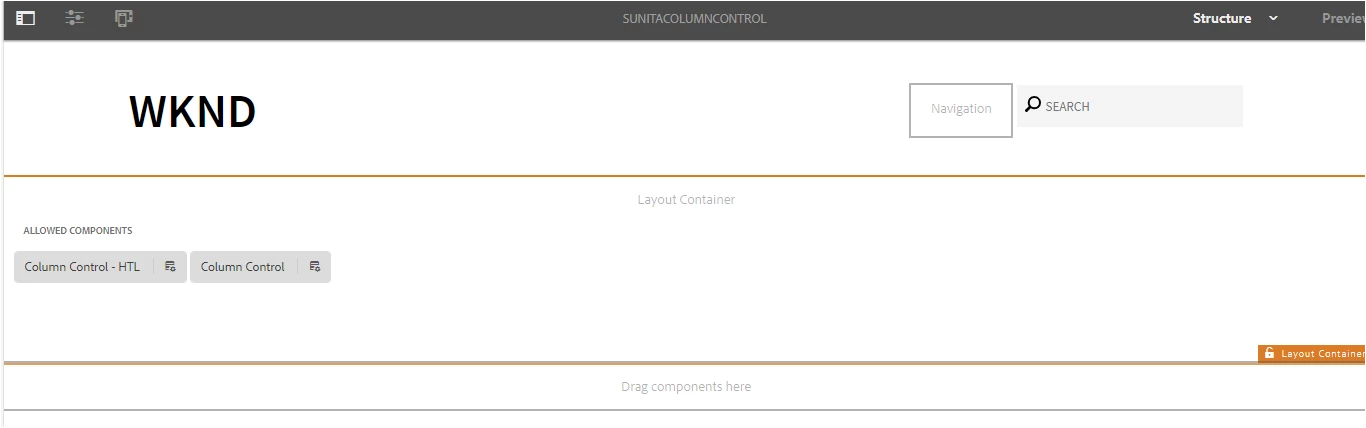
2) Then I have opened the sunitaColumnControl template (http://localhost:4502/editor.html/conf/wknd/settings/wcm/templates/sunitacolumncontrol/structure.html  ) and added the column control in Layout container and enable it , as shown below.
3) Then I have created the page in sites by using the sunitacolumncontrol template (http://localhost:4502/libs/wcm/core/content/sites/templates.html/conf/wknd ) , as shown in below steps.
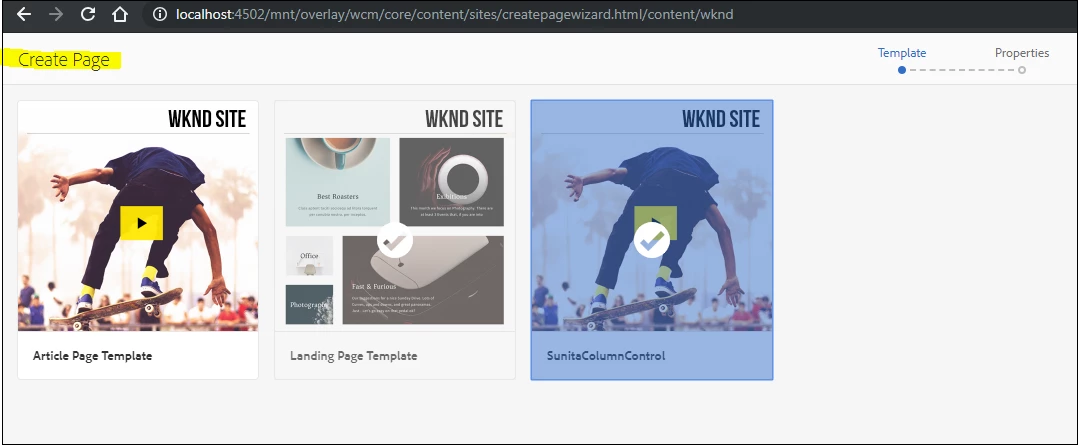
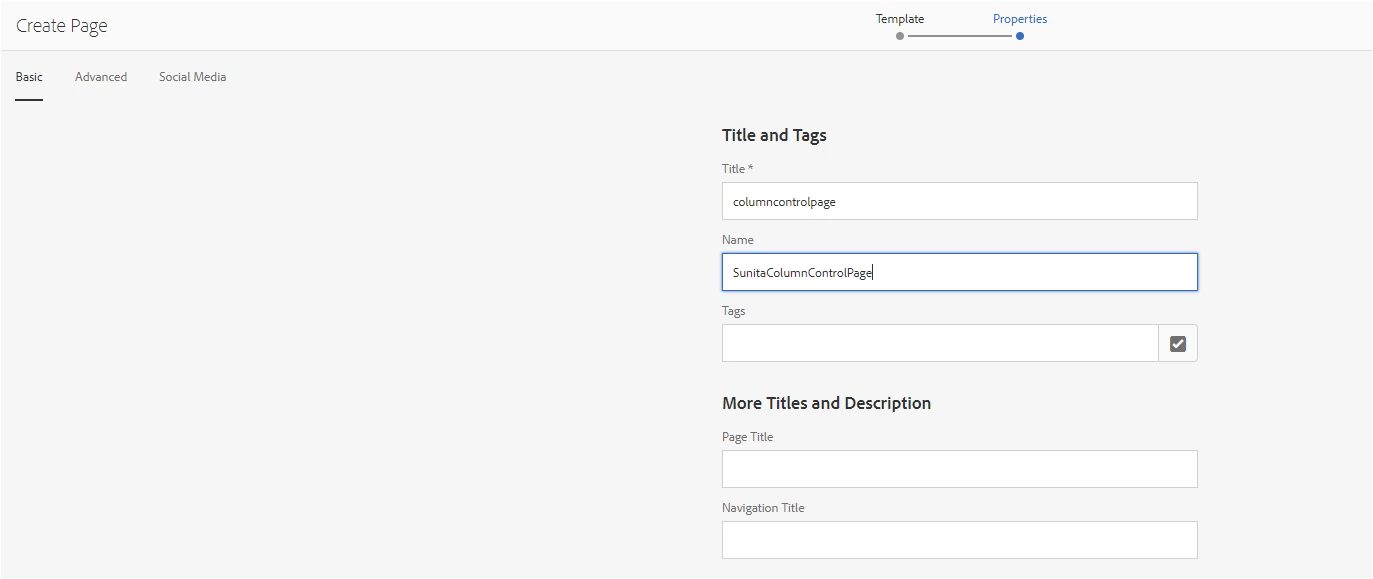
4) Now I am trying to edit the page , as shown below and it is not coming fine.
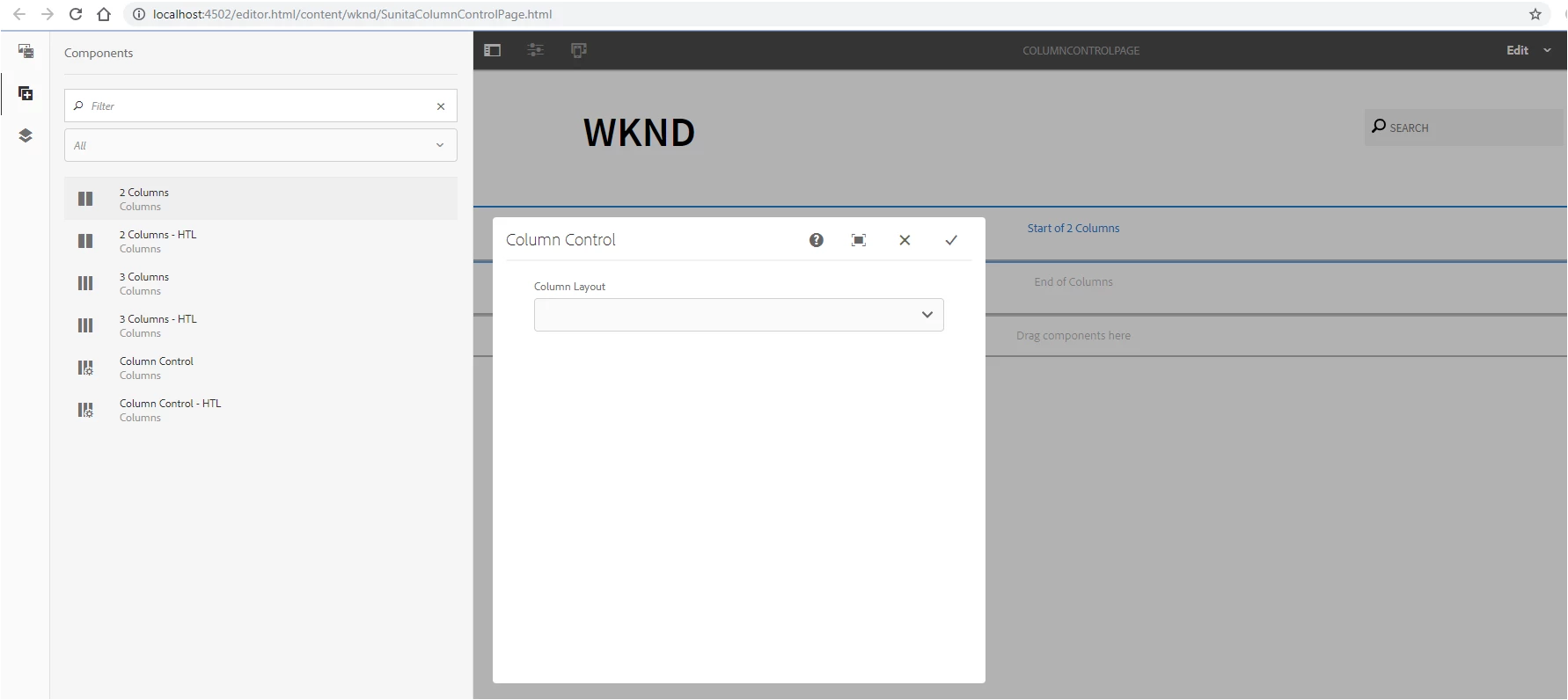
Can you please let me know , If I have missed anything ?

This post is no longer active and is closed to new replies. Need help? Start a new post to ask your question.
Best answer by smacdonald2008

I Strongly recommend to install the package for this part of the tutorial. You will see it working. Then compare that solution with what you have done.

8 replies

New Participant
June 12, 2019

Several Core Components come with client libraries that need to be included on the page in order for the component to function properly.

New Participant
December 17, 2018

Thanks Scott. After I copied the files from the WKND exercise , it is working fine. I observed the below difference. 1) I include embed and it is working fine. But still now I did not get fully understand the use of embed. Can you please let me know why we use embed.

smacdonald2008
New Participant
December 17, 2018

Another thing - Danial said this has been updated to 6.4.2.  You need to have that Service pack. (I will test this too)

Another way is to build a custom grid component that uses bootstrap. This lets you place components in columns too. See this.

Scott's Digital Community: Creating a custom Touch UI Grid Component for Adobe Experience Manager

New Participant
December 17, 2018

Thanks. Let me try this one.

smacdonald2008
smacdonald2008Accepted solution
New Participant
December 17, 2018

I Strongly recommend to install the package for this part of the tutorial. You will see it working. Then compare that solution with what you have done.

New Participant
December 17, 2018

Dear All, I have followed the below steps mentioned in the below document Configuring Layout Container and Layout Mode But still I am not able to resize the Text in layout , as shown below.

I have put my files in my git hub repository in below.

GitHub - sunita197881/sunitatest1 at MCK-AEM-6.4

My grid.less file is under below .

Lokesh_Shivalingaiah
New Participant
December 17, 2018

Please refer this documentation as mentioned by Anshuman

Configuring Layout Container and Layout Mode

New Participant
December 17, 2018

Please add the grid.less file to your client library to make it happen.

@import (once) "/etc/clientlibs/wcm/foundation/grid/grid_base.less";

/* maximum amount of grid cells to be provided */

@max_col: 12;

/* default breakpoint */

.aem-Grid {

  .generate-grid(default, @max_col);

}

/* phone breakpoint */

@media (max-width: 768px) {

  .aem-Grid {

    .generate-grid(phone, @max_col);

  }

}

/* tablet breakpoint */

@media (min-width: 769px) and (max-width: 1200px) {

  .aem-Grid {

    .generate-grid(tablet, @max_col);

  }

}

Reference :: Configuring Layout Container and Layout Mode