Solved
Page editor view not showing properly in Japanese and Chinese language.
In English language it is working fine..
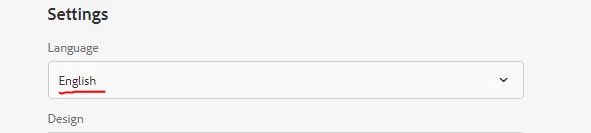

But in Chinese and Japanese language ti si not showing properly as below.
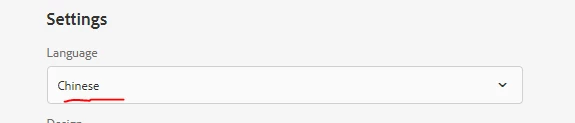

This is happening in AEM 6.5.
In English language it is working fine..
But in Chinese and Japanese language ti si not showing properly as below.
This is happening in AEM 6.5.
Hi @nesan
In your clientlib-author, please add the below line of code which will be loaded only during authoring view and the issue will be resolved.
Basically this needs to be added to the author specific clientlib which is loaded only during authoring (name can be different based on the project setup).
html {
  font-size: 100%;
}
Thanks!
Enter your E-mail address. We'll send you an e-mail with instructions to reset your password.