page properties not shown while creating page from a template | Community
Skip to main content
arjuns71585267
New Participant
September 26, 2018

page properties not shown while creating page from a template

  • September 26, 2018
  • 6 replies
  • 6092 views

Followed the tutorial on the link :

Adobe Experience Manager Help | Creating your First Adobe Experience Manager 6.3 website

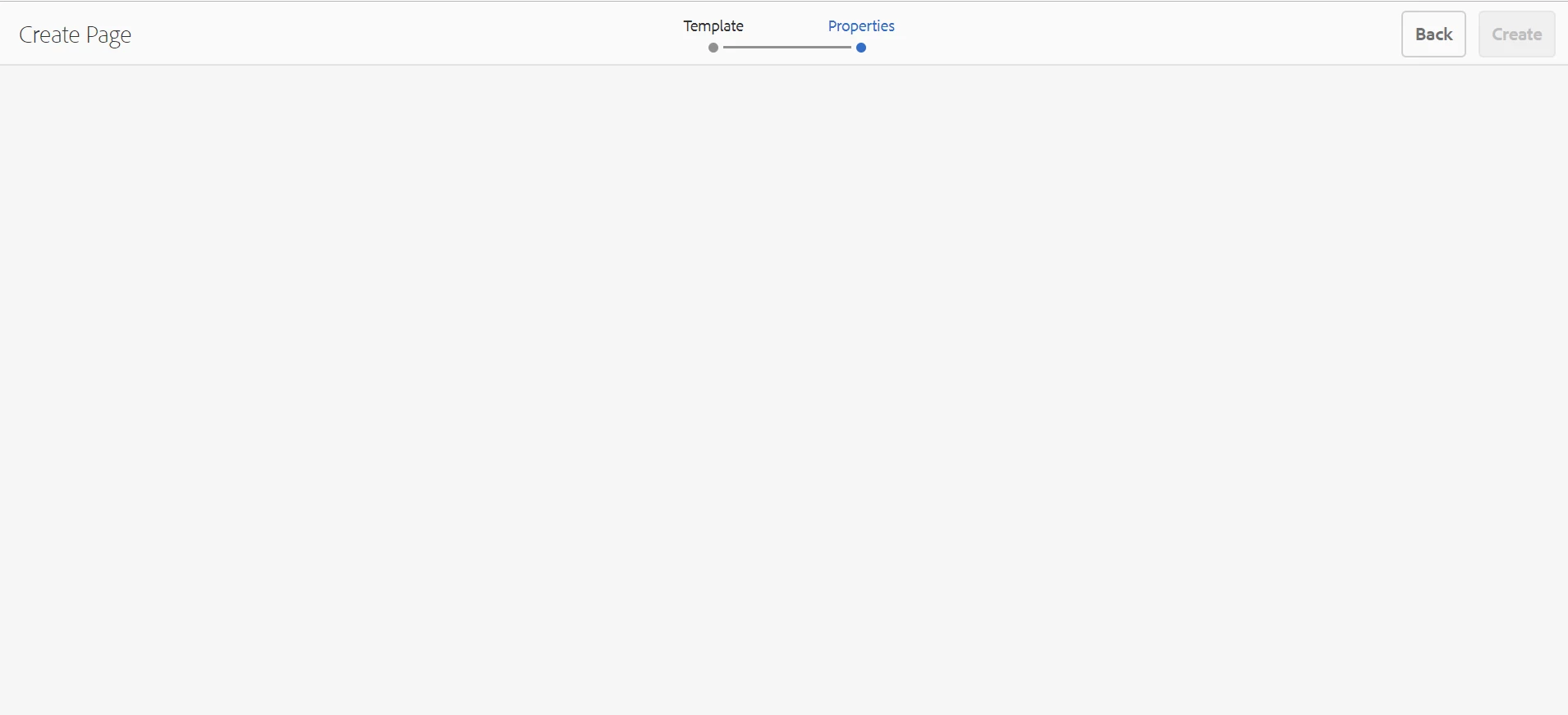
And created a template as per the tutorial, But when I try to implement the template and create a basic page with that after getting the title page properties tab is empty and cannot use the template to create a new page. This problem seems critical! please help.Screenshot is attached.
This post is no longer active and is closed to new replies. Need help? Start a new post to ask your question.

6 replies

New Participant
June 30, 2022

when creating a page I did not see the properties configuration for AEM WKND. Very strange, the build was ok, but reading the documentation it was important to put "-Pclassic" in the Maven command. So for the Aem versions 6.4/6.5 is necessary to insert this command. Then inserting


"mvn clean install -PautoInstallSinglePackage -Pclassic"


all solved!

eswarvarun
New Participant
October 11, 2021

This issue might come because of the core components.If the core components are not compatible with the AEM version this issue will arise.

New Participant
April 1, 2021

there is directory error

go to page-crx/de

check components and template directory

arjuns71585267
New Participant
September 26, 2018

actually it was a syntax error since I have copied a '.' to the Supertype field. Thanks everyone.

smacdonald2008
New Participant
September 26, 2018

I was about to create a video that steps through this - i am glad you have it fixed.

New Participant
January 5, 2021

can you help me i am facing the same problem

arunpatidar
New Participant
September 26, 2018

Hi,

It could be a permission issue, are you logged in as admin user or content-author?

Arun Patidar
New Participant
September 7, 2023

Yes, this is a permission issue. Please check if the user or the group that he/she is part of has access to /apps/<app-name>. 

specifically the node from where page properties are derived inside /apps/<app-name>

Once the permission is given to /apps/<app-name> it will start showing page properties while creating a page using the template.

kautuk_sahni
Employee
September 26, 2018

Check the browser error and AEM error.log

Kautuk Sahni