Policies for nested containers - tab component on editable templates | Community
Skip to main content
New Participant
April 5, 2023
Solved

Policies for nested containers - tab component on editable templates

  • April 5, 2023
  • 1 reply
  • 954 views

I'm trying to define the allowed components on the core tab component and can't find an answer on how to do it cleanly. I know we can specify which container components are available to add here -
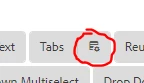
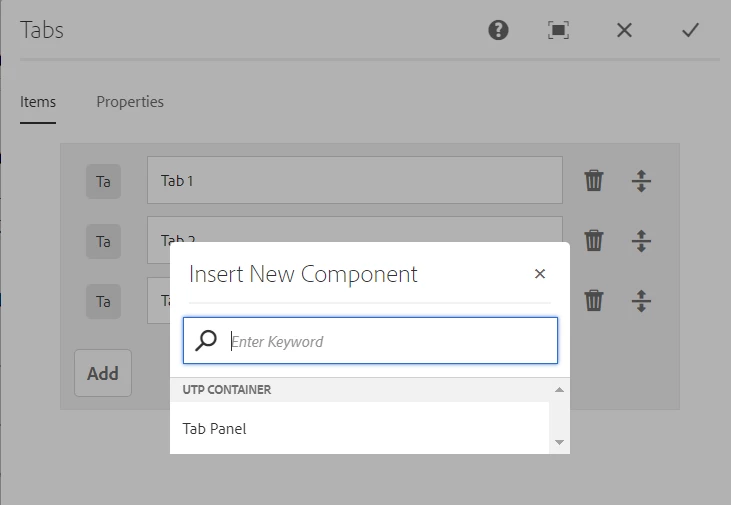
But that policy applies to both which components you can add as containers and which components you can add to those containers. I want to restrict it so that only the container can be added at the tab component level -
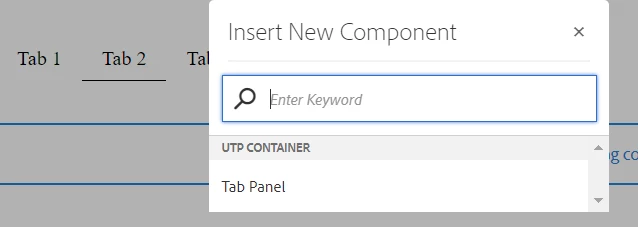
and when adding components to that container you'd get a different list. That's not what happens today, it inherits the same policy as the tab component -
 

How can the template author configure the allowed components for the "tab panel" container component? Is there a way to set default policies for a component, either globally or template specific?


Thanks

This post is no longer active and is closed to new replies. Need help? Start a new post to ask your question.
Best answer by Sady_Rifat

Hello @johnca24 ,
One of the easiest way to fix your problem is set the Tab Panel policy. To do that ->
1. Allow the Tab Panel component in the main layout container.

2. Set Tab Panel component policy

3. Remove the Tab Panel policy from the main layout container

1 reply

Sady_Rifat
Sady_RifatAccepted solution
New Participant
April 6, 2023

Hello @johnca24 ,
One of the easiest way to fix your problem is set the Tab Panel policy. To do that ->
1. Allow the Tab Panel component in the main layout container.

2. Set Tab Panel component policy

3. Remove the Tab Panel policy from the main layout container

JohnCa24Author
New Participant
April 6, 2023

This works, thank you! It seems like a lot to ask authors to do though - i wish there was a way to set default policies for components.