Position of cq-Editable-placeholder element changes after edit. | Community
Skip to main content
akashs51893872
Level 3
Feb 6, 2018 2:55 AM UTC
Solved

Position of cq-Editable-placeholder element changes after edit.

Hello,

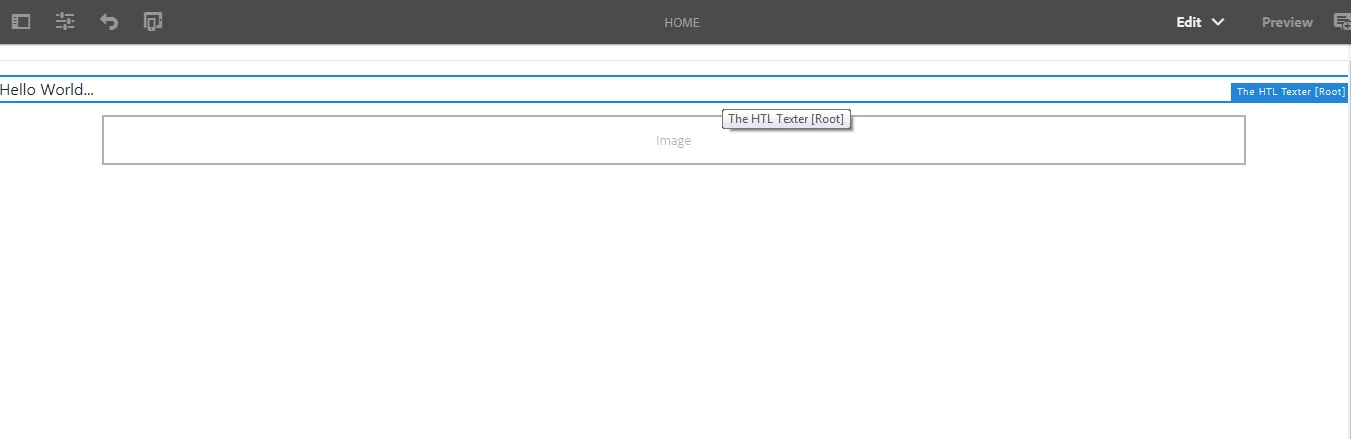
The component-placeholder extends to full-width after editing and without page-refresh.  It retains to original width after page-refresh but is there any way we can retain the original-design after-edit?  Please help.

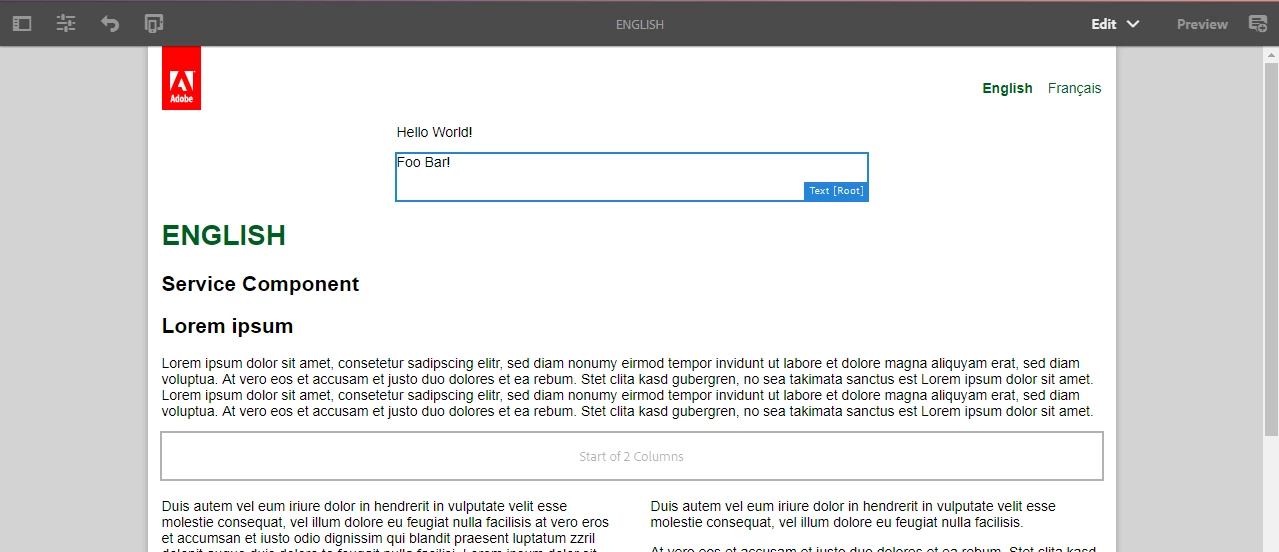
Screenshot BEFORE editing the component:

Screenshot AFTER editing the component:
Thanks & Regards,

Akash
This post is no longer active and is closed to new replies. Need help? Start a new post to ask your question.
akashs51893872
akashs51893872Accepted solution
Level 3
Feb 7, 2018 9:10 AM UTC

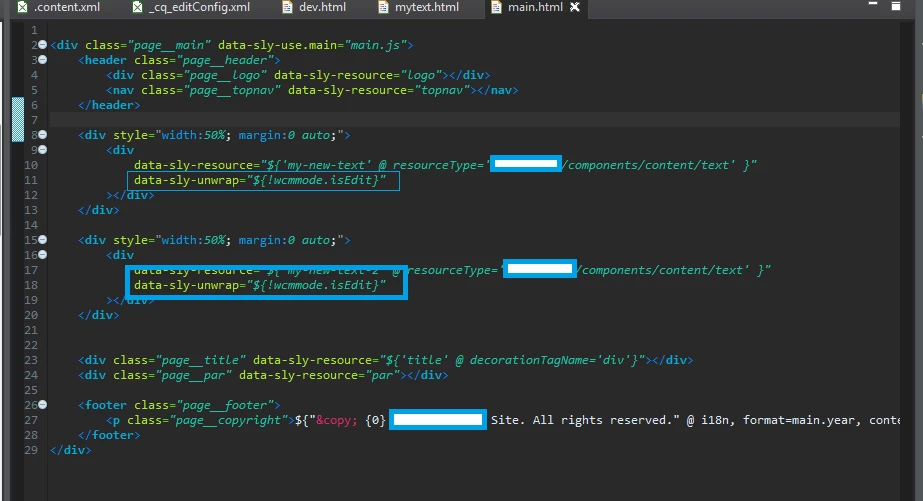
I think i will work with the following solution until there's another more appropriate way to do it.  Basically, we will work with <div> instead of <sly /> and will data-sly-unwrap only if it is not wcmmode.isEdit as shown in the screenshot below:

The following screenshot is taken after the above implementation and AFTER editing inline:

Thanks & Regards,

Akash

https://forums.adobe.com/message/10159324#10159324

7 replies

akashs51893872
akashs51893872AuthorAccepted solution
Level 3
Feb 7, 2018 9:10 AM UTC

I think i will work with the following solution until there's another more appropriate way to do it.  Basically, we will work with <div> instead of <sly /> and will data-sly-unwrap only if it is not wcmmode.isEdit as shown in the screenshot below:

The following screenshot is taken after the above implementation and AFTER editing inline:

Thanks & Regards,

Akash

https://forums.adobe.com/message/10159324#10159324

Translate
akashs51893872
Level 3
Feb 7, 2018 6:21 AM UTC

Hi smacdonald2008​,

I am working with Bootstrap 4 in my project; however, it may not be CSS related issue since it occurs on the sample project in archetype11 project.

BEFORE edit:

AFTER edit:

The yellow rectangle is the new code add in the Archetype11 project.  The path of the file where it is added is: ~/components/structure/page/partials/main.html


Thanks & Regards,

Akash

Translate
smacdonald2008
Level 10
Feb 7, 2018 3:48 AM UTC

This is strange issue. Looks like a CSS issue or conflict. What extra CSS are you using?

Translate
akashs51893872
Level 3
Feb 7, 2018 3:36 AM UTC

hi smacdonald2008​,

Yes, i'm still seeing the issue in Preview mode.

Thanks & Regards,

Akash

Translate
smacdonald2008
Level 10
Feb 6, 2018 3:14 PM UTC

If you place an image and look at the page in Preview mode - are you seeing an issues. My guess is no.

Translate
akashs51893872
Level 3
Feb 6, 2018 11:45 AM UTC

Hi Katuksahni,

Thank you for your response.

No, there are no errors on the browser.

The method to isolate it is quite simple:

<div class="container"

    data-sly-resource="${ 'myImage' @ resourceType='wcm/foundation/components/text' }"

    data-sly-unwrap="${properties.text}">

        ${properties.text @ context='html' }
</div>

If you don't have the Bootstrap "container" class in your css, please add the following style:

<style>

   .container {

          width: 75%;

          margin: 0 auto;

    }

</style>

I'm working with AEM v6.3 (fully updated).

Regards,

Akash

Translate
kautuk_sahni
Employee
Feb 6, 2018 10:44 AM UTC

Do you see some error in the browser?

And what are the steps to reproduce it? Also share the AEM version!!

Translate
Kautuk Sahni