
Solved
Regarding Assets
Hi,
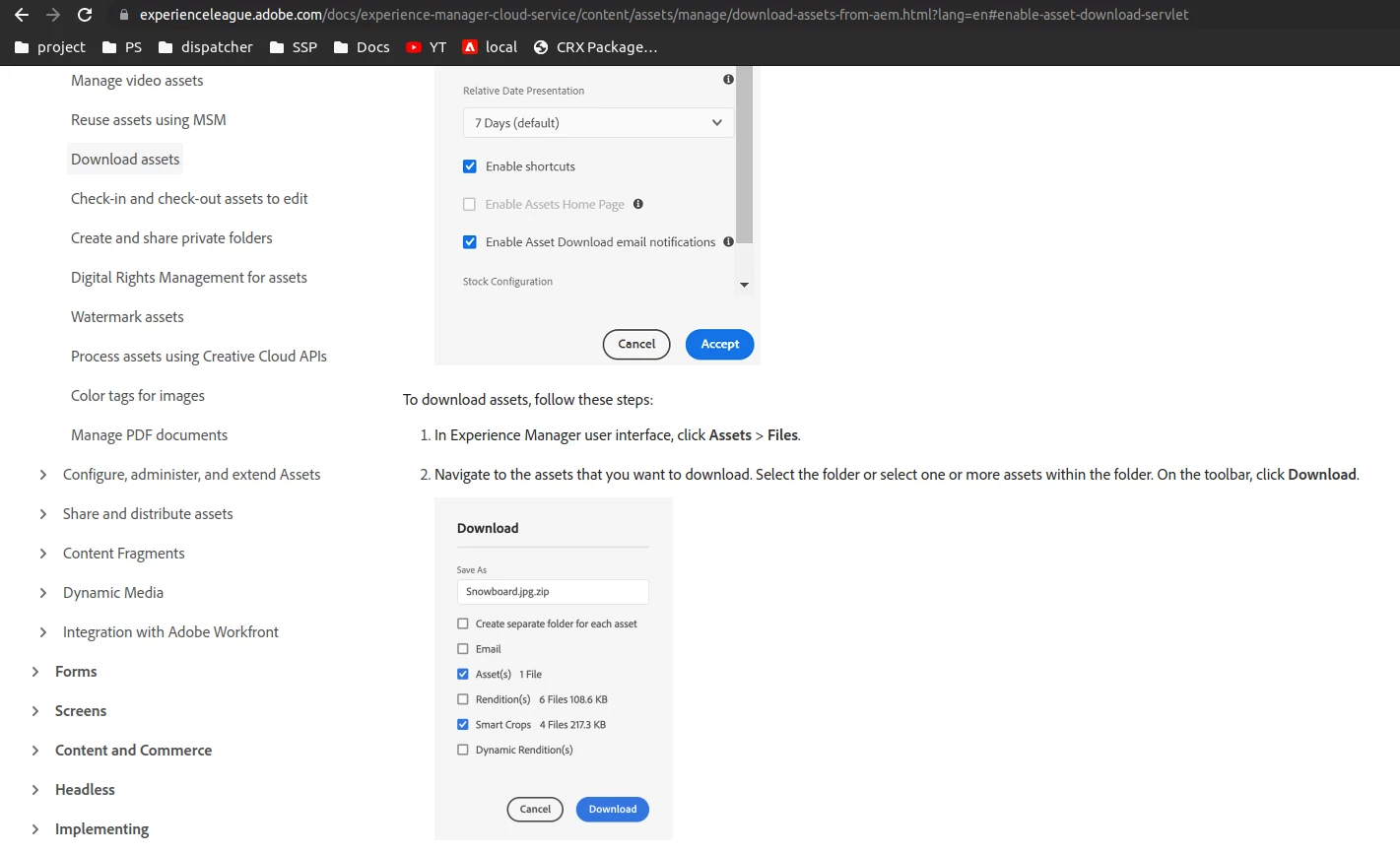
I want this checkbox in my download section to download smart crops images,But this isn't available on my instance
Can anyone suggest me how can i enable this checkbox
Hi,
I want this checkbox in my download section to download smart crops images,But this isn't available on my instance
Can anyone suggest me how can i enable this checkbox
Hi @neeraj_24412 ,
To have this checkbox:
1. You need to have smart crop enabled for your asset/s.
To enable smart crop :
1. You need to have dynamic media setup in your instance.
https://experienceleague.adobe.com/docs/experience-manager-65/assets/dynamic/administering-dynamic-media.html?lang=en
After enabling dynamic media:
1. Add an image profile to "Enable Smart Crop"
https://experienceleague.adobe.com/docs/experience-manager-65/assets/dynamic/image-profiles.html
Enter your E-mail address. We'll send you an e-mail with instructions to reset your password.