Removing the OOTB components from the design dialog/ Policy dialog. | Community
Skip to main content
New Participant
June 25, 2022
Solved

Removing the OOTB components from the design dialog/ Policy dialog.

  • June 25, 2022
  • 1 reply
  • 514 views

Hello,


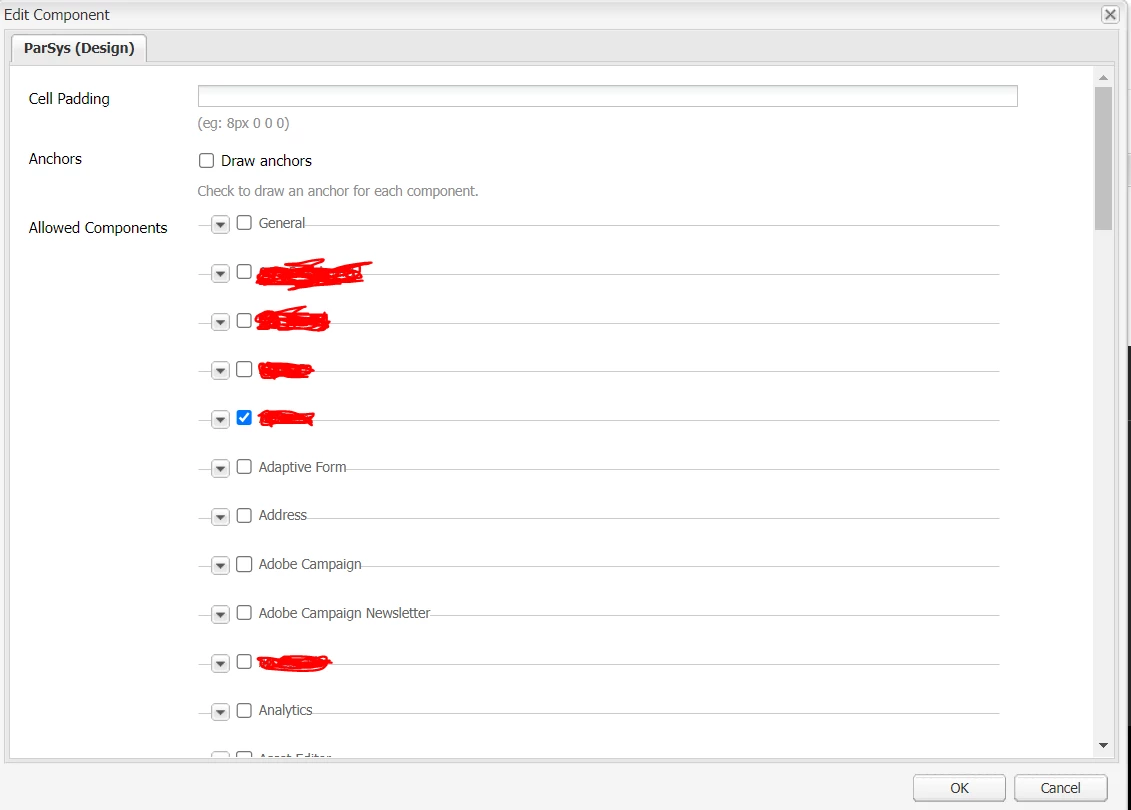
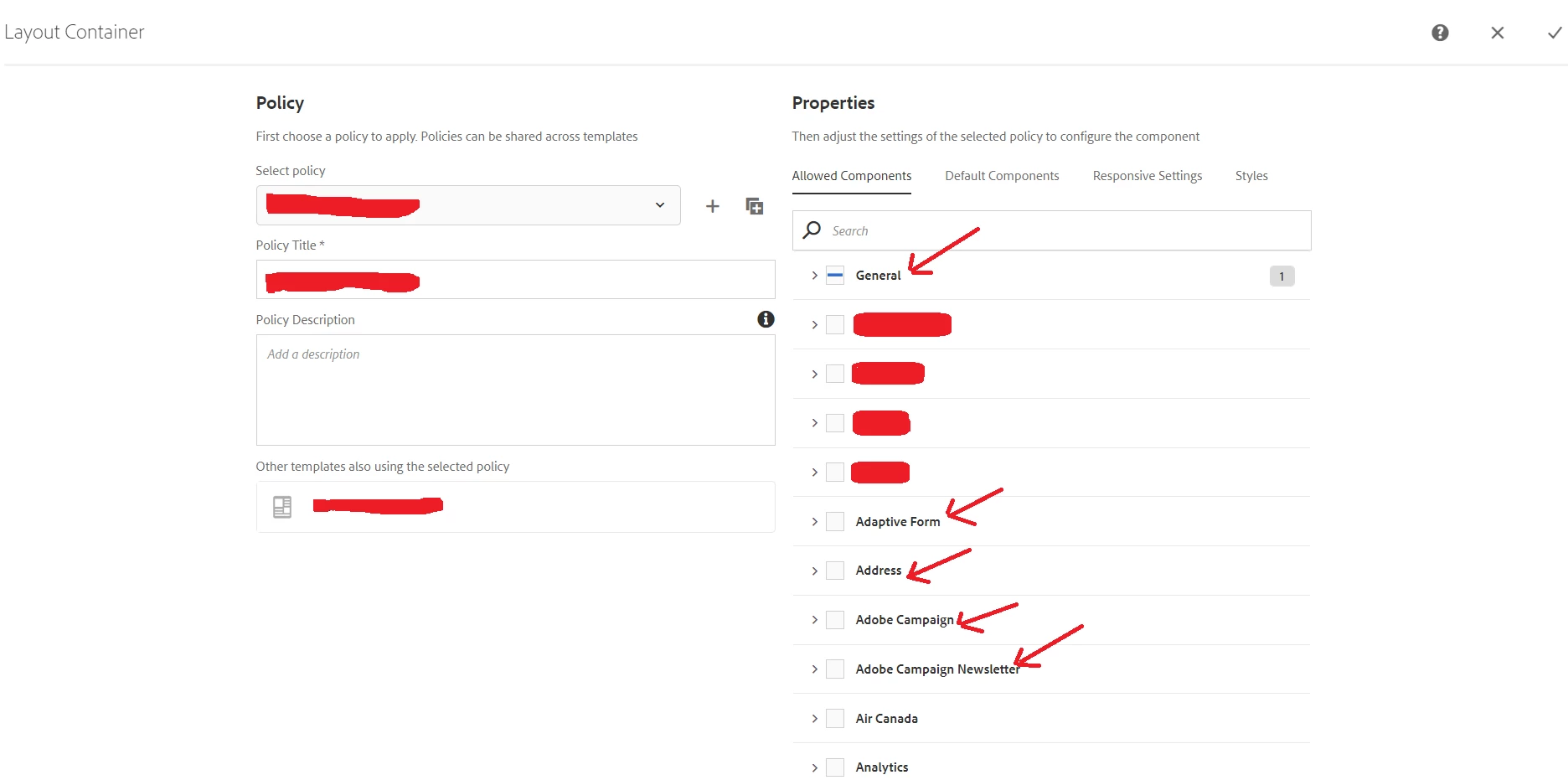
In Design dialog of the page, when author can see all the OOTB components along with Custom components. Similarly in editable template while adding the policy author can see all the OOTB components. 


Classic Design dialog :
 

Editable template policy:


Is there a way to hide/remove those components and show only custom components.


Thanks,

Meenakshi 

This post is no longer active and is closed to new replies. Need help? Start a new post to ask your question.
Best answer by SantoshSai

Hi @meenakship87722 ,

Unfortunately, I believe there is no OOTB functionality to achieve this. However, If you want to restrict allowed components then you have to implement custom solution.  
The Allowed Component list is generated from

/libs/cq/gui/components/authoring/allowedcomponents

 you can overlay allowedcomponents

/apps/commons/components/authoring/allowedcomponents
based on /libs/cq/gui/components/authoring/allowedcomponents.

Hope that helps!

Regards,

Santosh

1 reply

SantoshSai
SantoshSaiAccepted solution
New Participant
June 25, 2022

Hi @meenakship87722 ,

Unfortunately, I believe there is no OOTB functionality to achieve this. However, If you want to restrict allowed components then you have to implement custom solution.  
The Allowed Component list is generated from

/libs/cq/gui/components/authoring/allowedcomponents

 you can overlay allowedcomponents

/apps/commons/components/authoring/allowedcomponents
based on /libs/cq/gui/components/authoring/allowedcomponents.

Hope that helps!

Regards,

Santosh

Santosh Sai