Resource at '/sites.html/content' not found: No resource found | Community
Skip to main content
New Participant
May 2, 2022
Solved

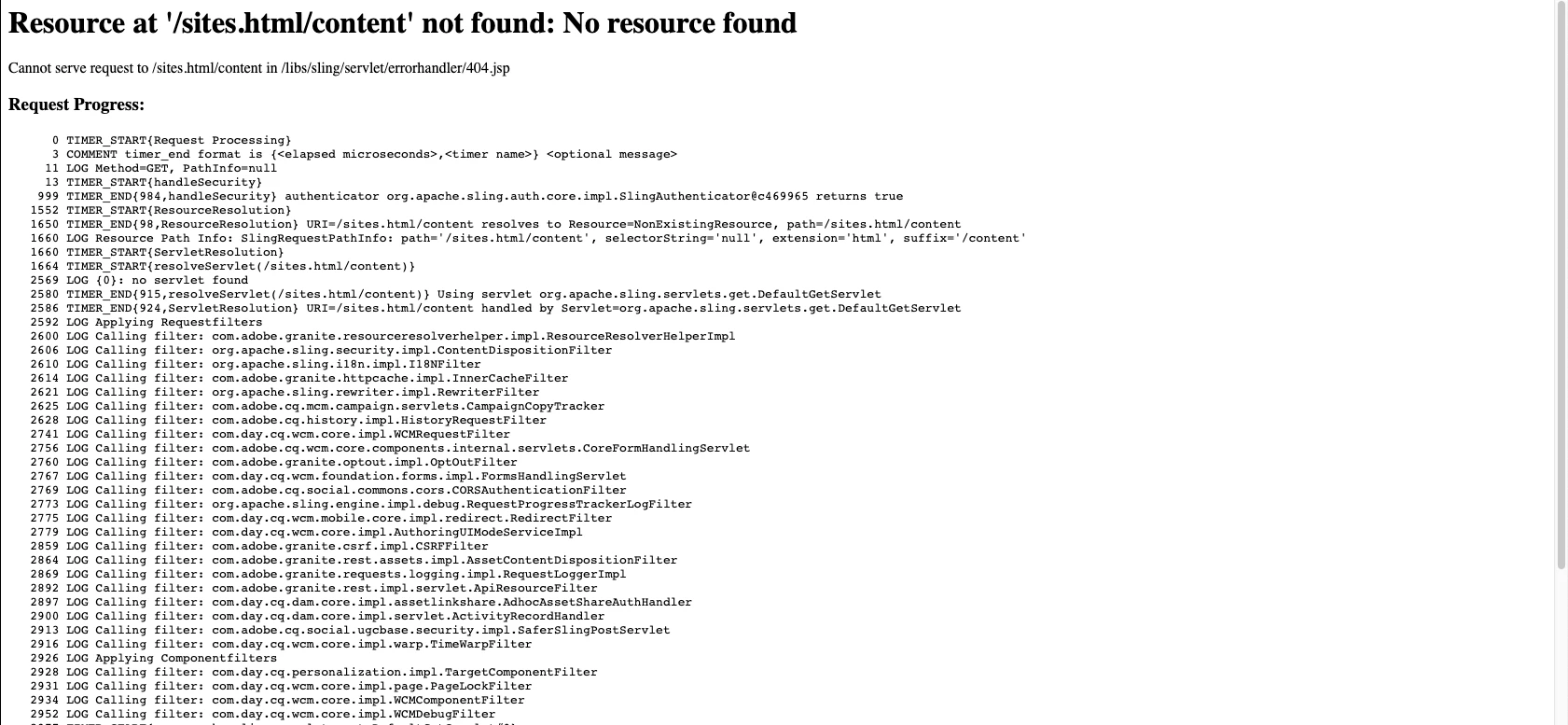
Resource at '/sites.html/content' not found: No resource found

  • May 2, 2022
  • 4 replies
  • 1685 views

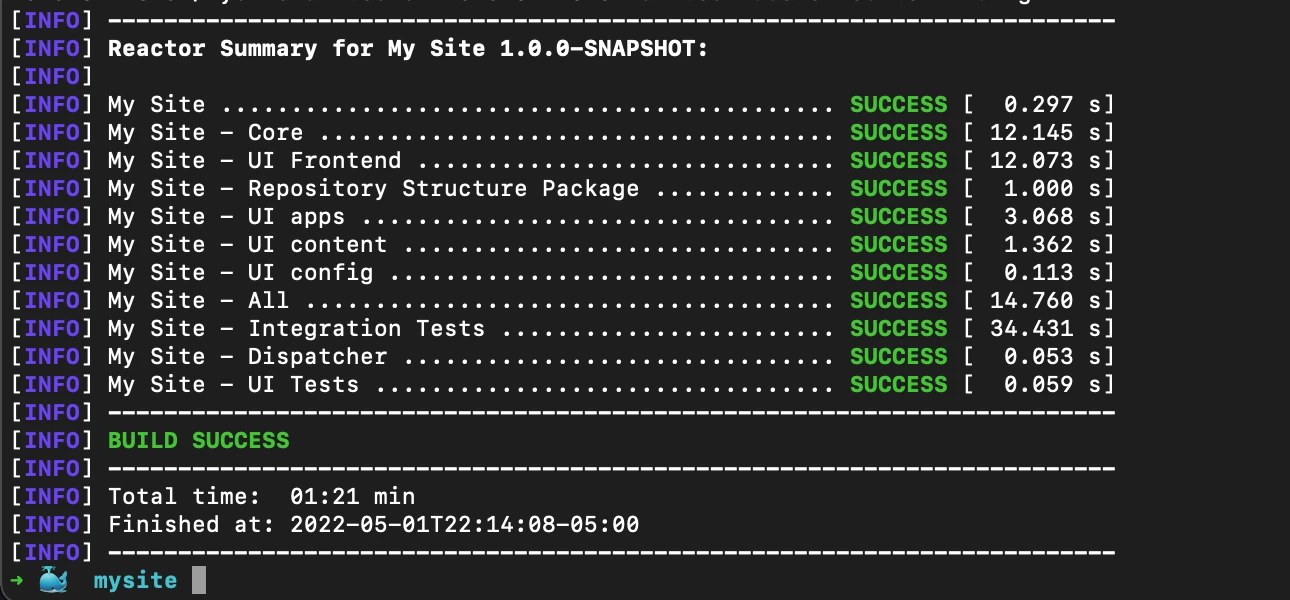
When I built wknd site from github using maven, I was able to successfully build it and obtain all the artifacts. However, in the AEM UI when I click on Navigation->Sites, it gives the errors attached in the screenshots. 

P.S. I haven't made any changes to any default config files.
This post is no longer active and is closed to new replies. Need help? Start a new post to ask your question.
Best answer by DawidEaf

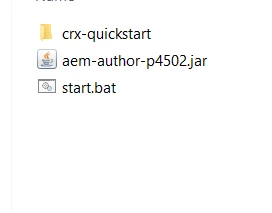
Just go to folder when you have aem instance, delete everything, leave only aem-author-p4502.jar, build again and it will work. 

4 replies

joerghoh
Employee
May 2, 2022

On author /sites.html/content should display the siteadmin and the navigation tree.


Can you check on "/system/console/jcrresolver" and enter "/sites.html" into the field below "configuration test"? It should result in something like this:


MayurSatav
New Participant
May 2, 2022

Hi @ab30 ,


Please try below troubleshooting steps


1. Check whether the core bundle is activated or not. If it is not active then check is there any dependency causing the issue?

    check here  ->  http://localhost:4502/system/console/bundles


2. Try to build core-bundle first using mvn clean install -PautoInstallBundle and then deploy your complete package.


3. Open the same project in IntelliJ and reload the maven. IntelliJ will resolve missing dependencies. 


If you are still facing the same issue then please share that project repo URL. Will try to replicate it.


DawidEafAccepted solution
New Participant
May 2, 2022

Just go to folder when you have aem instance, delete everything, leave only aem-author-p4502.jar, build again and it will work. 

arunpatidar
New Participant
May 2, 2022

Hi,

This looks like a permission issue, are you accessing using admin user?

Arun Patidar