Responsive Layouts not working for the nested containers - Adobe Experience Manager(AEM SDK) | Community
Skip to main content
Employee
April 16, 2024
Solved

Responsive Layouts not working for the nested containers - Adobe Experience Manager(AEM SDK)

  • April 16, 2024
  • 1 reply
  • 546 views

Steps to re-create:

1. Create a Page: Begin by creating a new page in Adobe Experience Manager (AEM) authoring environment.

2. Add Containers: Within the root container of the page, add a container component(1st container). Set the offset as 1 and width as 10.
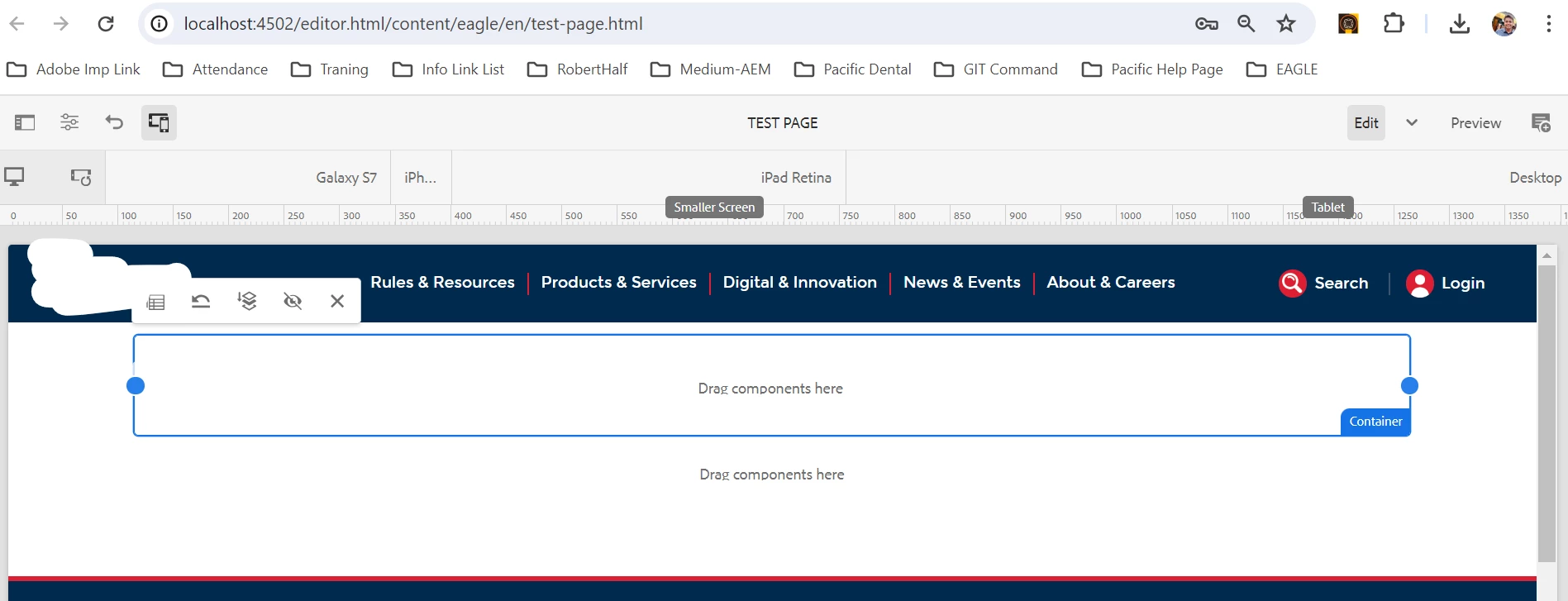
3. Add Another rsponsive grid): Add another resposive grid 
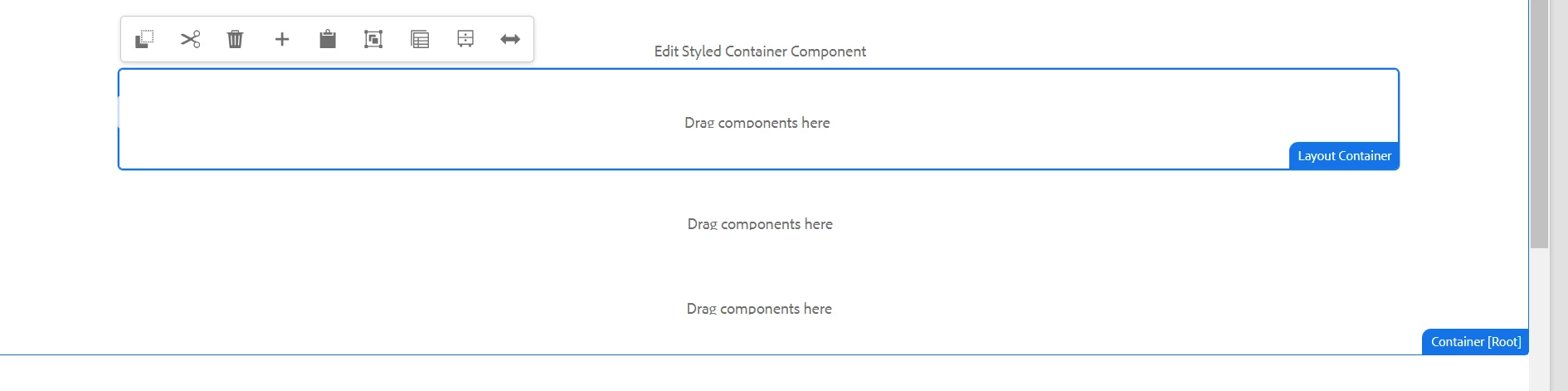
"wcm/foundation/components/responsivegrid" directly within the 2nd container.

4. Add Text Component: Inside the responsive grid , add a text component.
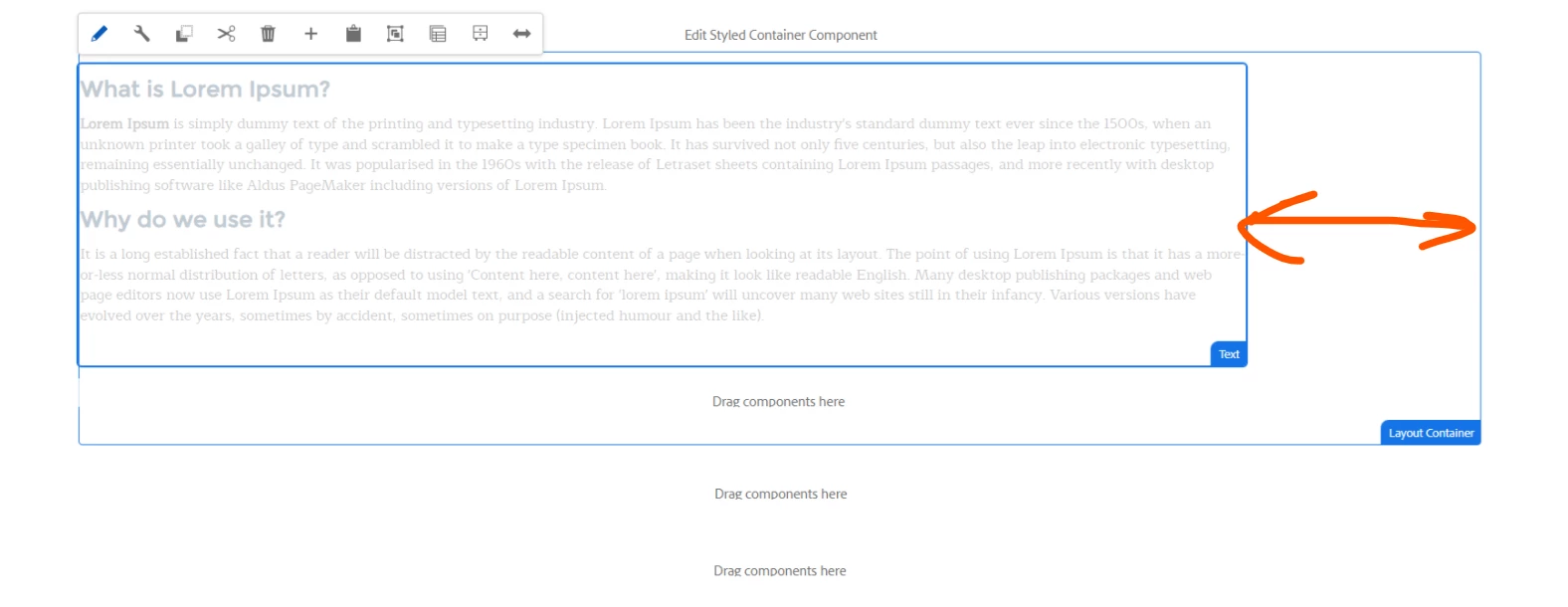
 

Now observe this gap, this gap comes by default and it does not allow me to resize text component.


5. Author Text: Author the text component with any random text.

6. Attempt to Resize: Try to resize the text component by dragging its handles.

7. Observe Behavior: Note if the text component can be resized or if it remains fixed in size.


By following these steps, you can determine whether the inability to resize the text component is a bug in the existing AEM product or if there's a specific configuration or step that might be overlooked.

This post is no longer active and is closed to new replies. Need help? Start a new post to ask your question.
Best answer by EstebanBustamante

Hi, 

Unfortunately, this is a bug that has been noted in below threads. There is a workaround provided in those links as well, please take a look:

https://experienceleaguecommunities.adobe.com/t5/adobe-experience-manager/responsivity-bug-with-ootb-layout-container-wcm-foundation/m-p/643559

https://www.albinsblog.com/2023/02/responsive-layouts-not-working-for-nested-containers-aem.html 


I'm not sure if Adobe is really tracking this issue or planning to fix it anytime soon.

Hope this helps

1 reply

EstebanBustamante
EstebanBustamanteAccepted solution
New Participant
April 16, 2024

Hi, 

Unfortunately, this is a bug that has been noted in below threads. There is a workaround provided in those links as well, please take a look:

https://experienceleaguecommunities.adobe.com/t5/adobe-experience-manager/responsivity-bug-with-ootb-layout-container-wcm-foundation/m-p/643559

https://www.albinsblog.com/2023/02/responsive-layouts-not-working-for-nested-containers-aem.html 


I'm not sure if Adobe is really tracking this issue or planning to fix it anytime soon.

Hope this helps

Esteban Bustamante