Two images on single Teaser component
Hello, I've been trying to upload two images to a Teaser component, my approach was to extend the Teaser and override the cq_dialog to add a new tab with 2 text properties and 1 image.
IconTitle
IconSubtitle
iconfile
public interface TeaserModel extends com.adobe.cq.wcm.core.components.models.Teaser
...

public class TeaserModelImpl extends AbstractComponentImpl implements TeaserModel ...
...
 @Self
    @2434638(type = ResourceSuperType.class)
    private Teaser teaser;

    @586265
    @2434638("resource")
    protected String icontitle;

    @586265
    @2434638("resource")
    protected String iconsubtitle;

    @586265
    @2434638("resource")
    protected String fileIconReference;
I have an existing image inherited from Teaser (which uses the "file" node) so I have to use a different name or in this case I tried using a different node to achieve this with: iconfile/file trying to leverage internal functionality but I had no luck.
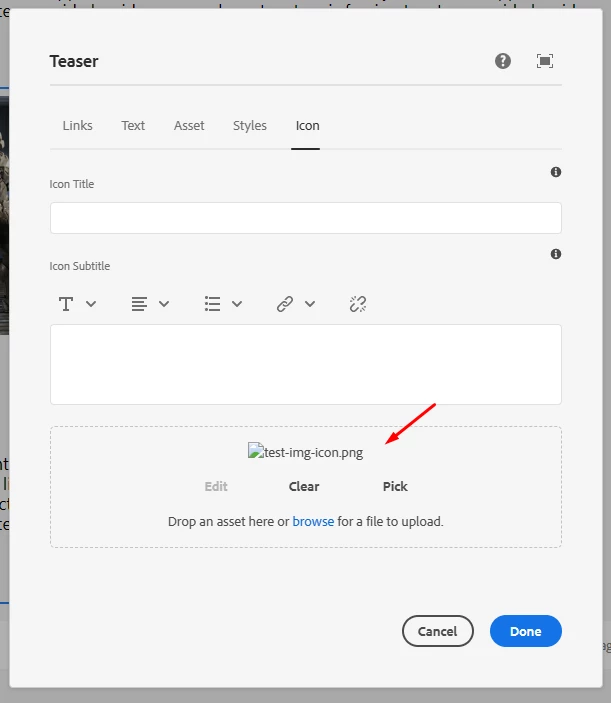
The files gets uploaded correctly and the dialog even tries to get the image.
The path that it's trying to reach its:
/content/<project>/<folder>/home/teaser/_jcr_content/root/container/container/container/teaser_copy/iconfile.img.png?ch_ck=1674603887000
In contrast if I upload using the out of the box image component, I get this url which works perfectly:
/content/<project>/<folder>y/home/teaser/_jcr_content/root/container/container/container/teaser_copy.img.png?ch_ck=1674604092000
Is there a way to have two images on the same component?
<?xml version="1.0" encoding="UTF-8"?>
<jcr:root xmlns:sling="http://sling.apache.org/jcr/sling/1.0" xmlns:granite="http://www.adobe.com/jcr/granite/1.0" xmlns:cq="http://www.day.com/jcr/cq/1.0" xmlns:jcr="http://www.jcp.org/jcr/1.0" xmlns:nt="http://www.jcp.org/jcr/nt/1.0"
    jcr:primaryType="nt:unstructured"
    jcr:title="Teaser"
    sling:resourceType="cq/gui/components/authoring/dialog"
    extraClientlibs="[core.wcm.components.teaser.v2.editor,core.wcm.components.image.v3.editor]"
    helpPath="https://www.adobe.com/go/aem_cmp_teaser_v2"
    trackingFeature="core-components:teaser:v2">
    <content
        granite:class="cmp-teaser__editor cmp-image__editor"
        jcr:primaryType="nt:unstructured"
        sling:resourceType="granite/ui/components/coral/foundation/container">
        <items jcr:primaryType="nt:unstructured">
            <tabs
                jcr:primaryType="nt:unstructured"
                sling:resourceType="granite/ui/components/coral/foundation/tabs">
                <items jcr:primaryType="nt:unstructured">
                    <actions
                        jcr:primaryType="nt:unstructured"
                        jcr:title="Links"
                        sling:resourceType="granite/ui/components/coral/foundation/container"
                        margin="{Boolean}true">
                    </actions>
                    <text
                        jcr:primaryType="nt:unstructured"
                        jcr:title="Text"
                        sling:resourceType="granite/ui/components/coral/foundation/container"
                        margin="{Boolean}true">
                    </text>
                    <image
                        jcr:primaryType="nt:unstructured"
                        sling:resourceType="granite/ui/components/coral/foundation/include"
                        path="core/wcm/components/image/v3/image/cq:dialog/content/items/tabs/items/asset"/>
                    <styletab
                        jcr:primaryType="nt:unstructured"
                        sling:resourceType="granite/ui/components/coral/foundation/include"
                        path="/mnt/overlay/cq/gui/components/authoring/dialog/style/tab_edit/styletab"/>
                    <icon
                        jcr:primaryType="nt:unstructured"
                        jcr:title="Icon"
                        sling:resourceType="granite/ui/components/coral/foundation/container"
                        margin="{Boolean}true">
                        <items jcr:primaryType="nt:unstructured">
                            <columns
                                jcr:primaryType="nt:unstructured"
                                sling:resourceType="granite/ui/components/coral/foundation/fixedcolumns"
                                margin="{Boolean}true">
                                <items jcr:primaryType="nt:unstructured">
                                    <column
                                        jcr:primaryType="nt:unstructured"
                                        sling:resourceType="granite/ui/components/coral/foundation/container">
                                        <items jcr:primaryType="nt:unstructured">
                                            <icontitle
                                                jcr:primaryType="nt:unstructured"
                                                sling:resourceType="granite/ui/components/coral/foundation/form/textfield"
                                                fieldDescription="Icon Title"
                                                fieldLabel="Icon Title"
                                                name="./icontitle"/>
                                             <iconsubtitle
                                                jcr:primaryType="nt:unstructured"
                                                sling:resourceType="cq/gui/components/authoring/dialog/richtext"
                                                fieldDescription="Icon Description"
                                                fieldLabel="Icon Subtitle"
                                                useFixedInlineToolbar="{Boolean}true"
                                                name="./iconsubtitle"/>
                                              <file
                                                jcr:primaryType="nt:unstructured"
                                                class="cq-dropTarget"
                                                sling:resourceType="cq/gui/components/authoring/dialog/fileupload"
                                                fileNameParameter="./iconfile/fileName"
                                                fileReferenceParameter="./iconfile/fileReference"
                                                mimeTypes="[image/gif,image/jpeg,image/png,image/tiff,image/svg+xml]"
                                                name="./iconfile/file"
                                                uploadUrl="${suffix.path}"
                                                useHTML5="{Boolean}true"/>

                                        </items>
                                    </column>
                                </items>
                            </columns>
                        </items>
                    </icon>
                </items>
            </tabs>
        </items>
    </content>
</jcr:root>