New Participant
August 1, 2025
Solved

Unable to download AEMaaCS

  • August 1, 2025
  • 2 replies
  • 3251 views

I have gone through with Experience blog "https://experienceleague.adobe.com/en/docs/experience-manager-learn/cloud-service/local-development-environment-set-up/aem-runtime#download-the-aem-as-a-cloud-service-sdk"
And trying to download AEMaaCS sdk to setup my local , but its not opening and every time getting attached error.
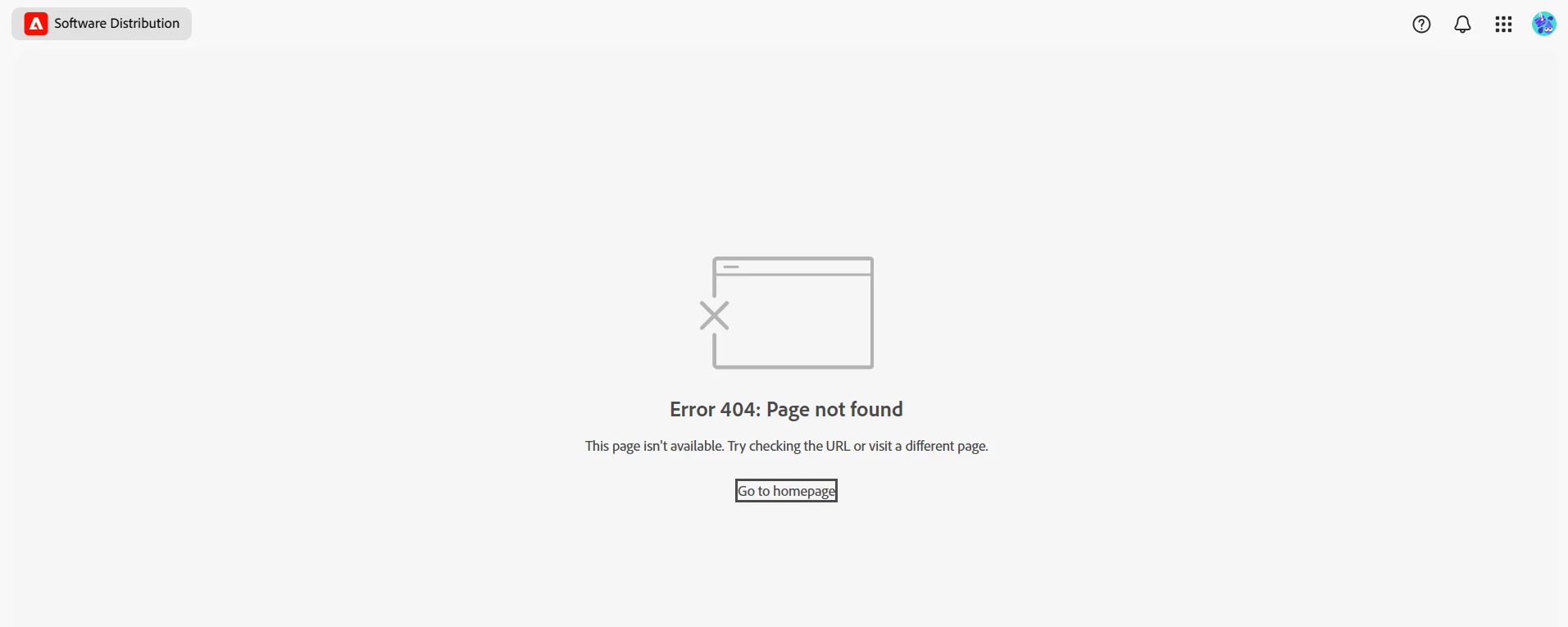
PLease help me to get this down

This post is no longer active and is closed to new replies. Need help? Start a new post to ask your question.
Best answer by MukeshYadav_

Hi @viveksr1 ,
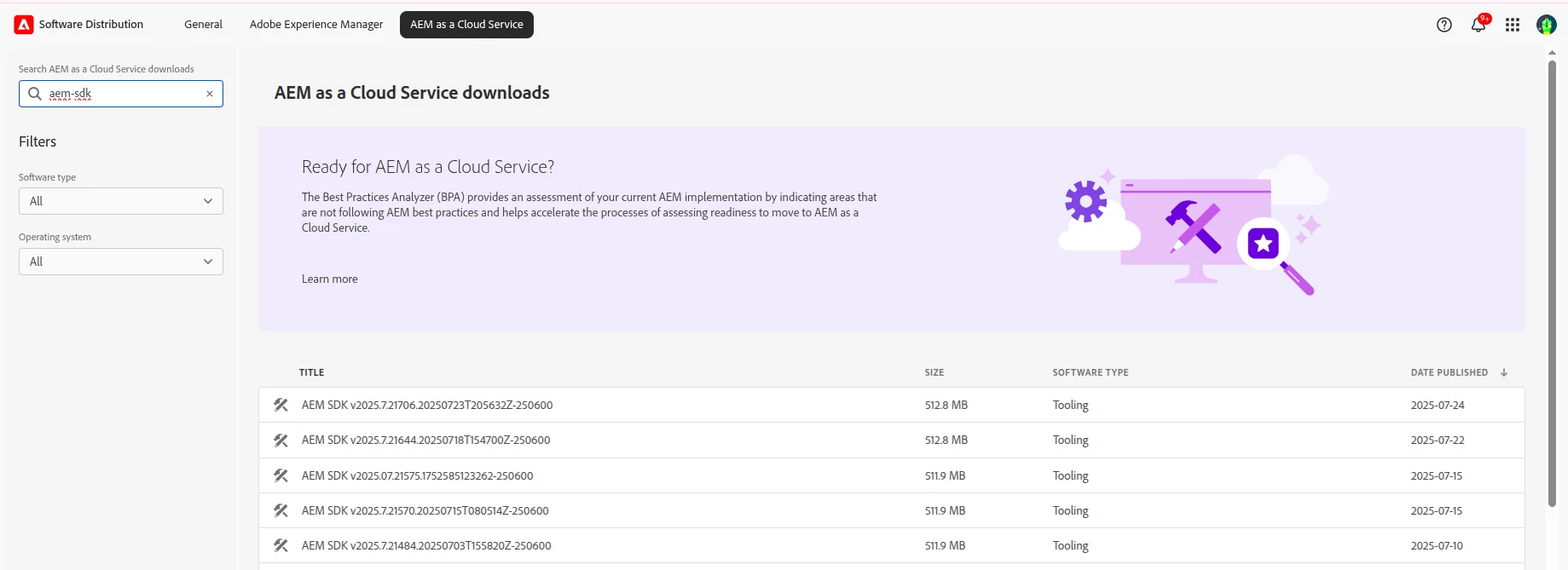
I am able to download the aem sdk, make sure your logged-in account linked with organisation and have enough permission to access the same.


Thanks

2 replies

MukeshYadav_
MukeshYadav_Accepted solution
New Participant
August 1, 2025

Hi @viveksr1 ,
I am able to download the aem sdk, make sure your logged-in account linked with organisation and have enough permission to access the same.


Thanks

Karishma_begumSh
New Participant
August 1, 2025

Hi @viveksr1 

  1. You must access the SDK via Adobe Cloud Manager.

    • Adobe no longer lets you download AEMaaCS SDK directly from Software Distribution.

    • Instead, go to: https://experience.adobe.com/

    • Log in with your Adobe ID (must be part of an AEMaaCS-enabled org).

    • Go to Cloud Manager → Environments → click the "Download SDK" button.

  2. If you don’t see the SDK download button:

    • You may not have the correct permissions (you need to be a Developer in Adobe Admin Console).

    • Or, your org may not have AEM as a Cloud Service entitlement.

  3. Alternative: Ask your admin

    • If you don’t have Cloud Manager access, ask your AEM Org Admin to download it and share it with you.

Hope this helpful.:)


Regadrs,

Karishma.