Unable to run aem .jar file for publish instance | Community
Skip to main content
New Participant
September 15, 2023
Solved

Unable to run aem .jar file for publish instance

  • September 15, 2023
  • 1 reply
  • 545 views

Hi All,


I am trying to run aem .jar file on linux ec2 machine using command :- java -Xmx1024M -jar aem-publish-p4503.jar , but am getting below error message-


Setting 'sling.run.modes' to 'publish' from filename.
Verbose option not active, closing stdin and redirecting stdout and stderr
Redirecting stdout to /home/ec2-user/aem_instance/publish/crx-quickstart/logs/stdout.log
Redirecting stderr to /home/ec2-user/aem_instance/publish/crx-quickstart/logs/stderr.log
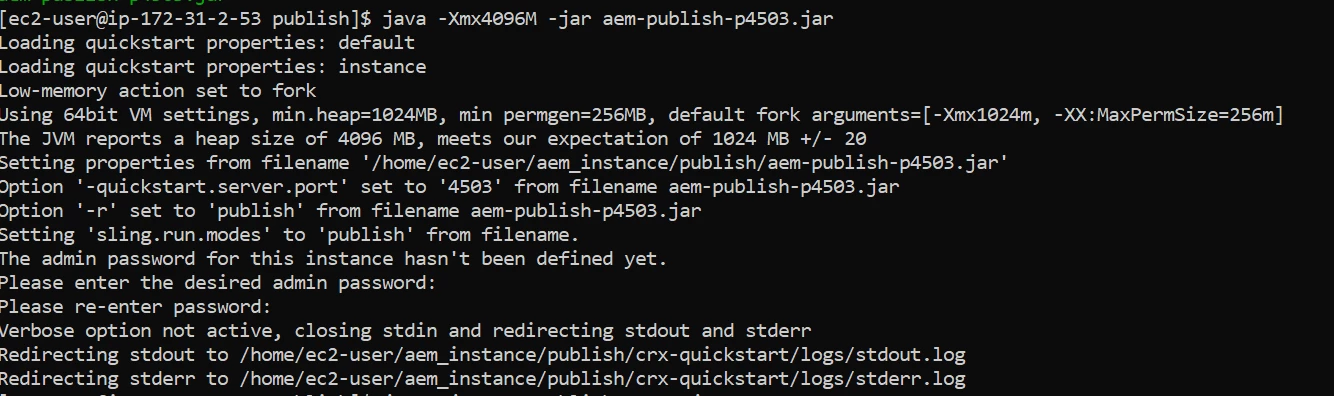


Can someone guide me.


Thank you..!!
 

This post is no longer active and is closed to new replies. Need help? Start a new post to ask your question.
Best answer by Jineet_Vora

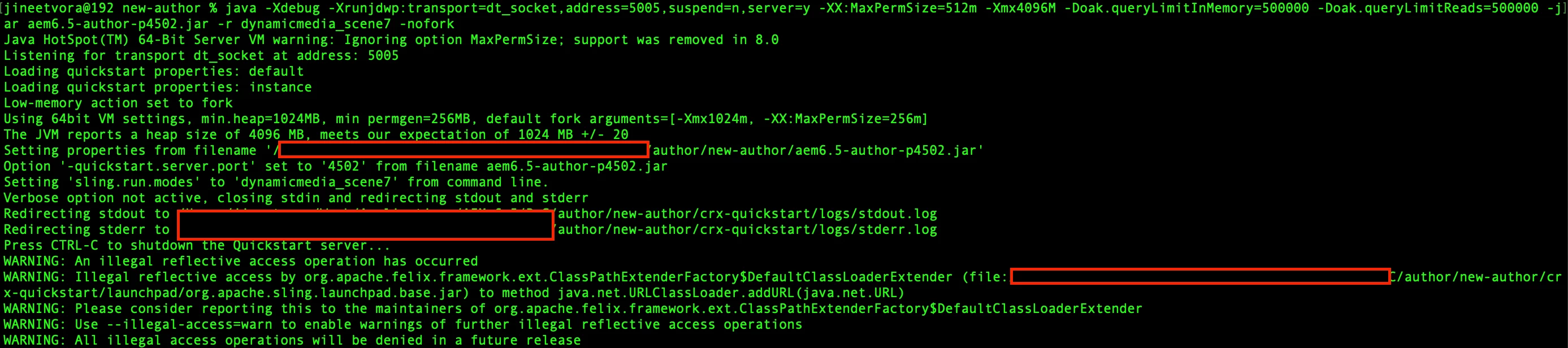
@muskan_mala - This is not an error. The execution is outputting default message. It is the same message even I am getting while I am starting my AEM instance - ref. [1]


Is your instance running up after a few minute or so? It generally opens up at localhost followed by port number (default is 4502) on your EC2 - provided your EC2 is accessible and port is open (in AWS Security Group).


Regards,

Jineet


[1]: 


1 reply

Jineet_Vora
Jineet_VoraAccepted solution
New Participant
September 15, 2023

@muskan_mala - This is not an error. The execution is outputting default message. It is the same message even I am getting while I am starting my AEM instance - ref. [1]


Is your instance running up after a few minute or so? It generally opens up at localhost followed by port number (default is 4502) on your EC2 - provided your EC2 is accessible and port is open (in AWS Security Group).


Regards,

Jineet


[1]: