Unable to see style system option on first container component | Community
Skip to main content
Level 6
Aug 30, 2023 5:53 AM UTC
Solved

Unable to see style system option on first container component

Hi,

I have a container component 

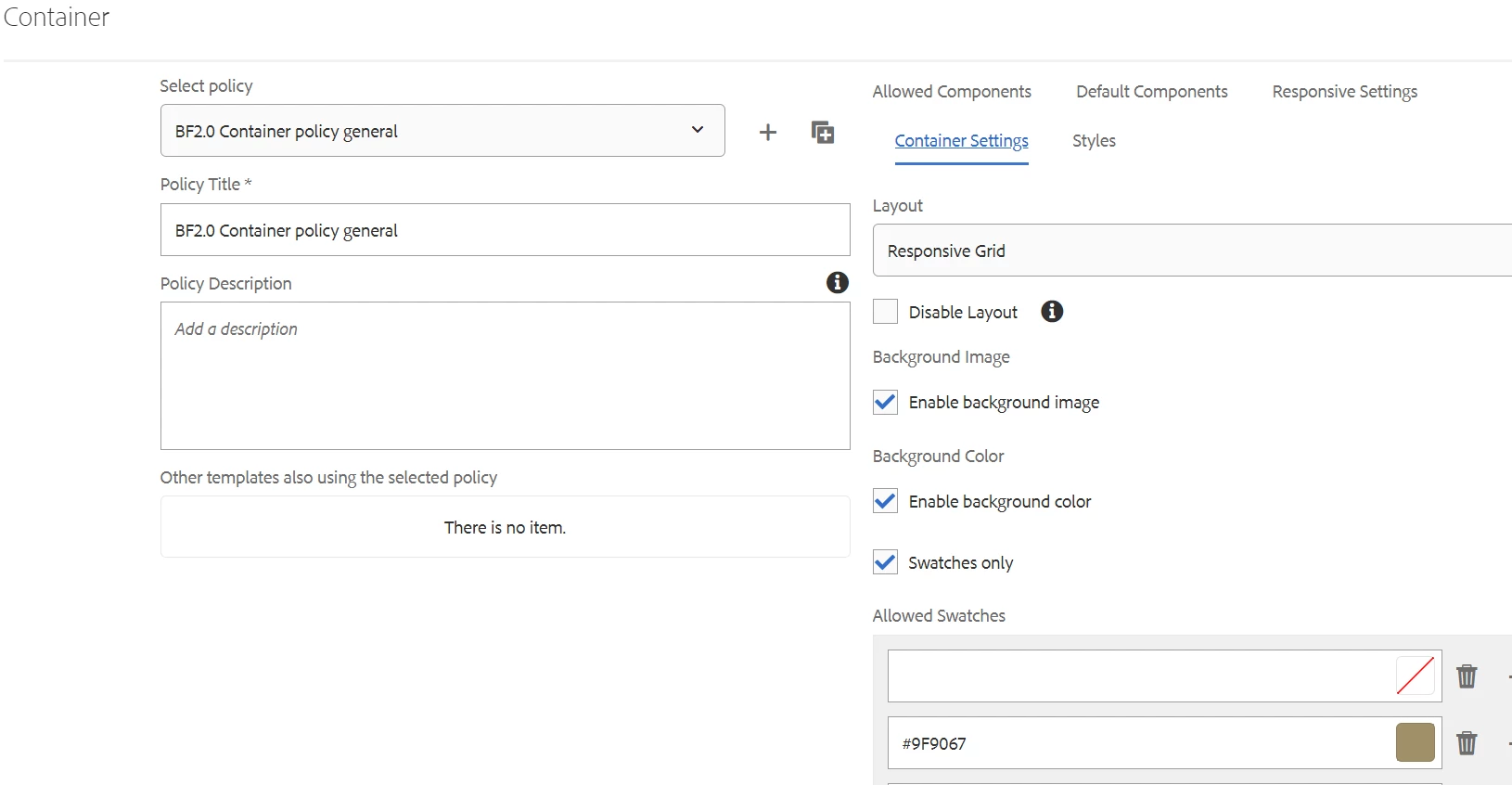
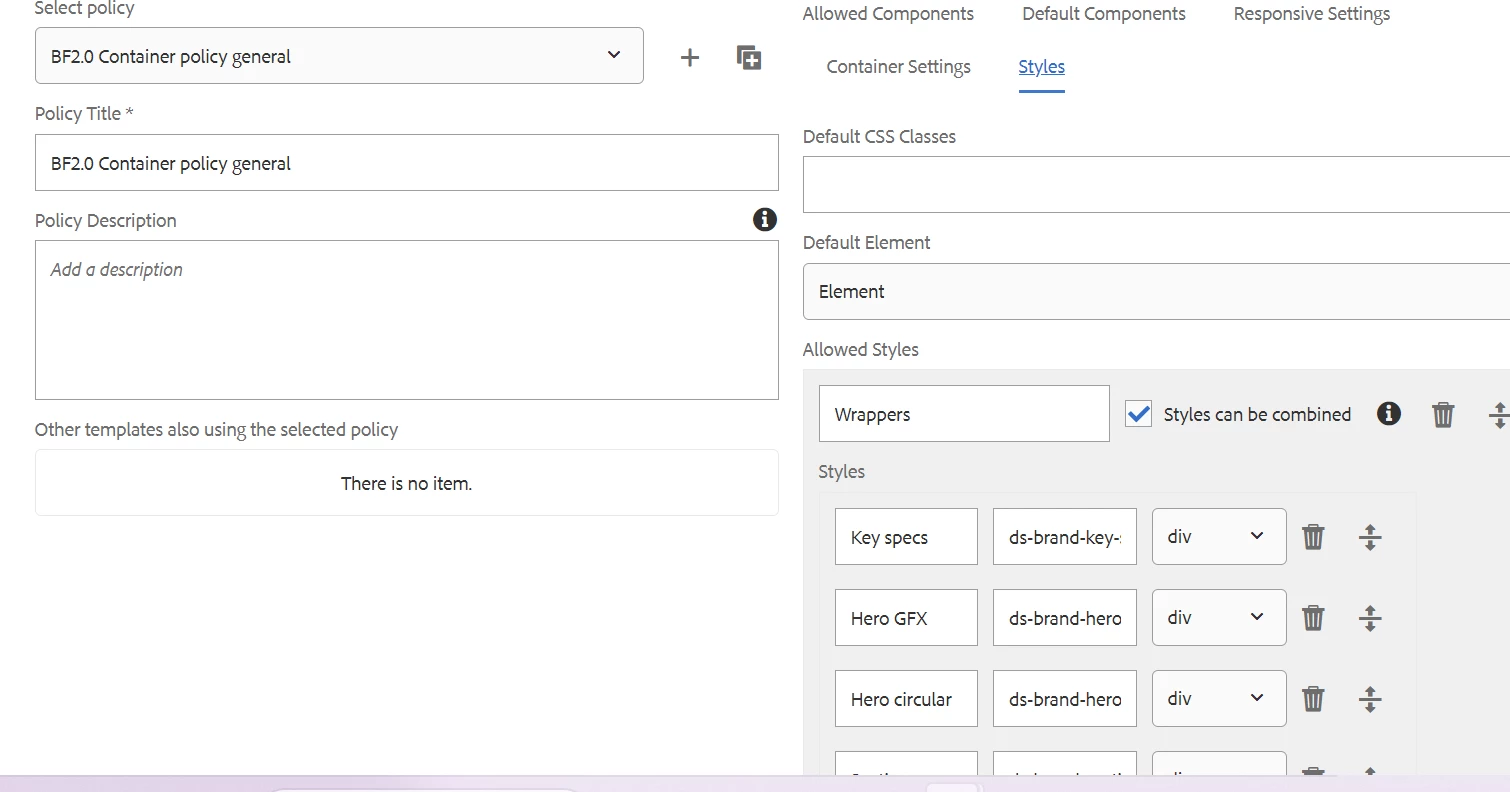
When I add a container on the page, it doesn't have the style system options visible. When I add another one, the new one has them. But not the first one.
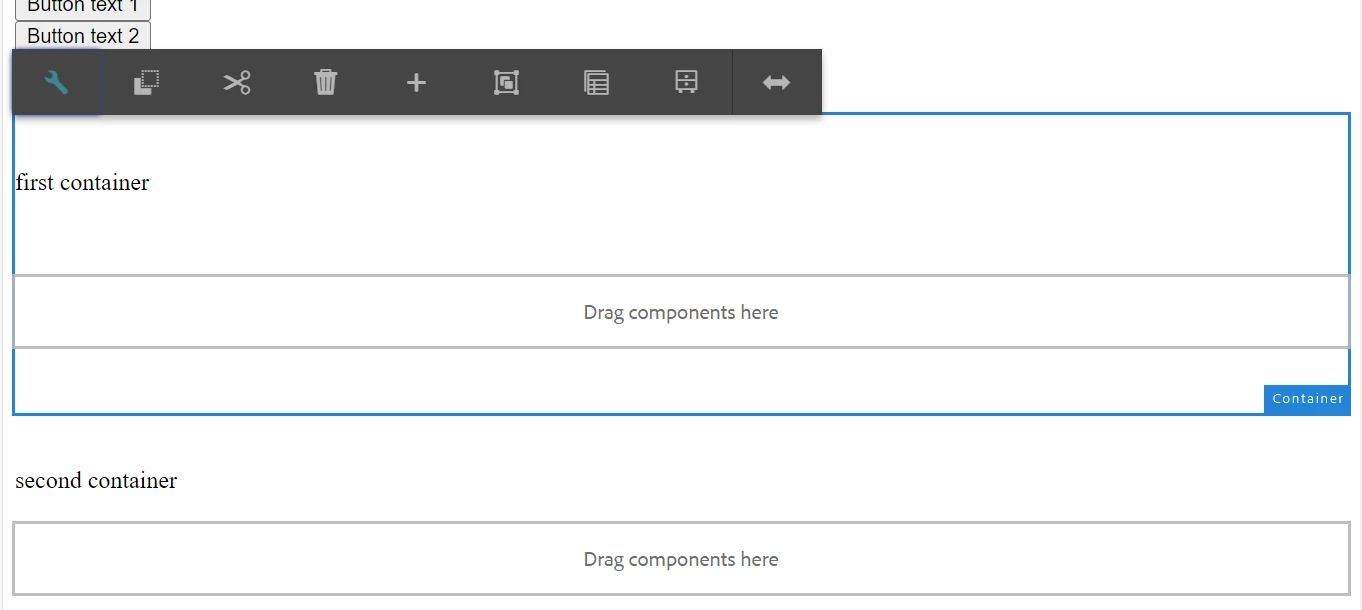
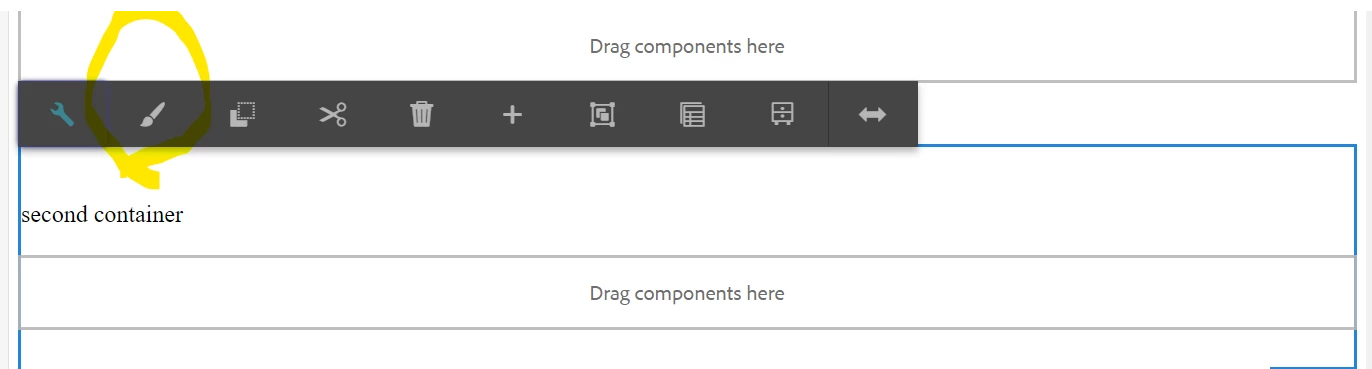


The classes are adding if I choose any style on the second container.

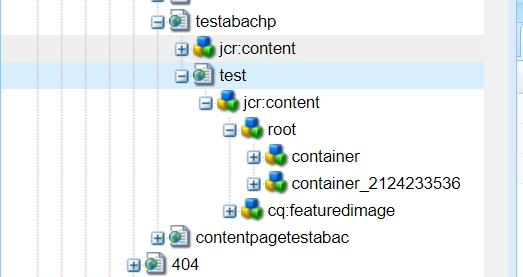
If I rename container with container-1 style system option is showing on container1.



This post is no longer active and is closed to new replies. Need help? Start a new post to ask your question.
Sady_Rifat
Sady_RifatAccepted solution
New Participant
Aug 30, 2023 11:03 AM UTC

Ok. The container component you are trying to configure style is under a default container. This means you are following this structure,

. └── root/ └── container -> Defatult container that is comes from template structure/ └── container -> The component that you set the policy

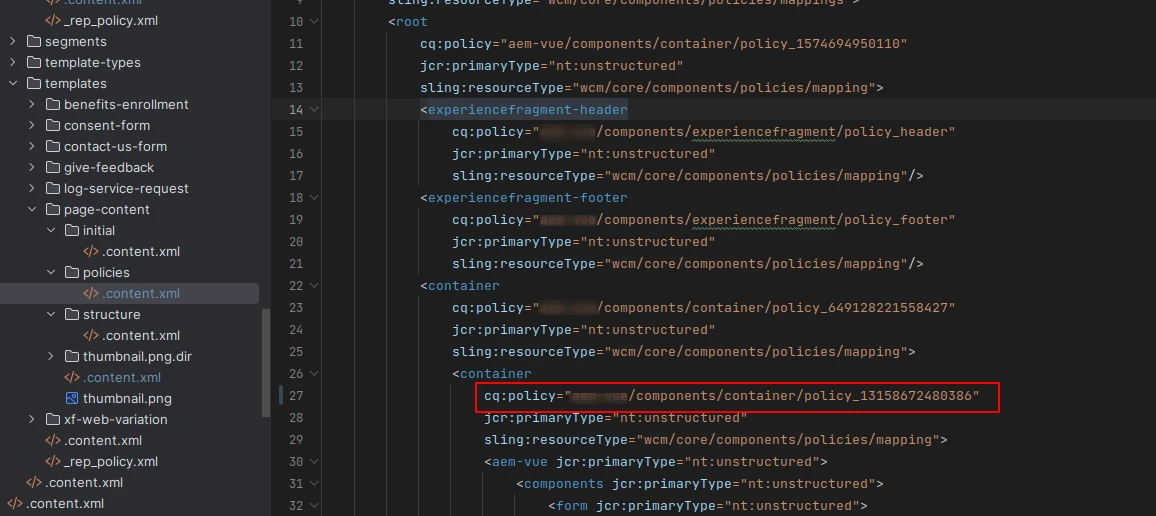
Or similar to this, What happened for the 1st container is the structure policy navigates to it where your styles are not configured. When you add another container it actually finds your configured style policy.
So the solution can be in two ways,
Either change the map of policy from templates/your-template/policies. In my case I changed it

or, you can go to that policy (settings/wcm/policies) and update the policy with styleGroups


Hope you will understand my point now.

3 replies

Sady_Rifat
New Participant
Aug 30, 2023 9:32 AM UTC

Hello @vani1012 ,

My belief is all your problem is related to your policy. I can give you some hints to find your problem area.

  • Check your templates policy
  • Is it the main layout policy, or does your page structure already refer to the container?
  • If so update your policy it should work.
Translate
Vani1012Author
Level 6
Aug 30, 2023 10:00 AM UTC

Hi @sady_rifat ,

Can you please explain a bit more, I am not getting your point.


Translate
Sady_Rifat
Sady_RifatAccepted solution
New Participant
Aug 30, 2023 11:03 AM UTC

Ok. The container component you are trying to configure style is under a default container. This means you are following this structure,

. └── root/ └── container -> Defatult container that is comes from template structure/ └── container -> The component that you set the policy

Or similar to this, What happened for the 1st container is the structure policy navigates to it where your styles are not configured. When you add another container it actually finds your configured style policy.
So the solution can be in two ways,
Either change the map of policy from templates/your-template/policies. In my case I changed it

or, you can go to that policy (settings/wcm/policies) and update the policy with styleGroups


Hope you will understand my point now.

Translate