Viewer Presets Editor - How to enable desktop, tablet and mobile buttons?
Hi Community,
I need to set hotspot styles for a component and on desktop it works just fine. But it seem, on mobile or tablet, the styles don't take effect. My guess is, that I am currently in the desktop editing view, so the changes only take effect on desktop.
Now I have the issue, that the buttons for changing the responsive view on the top left for desktop, tablet and mobile, are all disabled and non-clickable.
Here is a screenshot of my viewer preset editor view:
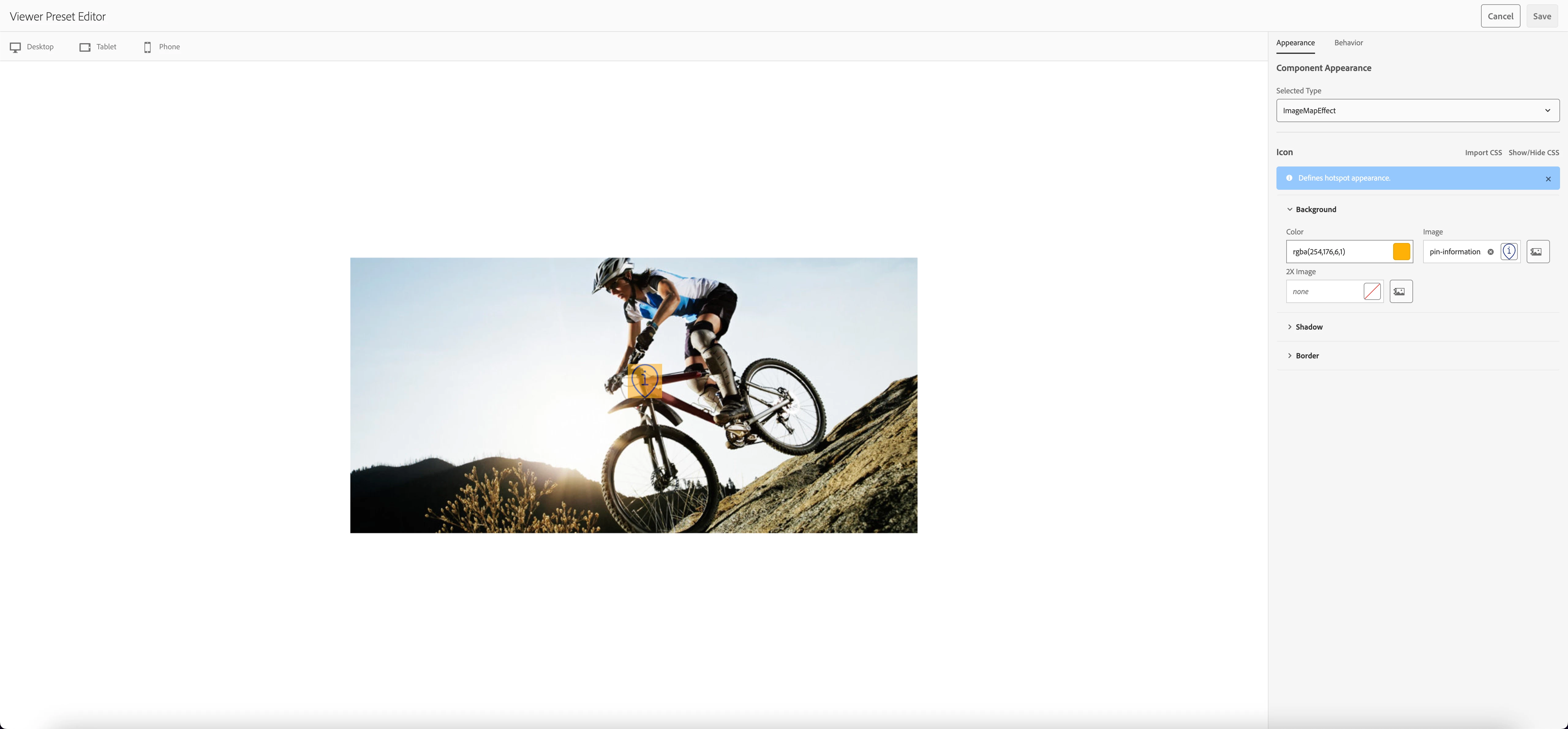
My question is now:
How can I enable those responsive view buttons to set my config for also tablet and mobile hotspots?