AEP debugger not working at all | Community
Skip to main content
marcush74174295
New Participant
February 8, 2021
New

AEP debugger not working at all

  • February 8, 2021
  • 15 replies
  • 5897 views

Description - AEP debugged doesn't show any events, data or anything really useful

Why is this feature important to you - Well, for starts I'd like to to show me network events, logs and the basics that I could get from Cloud debugger.

How would you like the feature to work -

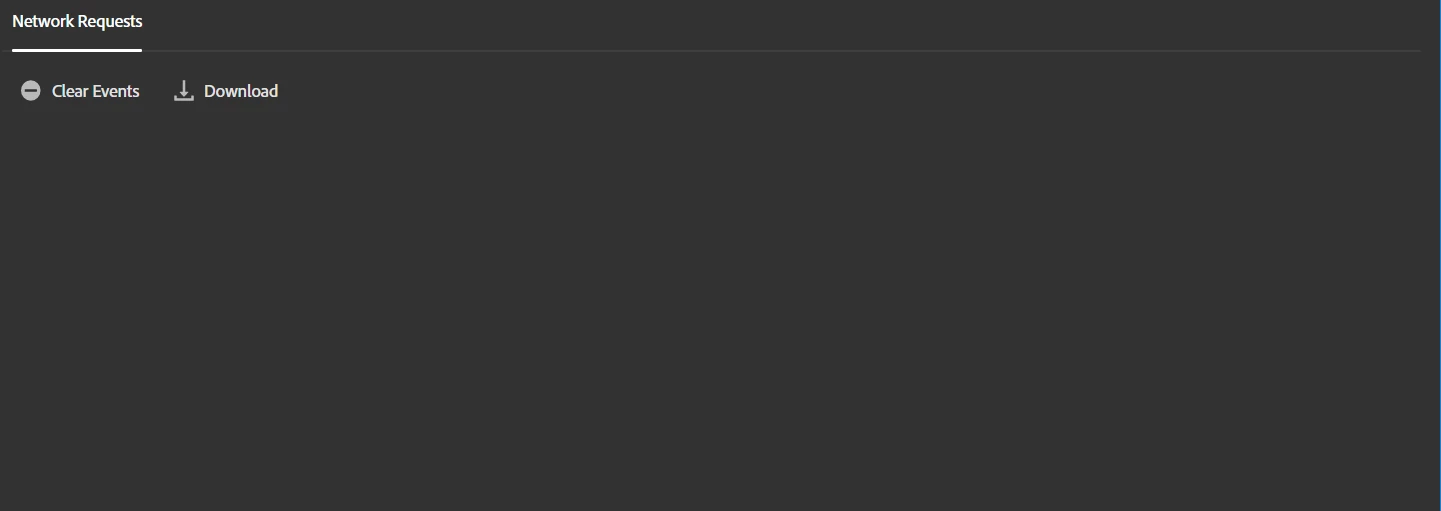
Current Behaviour - Showing me nothing at the moment. It connects, let's me sign in and stuff, but it does not populate any data at all in the debugger itself.


Adding Adobe Analytics and all relatable products through Adobe Launch. Does it not work with the standard way of adding AA as an extension in Launch?
 

15 replies

adithya_kaipa1
New Participant
October 4, 2022

I too faced same problem today. After trying so many troubleshoot options, it just worked after removing cookies and reload the browser. Try once if you haven't

New Participant
January 21, 2022

Having the same issue. Got a response in my org to "switch from client to server"? Not sure what that means or if that would help?

New Participant
August 6, 2021

Hi @user06645,


I have a similar issue where AEP debugger is not able to track any page name or page url. 

It connects, let's me sign in and stuff, but it does not populate any data at all in the debugger itself. On the AEP debugger I clicked "inspect" then under "console" I'm getting "non-JS module files deprecated"


Employee
March 4, 2021

None of us here can replicate the issue which makes us think this is an issue specific to your machine. Let's try one more thing, can you right click on AEP Debugger and click "inspect" then click on the "console" tab. Then, while Debugger is connected to a tab, refresh that tab and see if any errors are thrown. Please share a screen shot of what you see. 


We also have a Firefox version that you can install here, maybe try this one? mozilla:https://addons.mozilla.org/en-US/firefox/addon/adobe-experience-platform-dbg/


marcush74174295
New Participant
March 4, 2021

Or scratch that, it isn't working Incognito either now 😞

marcush74174295
New Participant
March 4, 2021

Hey again Jon,

Nothing else running except base Chrome. No other extensions installed at the moment. If I allow the extension to work Incognito, it seems to work. Like I wrote earlier as well, if clearing cache it works for a little while

Employee
March 3, 2021

I was not able to replicate the issue and can see the AA calls:


Is it possible that another web browser extension could be interfering? Maybe try uninstalling/disabling other extensions?


marcush74174295
New Participant
February 19, 2021

@pohlipit_mh I got it working by making it usable in Incognito mode and once when I cleared everything in my account from times beginning. But, it worked for a day and it does not work today again for me (except incognito). Any luck on your end?

New Participant
February 18, 2021

Anyone got a resolution to this? I am having the same issue. 

Launch is installed on the site. The debugger is connecting but nothing is showing up. 

Obviously I tried all of the easy resolutions already. Even using it on a different PC and browser. 

marcush74174295
New Participant
February 15, 2021

The debugger reads as connected for me. This is how it looks for me after several reloads and page navigations: 

Can't seem to be able to populate the network requests for some reason.


Edit: Uninstalled any extensions I had otherwise and tried again, but still nothing... 😞