Push Notification - error reason: Missing Credential | Community
Skip to main content
New Participant
February 6, 2024
Solved

Push Notification - error reason: Missing Credential

  • February 6, 2024
  • 2 replies
  • 1309 views

Hi there,


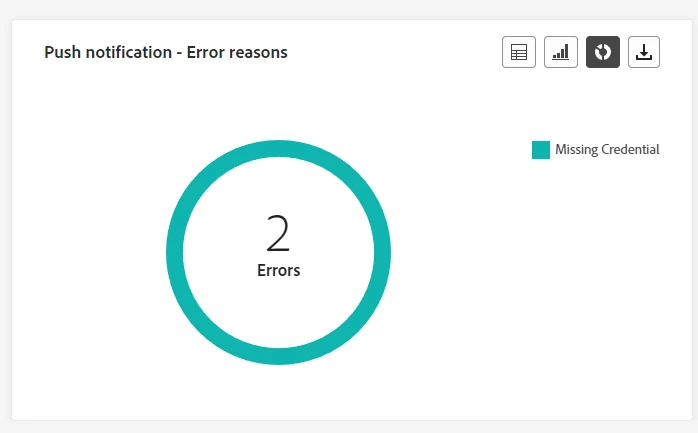
We are new to Push notifications so just testing a few things out. When I tried to schedule a campaign with push notification, I see the following error from the report within Campaign. I can confirm that my profile has the push tokens, what else could the reason be?
 

Thanks.

This post is no longer active and is closed to new replies. Need help? Start a new post to ask your question.
Best answer by _Manoj_Kumar_

Hello @akwankl 


It this the case for all profiles or it is happening for few records only? If this is happening for all profiles then check the APP surface credentials. Are they still valid?


Other possible reason could be that the push token is not valid anymore.

2 replies

Mohan_Dugganab
Employee
February 9, 2024

In the past, I have seen this error surface when the push credentials could not be retrieved from the app surface for the respective appId at the time of sending due to a maintenance on launch/data collection

_Manoj_Kumar_
_Manoj_Kumar_Accepted solution
New Participant
February 7, 2024

Hello @akwankl 


It this the case for all profiles or it is happening for few records only? If this is happening for all profiles then check the APP surface credentials. Are they still valid?


Other possible reason could be that the push token is not valid anymore.

     Manoj     Find me on LinkedIn