
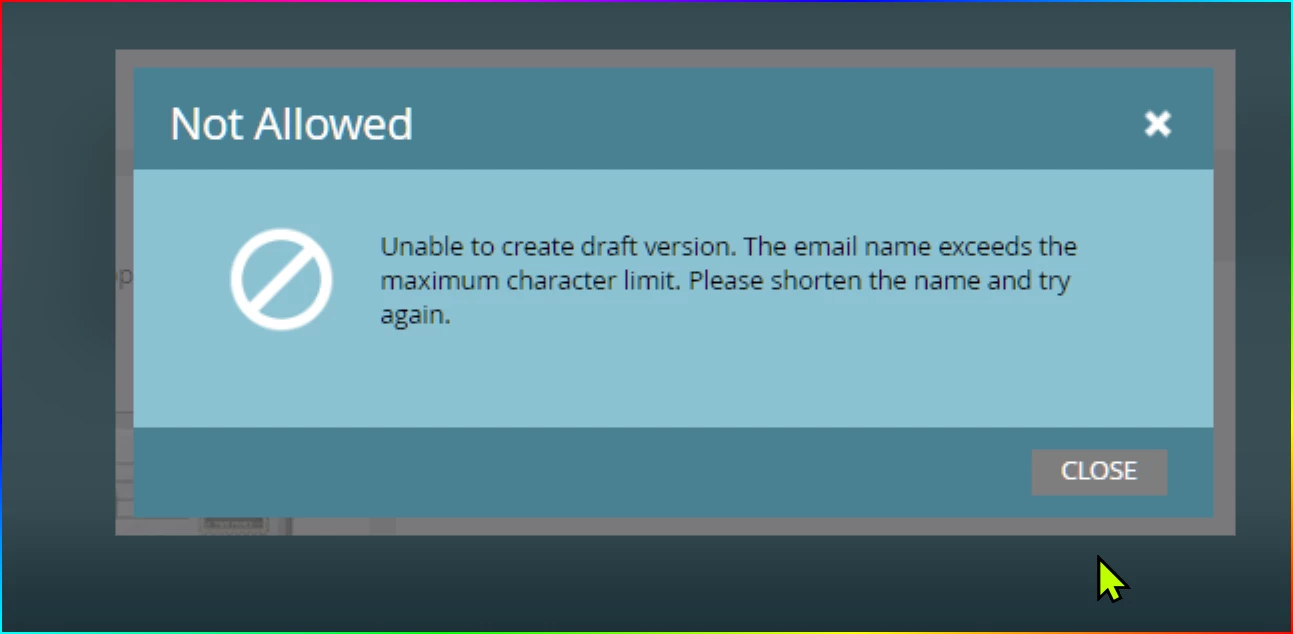
Adobe Marketo Engage error: "Unable to create draft version. The email name exceeds the maximum character limit. Please shorten the name and try again." | Community
Skip to main content
MarketoSupport
New Participant
June 13, 2023
Solved

Adobe Marketo Engage error: "Unable to create draft version. The email name exceeds the maximum character limit. Please shorten the name and try again."

  • June 13, 2023
  • 2 replies
  • 1503 views


Is there any insight as to the cause of this error that popped up when saving an email draft in Adobe Marketo Engage?

"Unable to create draft version. The email name exceeds the maximum character limit. Please shorten the name and try again."

The email name was relatively short, and no longer any eixsting. The error simply resolved itself after trying to save again. 

There does not appear to be any documentation regarding this error.

Thanks!


This post is no longer active and is closed to new replies. Need help? Start a new post to ask your question.
Best answer by SanfordWhiteman

Question: did you change the name of the Program (if any) that contains this email asset?

2 replies

New Participant
April 15, 2024

I recently got this error and it was resolved by approving the template that the asset was using.

SanfordWhiteman
SanfordWhitemanAccepted solution
New Participant
June 13, 2023

Question: did you change the name of the Program (if any) that contains this email asset?
