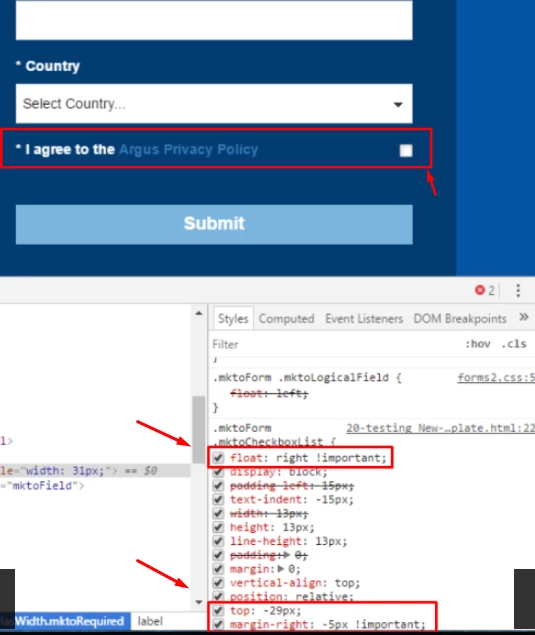
Align checkbox on a form
Hi all,
Trying to align this checkbox but having difficulties. I am using a label as I need to be able to link out to the privacy policy. I try different label widths but nothing seems to be working. Here is a preview: Argus Media > looks like the below.
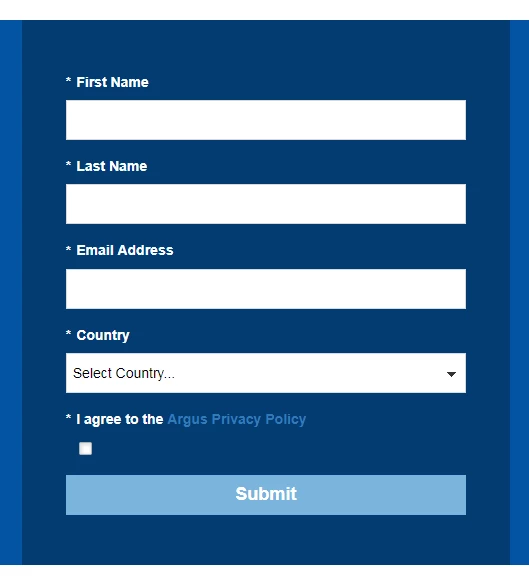
The code within the landing page for a checkbox is:
.mktoForm .mktoCheckboxList {
float: left !important;
display: block;
padding-left: 15px;
text-indent: -15px;
width: 13px;
height: 13px;
line-height: 13px;
padding: 0;
margin:0;
vertical-align: bottom;
position: relative;
top: -1px;
*overflow: hidden;
I tried removing the label and putting into the display value (albeit that I couldn't include a link this way), this looked better but the tickbox was misaligned. Only change I made to the above was to float right, not left.
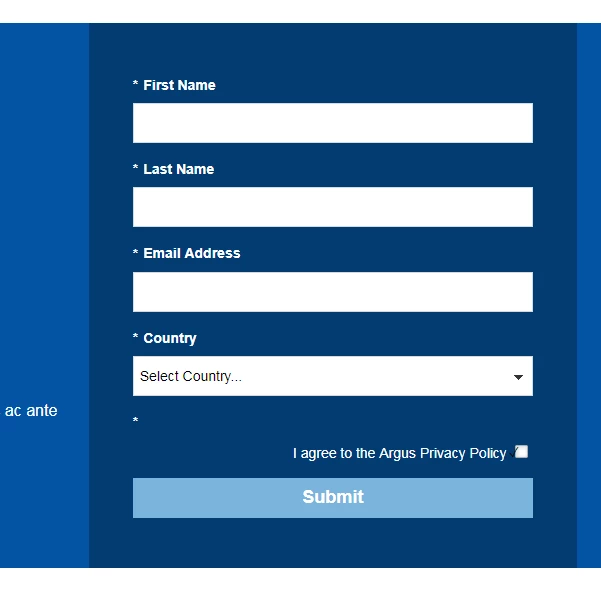
Help would be appreciated! @Sanford Whiteman - are you able to see what's going on here? If option 2 is easier to figure out then perhaps we could explore this route - option 1 would be preferable though.
Thanks,
Carly