"Any Triggers" + 1 Filter | Community
Skip to main content
August 27, 2018
Solved

"Any Triggers" + 1 Filter

  • August 27, 2018
  • 1 reply
  • 4887 views

I'm trying to create an advanced filter rule (1 or 2) AND 3 for the below smart list.
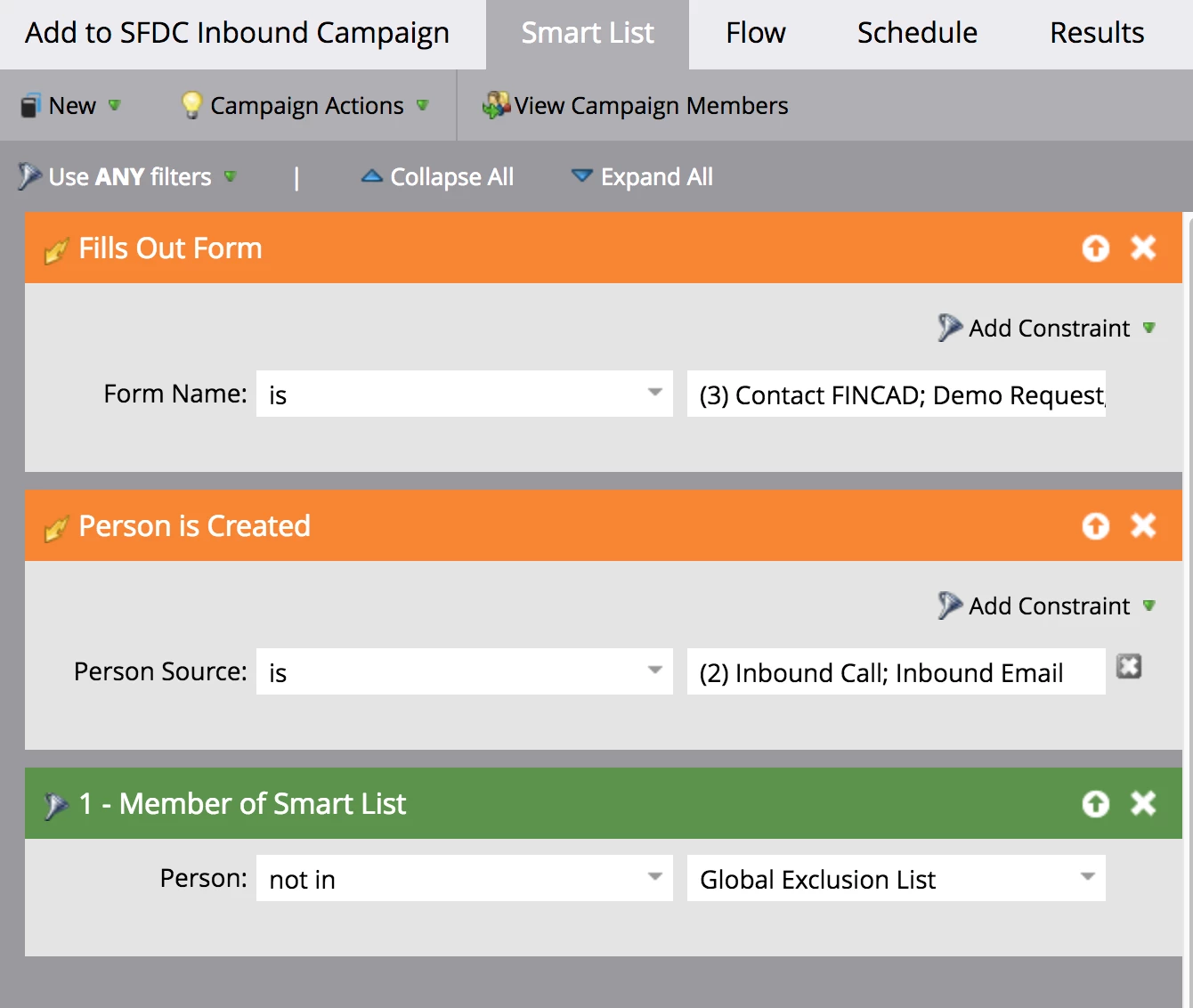
However, when I try to set it to "Advanced Filter Rules," the option is greyed out for this specific setup.
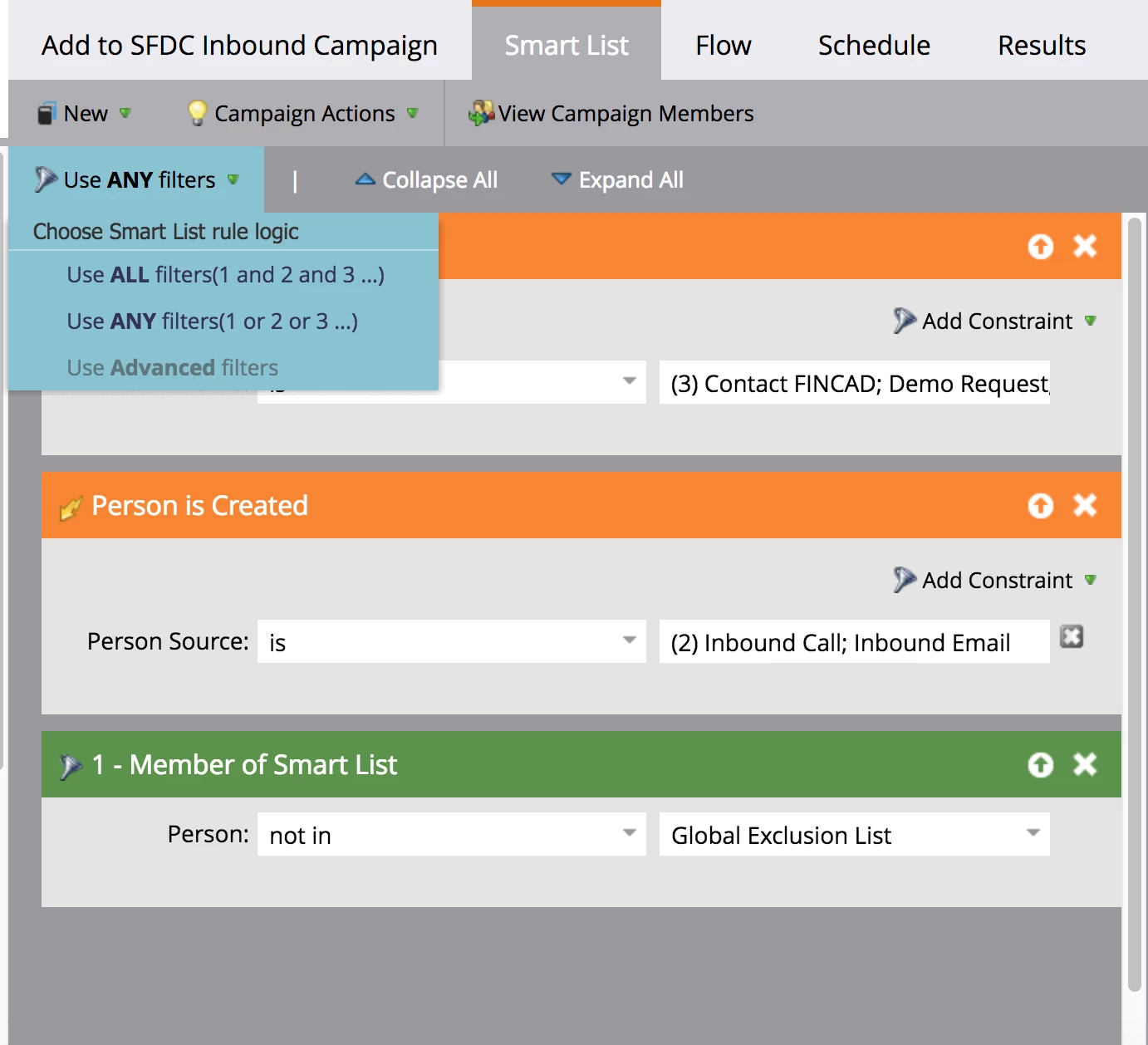
Can someone explain why and help me understand how I can get it to work the way I want it to?

This post is no longer active and is closed to new replies. Need help? Start a new post to ask your question.
Best answer by Dan_Stevens_

Filter logic can only be applied to FILTERS - not TRIGGERS.  Your first two are triggers.  Triggers are always "or" logic - meaning if either are true, it will continue and evaluate the trigger(s) you've defined.  So in essence, your smart list will execute as you intended it to.

1 reply

Dan_Stevens_
Dan_Stevens_Accepted solution
New Participant
August 27, 2018

Filter logic can only be applied to FILTERS - not TRIGGERS.  Your first two are triggers.  Triggers are always "or" logic - meaning if either are true, it will continue and evaluate the trigger(s) you've defined.  So in essence, your smart list will execute as you intended it to.

August 27, 2018

Hi Dan,

Thanks for responding. So just to be clear, whether I applied "Apply ALL filters" or "Apply ANY filters", the smart list would still execute as intended?

I personally don't understand why their can't be advanced rules for both triggers and filters.

SanfordWhiteman
New Participant
August 27, 2018

I personally don't understand why their can't be advanced rules for both triggers and filters.

Because a given trigger fires in response to a single activity, as reflected in the Activity Log.

You can't require that the same single activity is both a Filled Out Form and a Person is Created activity at the same time. They have an implicit OR condition.