Auto populate Country | Community
Skip to main content
Callum_Pirie
New Participant
December 5, 2018
Solved

Auto populate Country

  • December 5, 2018
  • 1 reply
  • 6999 views

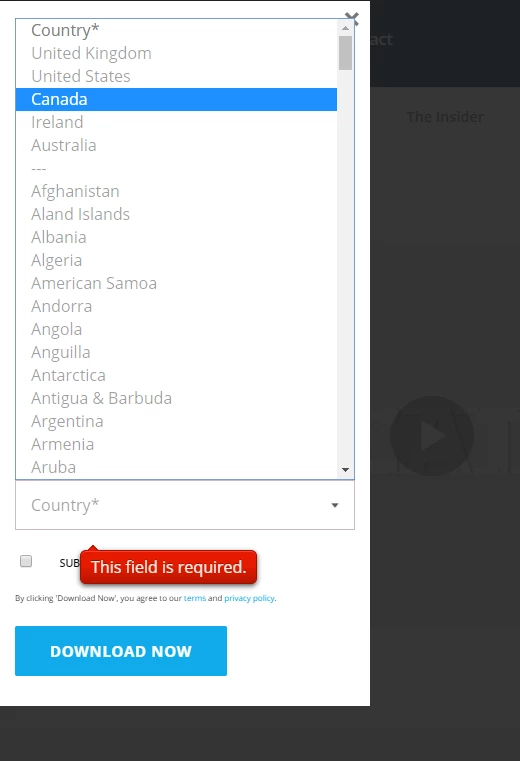
We have a bunch of forms on our website and have a dropdown list as below:
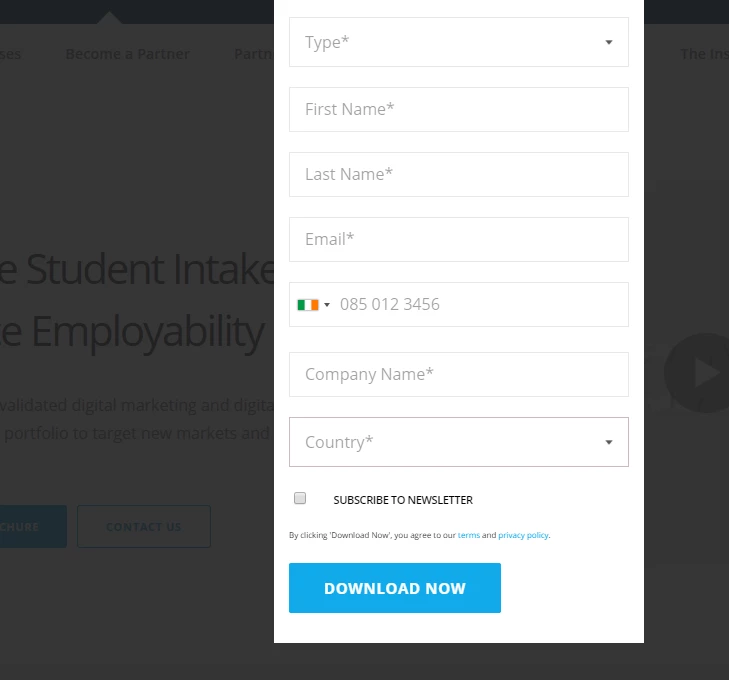
and in the backend of the form builder is as follows
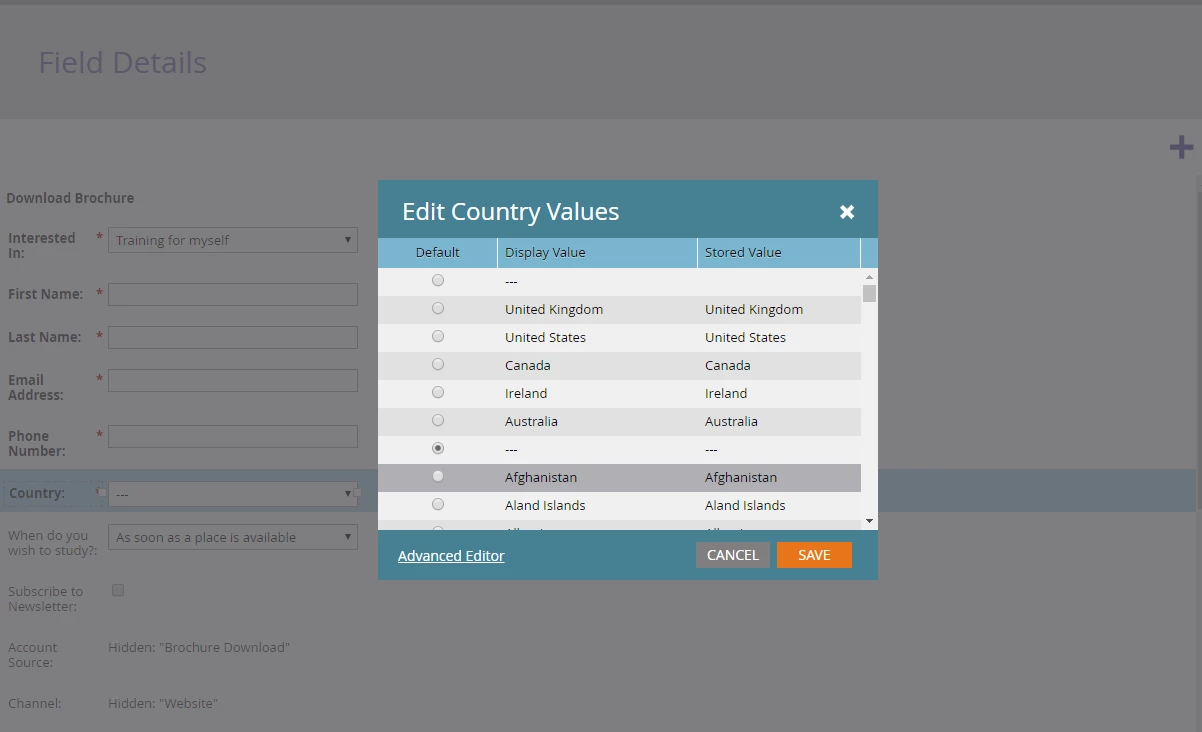
We have a country selector for the website which then localizes the pages as per country (ie. en-gb, en-us)

Is there anyway with the current setup to make it so the same form if on en-gb defaults the country selector as United Kingdom (however giving the user the option to change country if needed) and if on en-us to default to United States

Is this possible?

We do have gaconnectors for cookies within countries could we do something around this?

Thanks

This post is no longer active and is closed to new replies. Need help? Start a new post to ask your question.
Best answer by SanfordWhiteman

It's absolutely possible to do this, but not exactly in the way you describe.

You don't want Country to be a Hidden field because then it will never be user-editable.

Instead, add an additional Hidden field that stores the session-wide locale value. Name that field like LastSessionLocale and Auto-Fill it from the corresponding cookie.

Then using the Forms 2.0 JS API, map the Country value from LastSessionLocale. I can help with that part if you set up the first part.

Note: if the session locale is saved in a cookie, you may have an order-of-operations issue if everything happens on the same page. That is, if the form renders on a page, and then the person clicks the (non-form) dropdown to choose their locale and the page doesn't immediately refresh, then the Country on the already-shown form will not be updated (as the cookie did not exist at the moment the form was drawn).  Of course since JS will have been used to set the cookie in this case, it could also have set the Country at the same time -- but that part of the JS isn't going to be modifiable by us, you'd have to talk with your main web team.

1 reply

SanfordWhiteman
SanfordWhitemanAccepted solution
New Participant
December 5, 2018

It's absolutely possible to do this, but not exactly in the way you describe.

You don't want Country to be a Hidden field because then it will never be user-editable.

Instead, add an additional Hidden field that stores the session-wide locale value. Name that field like LastSessionLocale and Auto-Fill it from the corresponding cookie.

Then using the Forms 2.0 JS API, map the Country value from LastSessionLocale. I can help with that part if you set up the first part.

Note: if the session locale is saved in a cookie, you may have an order-of-operations issue if everything happens on the same page. That is, if the form renders on a page, and then the person clicks the (non-form) dropdown to choose their locale and the page doesn't immediately refresh, then the Country on the already-shown form will not be updated (as the cookie did not exist at the moment the form was drawn).  Of course since JS will have been used to set the cookie in this case, it could also have set the Country at the same time -- but that part of the JS isn't going to be modifiable by us, you'd have to talk with your main web team.

Callum_Pirie
New Participant
December 6, 2018

Thanks Sanford,

Im not that familiar with Marketo at all so im worried I might be setting this up incorrectly.

The other point I forgot to mention which could make things more tricky is we have Marketo linked to Salesforce. So if someone fills a form out via marketo and its a score of 200+ it gets pushed through to SF and i feel like these changes might effect what is shown in SF.

Sorry for wasting time

SanfordWhiteman
New Participant
December 6, 2018

Im not that familiar with Marketo at all so im worried I might be setting this up incorrectly.

I don't think so -- none of what you've said sounds particularly off-base. You're trying to wire together 2 preferences, both of which were user-specified (i.e. not automatically detected), in order to ease the UX. Nothing wrong with that.

So if someone fills a form out via marketo and its a score of 200+ it gets pushed through to SF and i feel like these changes might effect what is shown in SF.

SFDC doesn't have any impact on what we're talking about here.